Chapter 3 EDI Transaction Codes and How They Work in Ecommerce
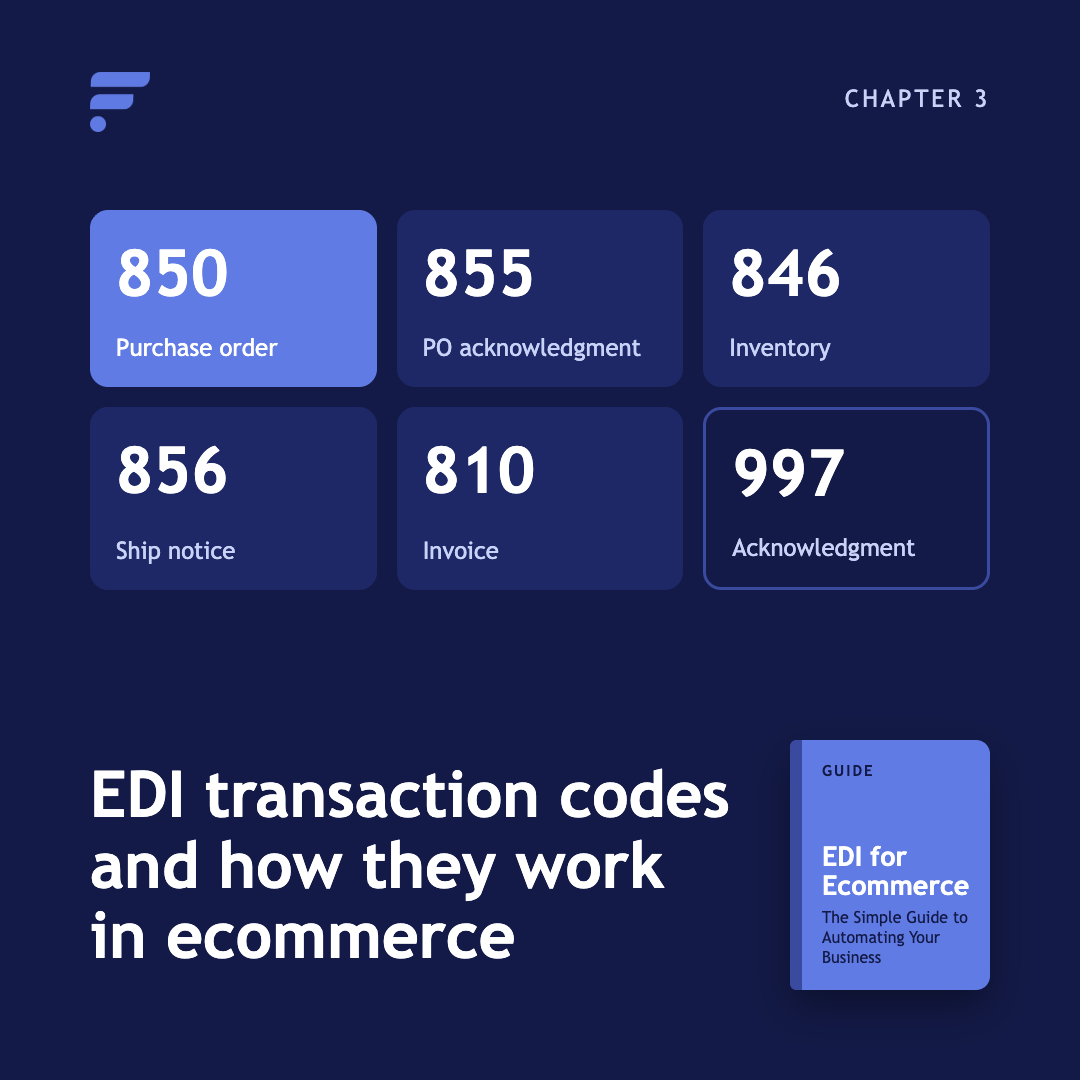
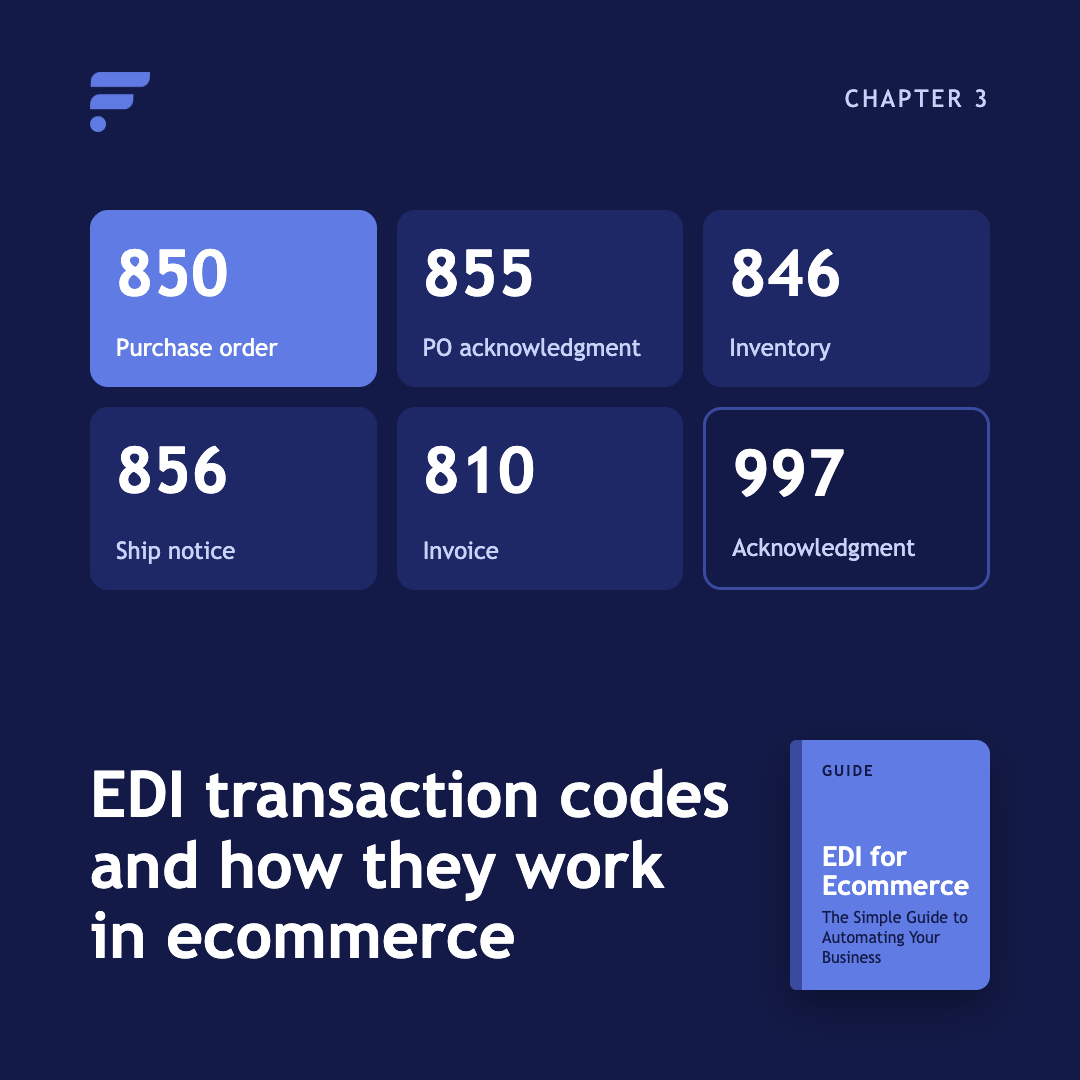
Six X12 transaction sets carry almost every ecommerce EDI workflow: the 846 for inventory, the 850 for orders, the 855 for acknowledgements, the 856 for shipments, the 810 for invoices, and the 997 for receipts. Two more appear in specific situations, the 832 for catalogs and the 870 for order status.
This chapter covers what each document does, which way it travels, how often to send it, and the specific mistakes that cause it to fail. The failure notes come from our own EDI specification and error documentation.
Which EDI documents does an ecommerce workflow use?
A supplier-fulfilled order touches five documents in sequence, with a sixth confirming receipt at every step.
|
Code |
Name |
Direction |
How often |
|
846 |
Inventory Advice |
Supplier to retailer |
Hourly recommended, daily minimum |
|
850 |
Purchase Order |
Retailer to supplier |
Hourly recommended, daily minimum |
|
855 |
PO Acknowledgement |
Supplier to retailer |
Within 24 hours of the 850 |
|
856 |
Advance Ship Notice |
Supplier to retailer |
Hourly recommended, daily minimum |
|
810 |
Invoice |
Supplier to retailer |
Within 24 hours of shipment |
|
997 |
Functional Acknowledgement |
Both directions |
Automatically, per file |
Those frequencies come from our own transmission guidance. Your trading partner may set different ones, and theirs wins.
What is an EDI 846 inventory advice?
The 846 is how a supplier tells you what they currently have in stock. It is the most frequently sent document in a dropship operation, because every channel listing depends on it.
A quantity above zero means the item can be sold. A quantity of zero means out of stock, or below whatever safety threshold the supplier has set. Sending zero does not cancel orders already placed.
The 846 is also where inventory accuracy quietly dies. A duplicate SKU in the same file means the later quantity silently overwrites the earlier one, with no error raised. Each item should appear exactly once per file.
What is an EDI 850 purchase order?
The 850 is the order. It carries the items, quantities, ship-to address, and required shipping service level, and it assigns the purchase order number that every later document in the chain must reference.
Two rules on the 850 cause most downstream confusion. The customer order number must be printed on the packing slip, because that is how your end customer connects the parcel to their purchase. And the supplier is expected to ship at the service level in the shipping details segment, not whichever carrier is cheapest for them that day.
The purchase order number and the item identifiers on the 850 have to come back unchanged on the 856 and the 810. A single mismatch and the shipment or invoice cannot be matched to an order.
What is an EDI 855 purchase order acknowledgement?
The 855 is the supplier committing to what they will actually ship, line by line. For each item they respond with a code: accepted as ordered, accepted with a quantity change, accepted with a price change, or rejected.
This is the document that tells you about a problem before your customer finds it. Without an 855, a short shipment is invisible until the ship notice arrives incomplete, or fails to arrive at all.
It has to reference the original purchase order number exactly. If that reference does not match, the acknowledgement is silently ignored, which looks identical to a supplier who never responded.
What is an EDI 856 advance ship notice?
The 856, also called the ASN or ship confirm, reports that the order shipped and carries the carrier and tracking number. It is what triggers the fulfillment status change and the tracking email your customer receives.
It is also the hardest document in the set to get right, because it uses a nested hierarchy: a shipment contains orders, orders contain packs, packs contain items, and every level has to point back at its parent correctly.
The single most common cause of failure is mundane. A missing carrier segment is the number one reason 856 files fail across our partner base. When the ASN fails, the order sits in awaiting-shipment until someone intervenes manually.
One more trap worth knowing: a partial shipment needs its own 856 with its own shipment identifier. Combining two shipments for the same order into one file does not work.
What is an EDI 810 invoice?
The 810 is the bill. It arrives after the shipment, references the same purchase order and item identifiers, and drives the payment cycle.
Invoice data is only accepted for items that have actually shipped, so the 856 has to come first. Payment terms are between you and the supplier. The document carries them but does not set them.
The 810 also contains the most counterintuitive formatting rule in the set. Invoice totals use implied decimals, so twelve dollars is written as 1200. Line item unit prices do not, so fifteen dollars ninety-five is written as 15.95. Mixing those two conventions inside one file is a recurring source of invoices that are wrong by a factor of one hundred.
What does an EDI 997 actually confirm?
The 997 confirms that a file arrived and could be read. Nothing more.
It does not confirm that inventory updated, the order processed, or the shipment was accepted. A 997 is a delivery receipt, not a business confirmation. Business confirmation is the 855's job.
Three status codes matter. An acceptance code means the file was taken. An accepted-with-errors code means it processed but something needs review. A rejection code means the file was not processed and has to be fixed and resent.
Most overdue-997 support tickets turn out to be a partner who never collected the file from their outbound directory rather than a processing failure.
What are the 832 and 870 used for?
The 832 is a price and sales catalog. It answers what you sell and what it costs, where the 846 answers how many you have right now. Partners typically send one full catalog at onboarding and smaller updates when prices change. Our support for the 832 requires an integration configured for it, so coordinate before sending one.
The 870 is an order status report. We use it for item cancellations only. Shipment status belongs on the 856 and acknowledgements on the 855, and sending either through an 870 rejects the file.
What breaks EDI files most often?
Across our partner base, the same handful of problems account for most rejected files.
- A missing carrier segment on the 856
- Item identifiers on the 856 or 810 that do not match the ones sent on the 850
- A purchase order number that matches no existing order
- Control numbers in the file trailers that do not match their headers
- Implied-decimal confusion on invoice totals
- Tracking numbers sent at both the shipment and pack levels, when the two are mutually exclusive
Our full list, with the fix for each, sits in the common EDI errors reference.
What should you do next?
If you are planning a connection, Chapter 4 covers how to set up EDI end to end. If you are working out how these documents fit alongside owned inventory and multiple suppliers, read multi-supplier EDI and inventory management.
Frequently asked questions
What is the difference between an EDI 850 and an EDI 810?
The 850 is the purchase order, sent by the buyer to start the transaction. The 810 is the invoice, sent by the supplier after shipment to request payment. They sit at opposite ends of the same order.
What is the difference between an 855 and a 997?
The 997 confirms a file arrived and was structurally readable. The 855 confirms business intent, telling you line by line what the supplier will actually ship. A 997 with no 855 behind it tells you nothing about whether your order will be fulfilled.
What is an ASN in EDI?
ASN stands for Advance Ship Notice, the X12 856 transaction. It communicates shipment contents, carrier, and tracking details to the receiving trading partner before or as the goods move.
Which EDI document should a supplier send first?
Inventory, in most ecommerce relationships. The 846 is what makes accurate listings possible, and it is usually the fastest connection to stand up because it flows in one direction with no order chain attached.
Do I need every transaction code?
No. Many working relationships run on three documents: inventory, orders, and shipment notices. Add acknowledgements and invoices when the process or the partner requires them.
Guide Chapters
- Chapter 1. What Is EDI? Electronic Data Interchange Explained for Ecommerce
- Chapter 2. How EDI helps ecommerce businesses
- Chapter 3. EDI transaction codes and how they work in ecommerce
- Chapter 4. How to set up EDI for ecommerce
- Chapter 5. EDI vs. manual work
- Chapter 6. EDI vs. APIs
- Chapter 7. The future of EDI in ecommerce
- Chapter 8. Multi-supplier EDI
- Chapter 9. EDI glossary
- Chapter 10. EDI implementation checklist
All Chapters in This Guide
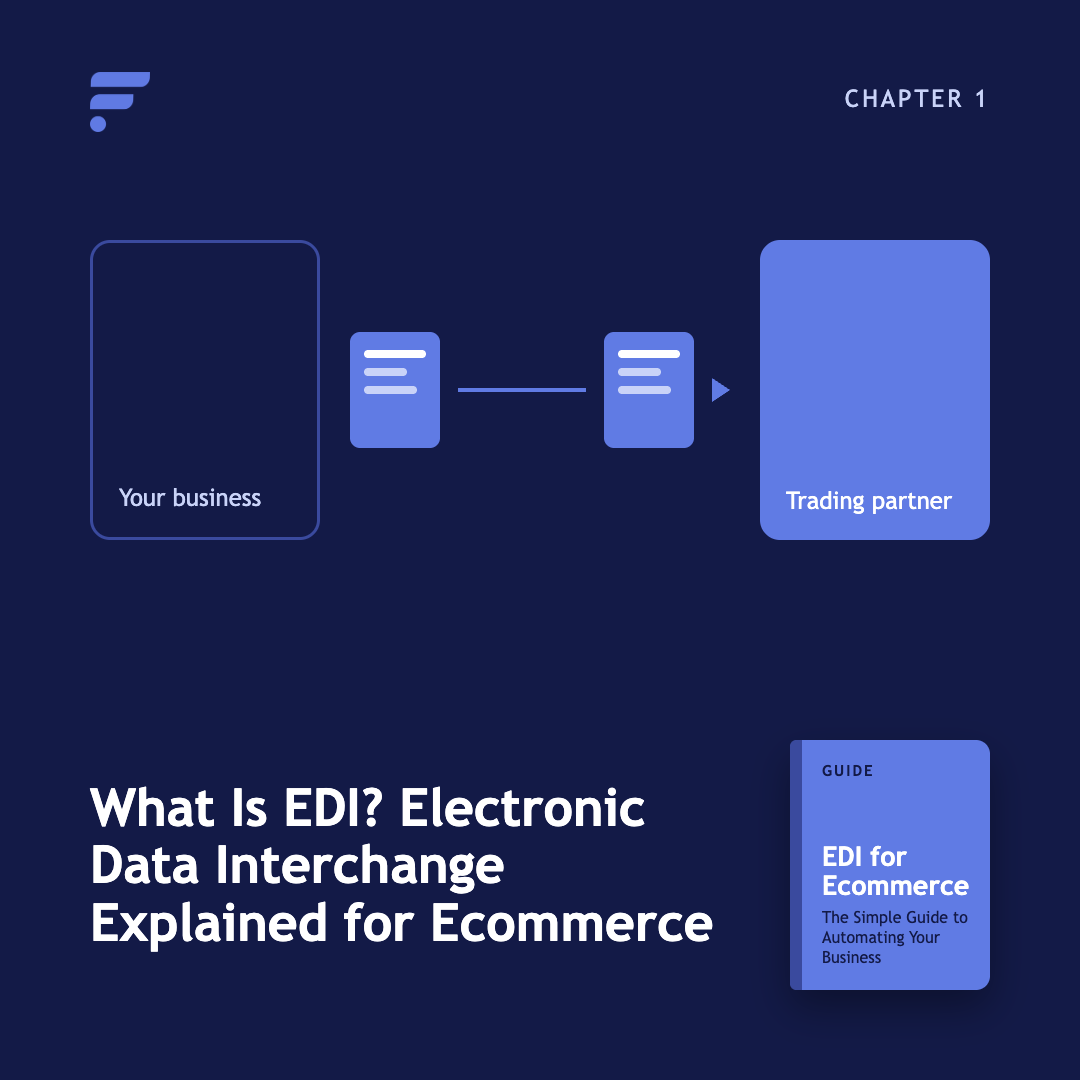
Start with the fundamentals. Learn what Electronic Data Interchange is, how businesses exchange structured documents electronically, and where EDI fits into ecommerce operations.
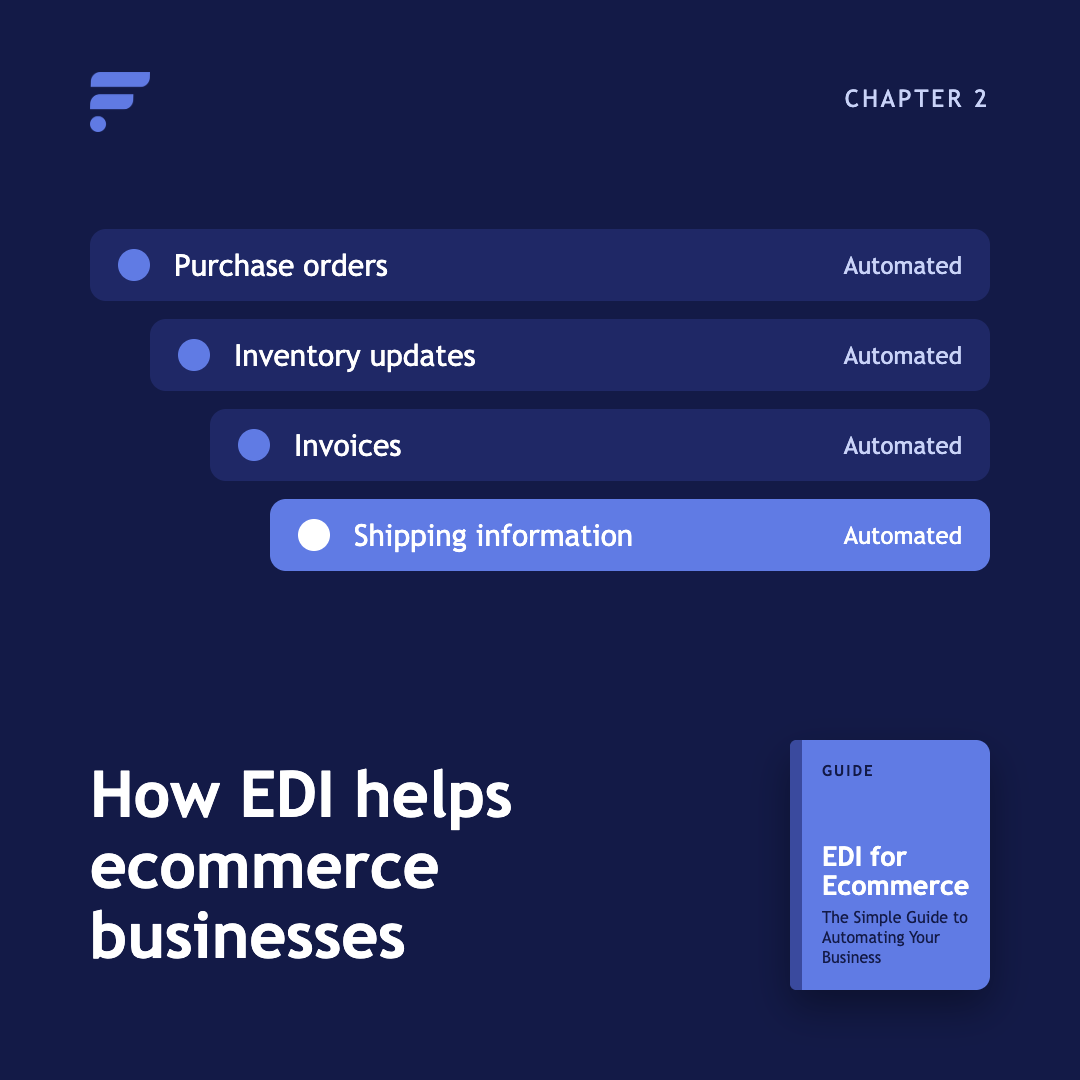
See how EDI can support purchase orders, inventory updates, invoices, shipping information, and other recurring ecommerce workflows.
Explore practical ways ecommerce businesses use EDI codes, including automated ordering, inventory synchronization, fulfillment workflows, and supplier communication.
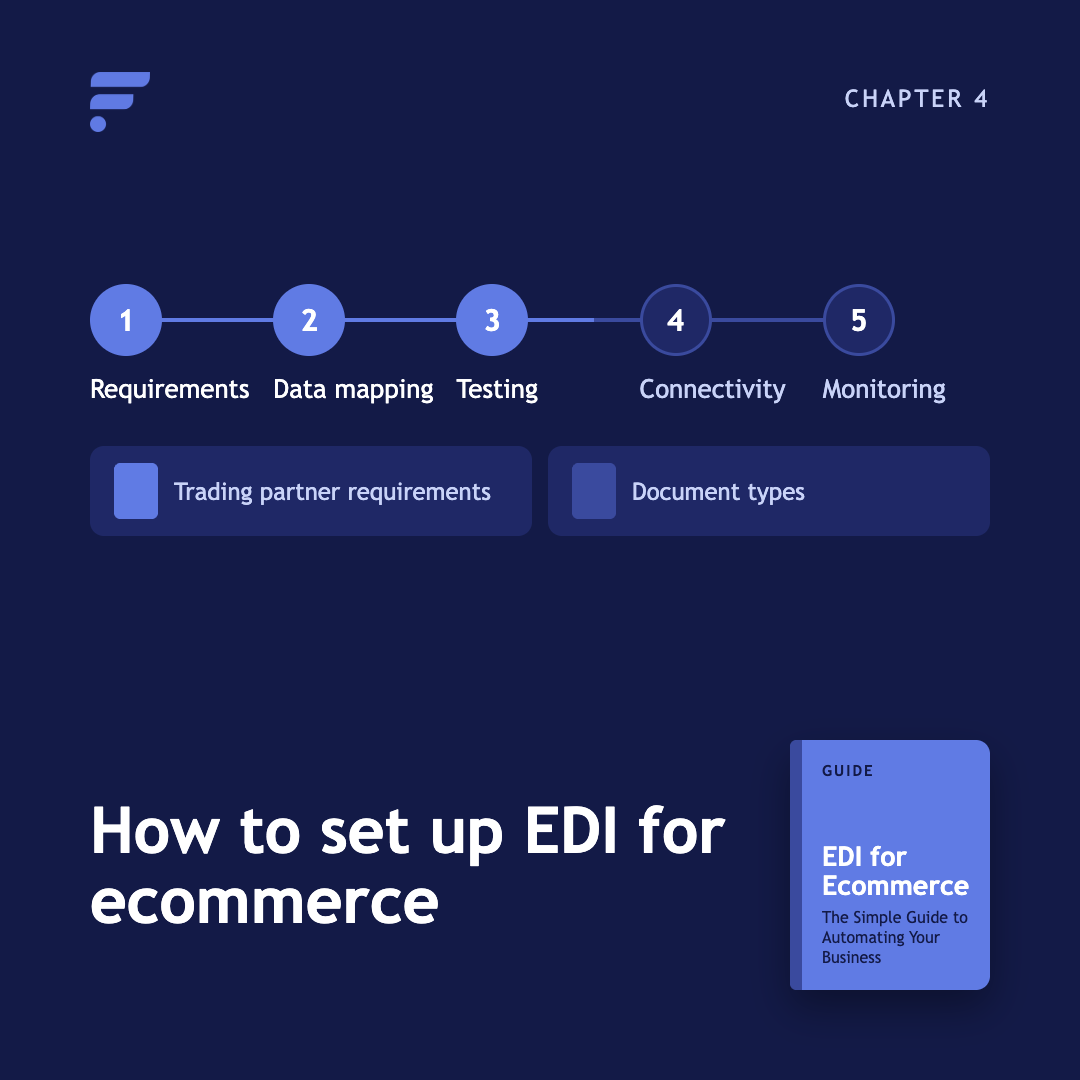
Learn what you need before implementation, from trading partner requirements and document types to data mapping, testing, connectivity, and ongoing monitoring.
Compare automated EDI workflows with manual processes such as spreadsheets, email, and data entry. Understand where automation can reduce repetitive work and improve consistency.
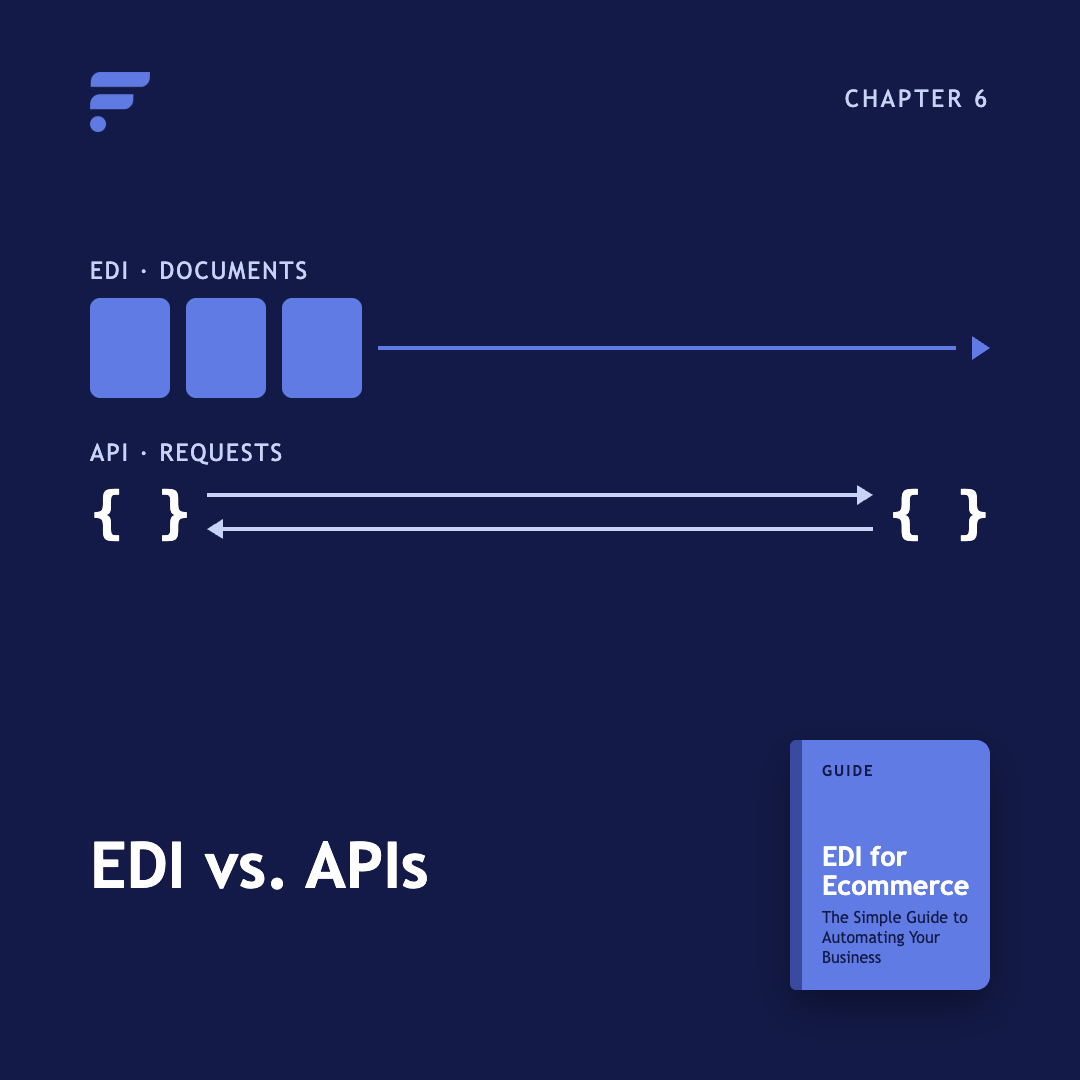
EDI and APIs solve different connectivity problems. This chapter explains how they differ, where each works best, and why ecommerce businesses may use both.
Explore how cloud systems, automation, connected platforms, and changing ecommerce requirements are shaping the role of EDI.
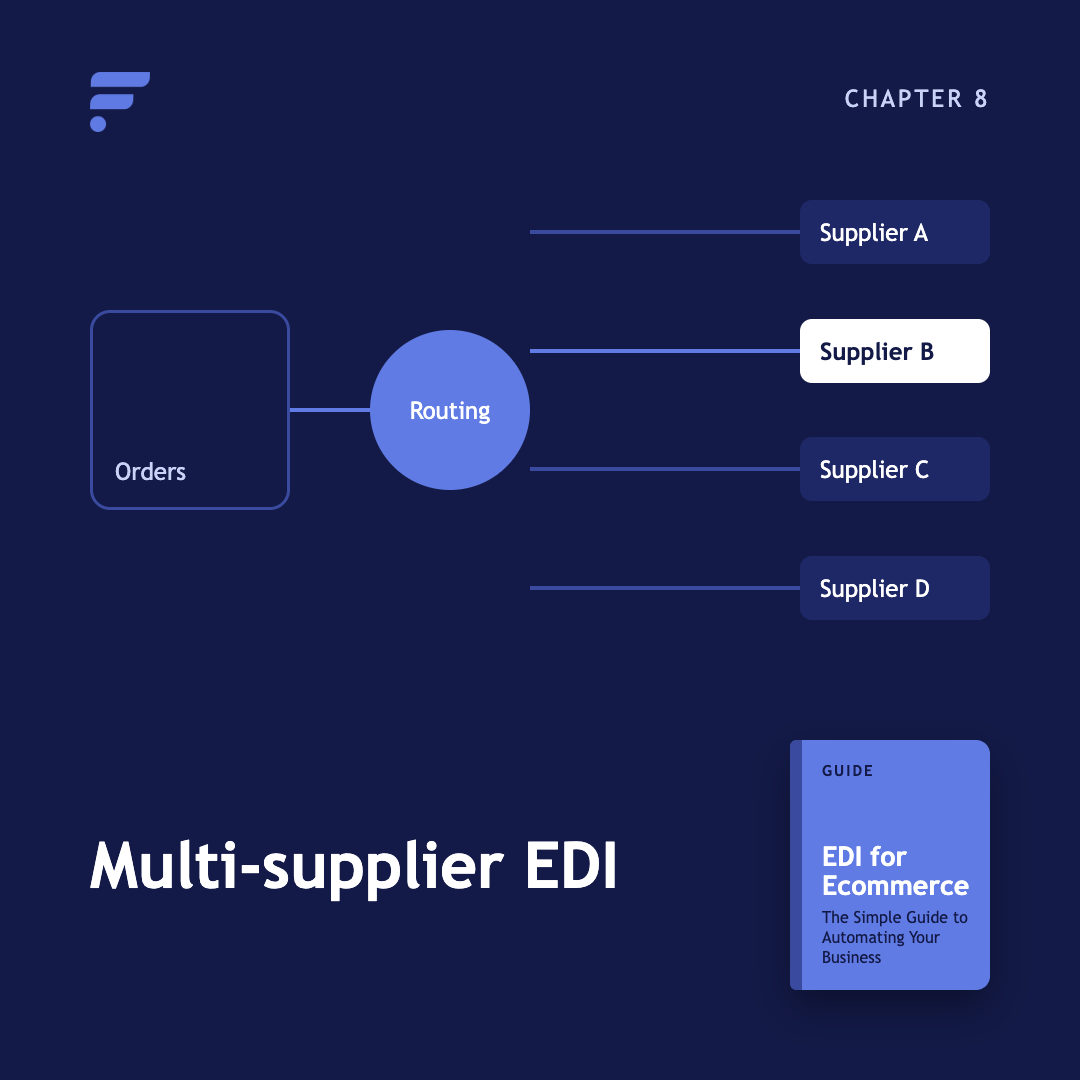
What happens when you run EDI across many suppliers at once, and why order routing matters more than the transaction itself. Learn how EDI fits into a broader multi-supplier ecommerce operation.
New to EDI terminology? Use this glossary to quickly understand common terms, documents, standards, protocols, and concepts.
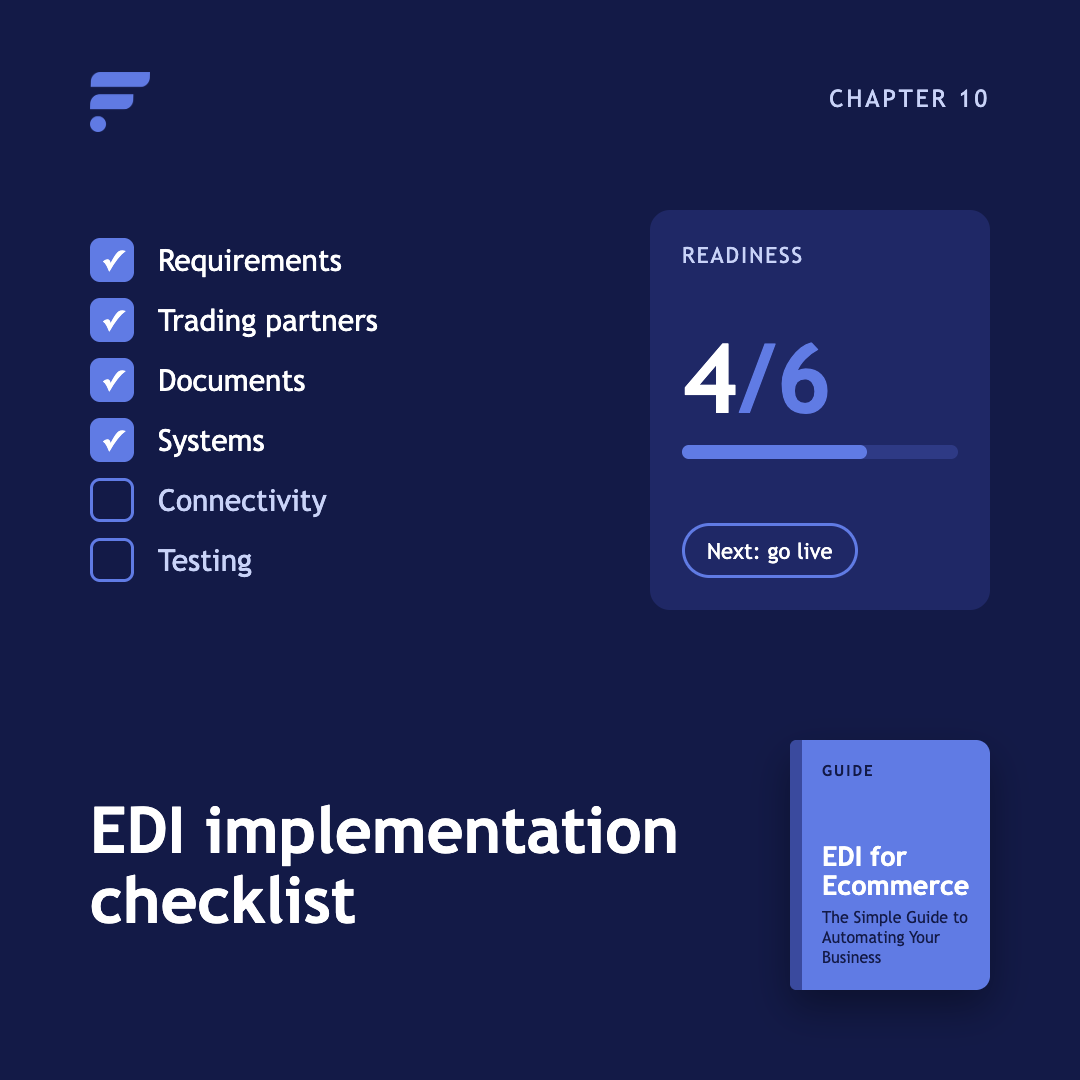
Before you begin an EDI implementation, make sure you've identified your requirements, trading partners, documents, systems, connectivity requirements, and testing needs.
Kenneth Cole's Smart Savings With Shopify EDI Connections
"They had never used Flxpoint before. But working with [the Flxpoint] team, they learned it and we're about to onboard our newest footwear partner, and you know that's big business for us.”
Mitul PatelKenneth Cole

How Flxpoint Helped Rifle Supply Automate & Grow
“I went line by line… whatever the inventory number was and cost value was, I calculated it and was blown away by how much that was worth— $300 million worth of product that I added to our web store.”
Chris MekdaraRifle Supply
The Ecommerce Automation Behind Screen Skinz
"Automation is the key to maximizing your volume. [Flxpoint] comes right into our flow — everything's automated. We want it to be quick and efficient. So that's what we love about Flxpoint."
Shaun Brown & Clay CanningScreenSkinz

How Inhaven Transformed Vendor Management with Flxpoint
"We ended up switching to Flxpoint, and it has been a much smoother process. Where it took us six months to get onboarded with the other company, we were up and running in a week or two with Flxpoint."
Ashley ChingInhaven

How Black Patch Performance Scaled Smarter with Flxpoint
"The only way to actually scale was to go through Flxpoint… You can’t even come close to hiring someone to do what Flxpoint does for the price."
Jonathan WilliamsBlack Patch Performance