Chapter 5 EDI vs. Manual Work: When Automating Supplier Transactions Pays Off
EDI beats manual work when you exchange the same structured transactions with the same partners over and over. The case gets stronger as order volume, supplier count, and document types grow, and weaker when you have one low-volume partner and a stable process.
The honest version of this comparison is not that manual work is bad. It is that manual work has a ceiling, and most growing operations hit it without noticing.
What does a manual supplier workflow look like?
A manual workflow means a person moves information between systems. They download a stock file and update quantities. They read an order and enter it into a supplier portal. They copy a tracking number into a channel. They match a PDF invoice against an order by eye.
Each of those tasks is easy. None of them requires skill. That is exactly the problem: they consume the attention of people who could be doing work that needs judgement.
Where does manual data entry actually break?
Manual processing does not fail gradually. It fails at the peaks.
On an ordinary Tuesday your team keeps up. During a promotion, a seasonal spike, or the week two people are out, the same workflow produces mis-keyed quantities, duplicate orders, missed inventory updates, and tracking numbers that reach the customer two days late. The error rate is not constant. It tracks how busy the person is.
The second failure mode is supplier count. One supplier's file format is manageable. Six suppliers, each sending a different file on a different schedule with different identifiers, becomes a full-time job that exists only to reconcile formats.
The third is knowledge concentration. Manual supplier processes tend to live in one person's head. When they leave, the process leaves with them.
How does EDI change the workflow?
EDI moves predictable document exchange into a defined system-to-system process and leaves people the exceptions.
Instead of entering every order, your team reviews the orders a supplier rejected or changed. Instead of checking every stock file, they investigate the file that failed to arrive. The volume of human work stops scaling with transaction volume and starts scaling with exception rate, which is a much flatter curve.
It also makes the process inspectable. A manual workflow leaves no record of what was entered and when. An EDI workflow produces acknowledgements, timestamps, and rejection reasons, which means a disagreement with a supplier has evidence behind it.
Does EDI reduce manual work or just move it?
It reduces it, but not to zero, and the work that remains is different in character.
You trade repetitive entry for maintenance: watching for failed files, correcting mappings when a partner changes their specification, investigating rejected transactions, and onboarding each new partner. That work is less frequent and more skilled.
Anyone telling you EDI eliminates manual work entirely has not run an EDI operation. The realistic promise is that twenty minutes a day of exception handling replaces four hours a day of typing.
How do you build the business case?
Use your own numbers. Industry averages for EDI savings are worth nothing in a board conversation, because your transaction mix is not the one they measured.
Count six things:
- Transactions your team touches per week, by document type
- Minutes spent per transaction, timed rather than estimated
- Loaded hourly cost of the people doing it
- What order and invoice errors cost you last quarter in returns, reships, support time, and chargebacks
- Partner requirements that are not optional
- Where volume will be in twelve months
The error line is the one people underestimate. A mis-keyed order costs the reship, the support contact, and sometimes the customer.
When should you stay manual?
Stay manual when the volume is genuinely low, the partner does not require EDI, and the process is stable.
A single supplier sending thirty orders a month does not justify an integration. A spreadsheet is the right tool for that job, and choosing it is not a failure of ambition.
Revisit the decision when any of three things change: a partner makes EDI a requirement, your team starts working weekends to keep up with entry, or you add a third supplier with a fourth file format. Those are the signals that the ceiling is close.
What should you do next?
If you are ready to plan a connection, read how to set up EDI and work through the implementation checklist. To see how supplier transactions connect to routing and stock decisions, look at order management and inventory management.
Frequently asked questions
Is EDI cheaper than manual processing?
It depends on volume. Setup and maintenance are fixed costs, while manual entry is a variable cost that grows with transactions. Above a certain volume EDI is cheaper, and below it manual work wins. Your own transaction count decides where that line sits.
Does EDI eliminate human work?
No. It removes repetitive data entry and replaces it with exception handling, mapping maintenance, monitoring, and partner onboarding. The remaining work is smaller and more skilled.
Can spreadsheets work instead of EDI?
For low-volume, stable relationships, yes. Spreadsheets break down as partner count and transaction volume rise, because each supplier's format, schedule, and identifiers have to be reconciled by hand.
What is the difference between EDI and a supplier portal?
A portal still requires a person to log in and enter or collect information. EDI moves the same data between systems without that step. Portals suit occasional transactions, and EDI suits recurring ones.
How many orders justify EDI?
There is no universal threshold, because it depends on how long each transaction takes and what your people cost. Time ten real transactions end to end, multiply by weekly volume, and compare that to your quoted setup and running costs.
Guide Chapters
- Chapter 1. What Is EDI? Electronic Data Interchange Explained for Ecommerce
- Chapter 2. How EDI helps ecommerce businesses
- Chapter 3. EDI transaction codes and how they work in ecommerce
- Chapter 4. How to set up EDI for ecommerce
- Chapter 5. EDI vs. manual work
- Chapter 6. EDI vs. APIs
- Chapter 7. The future of EDI in ecommerce
- Chapter 8. Multi-supplier EDI
- Chapter 9. EDI glossary
- Chapter 10. EDI implementation checklist
All Chapters in This Guide
Start with the fundamentals. Learn what Electronic Data Interchange is, how businesses exchange structured documents electronically, and where EDI fits into ecommerce operations.
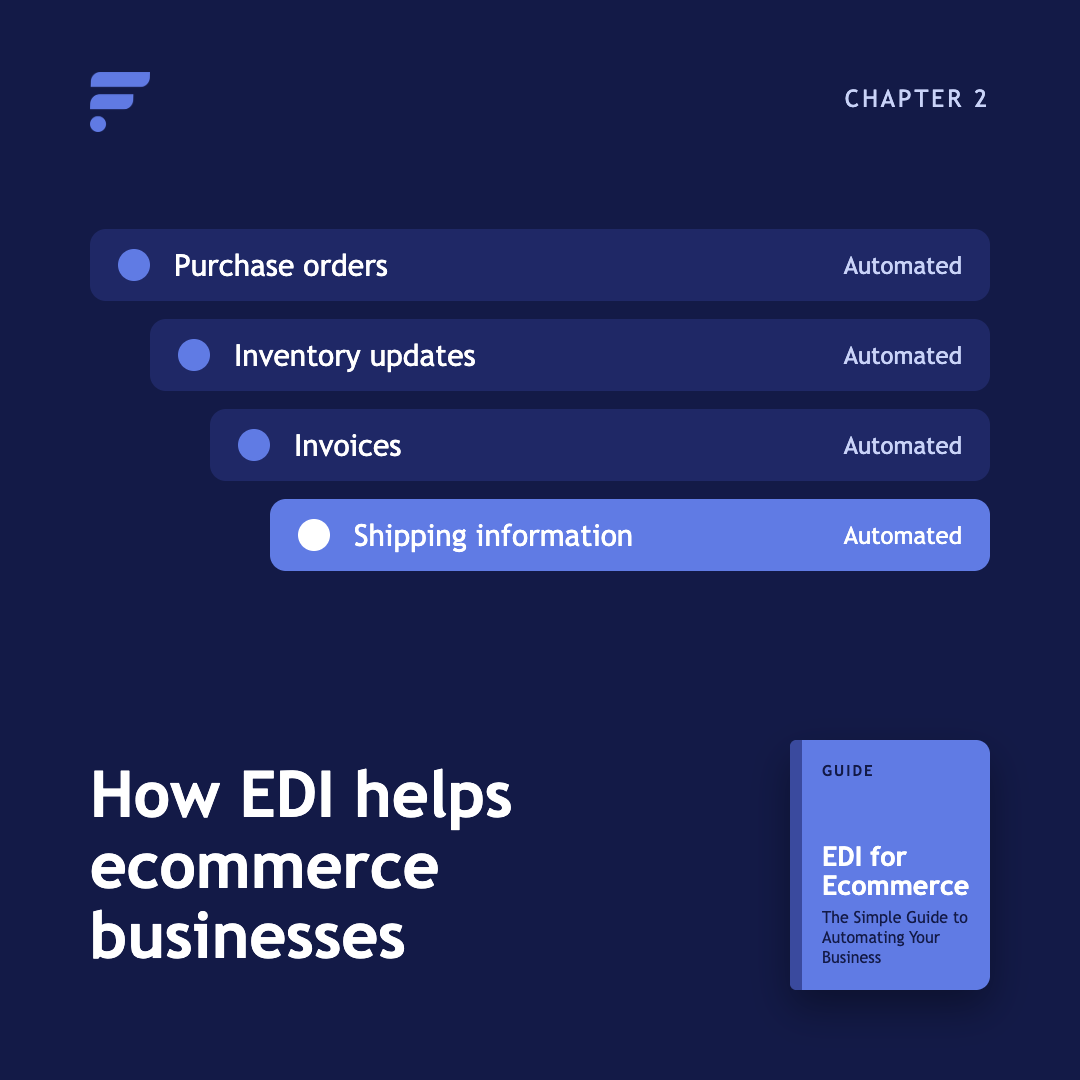
See how EDI can support purchase orders, inventory updates, invoices, shipping information, and other recurring ecommerce workflows.
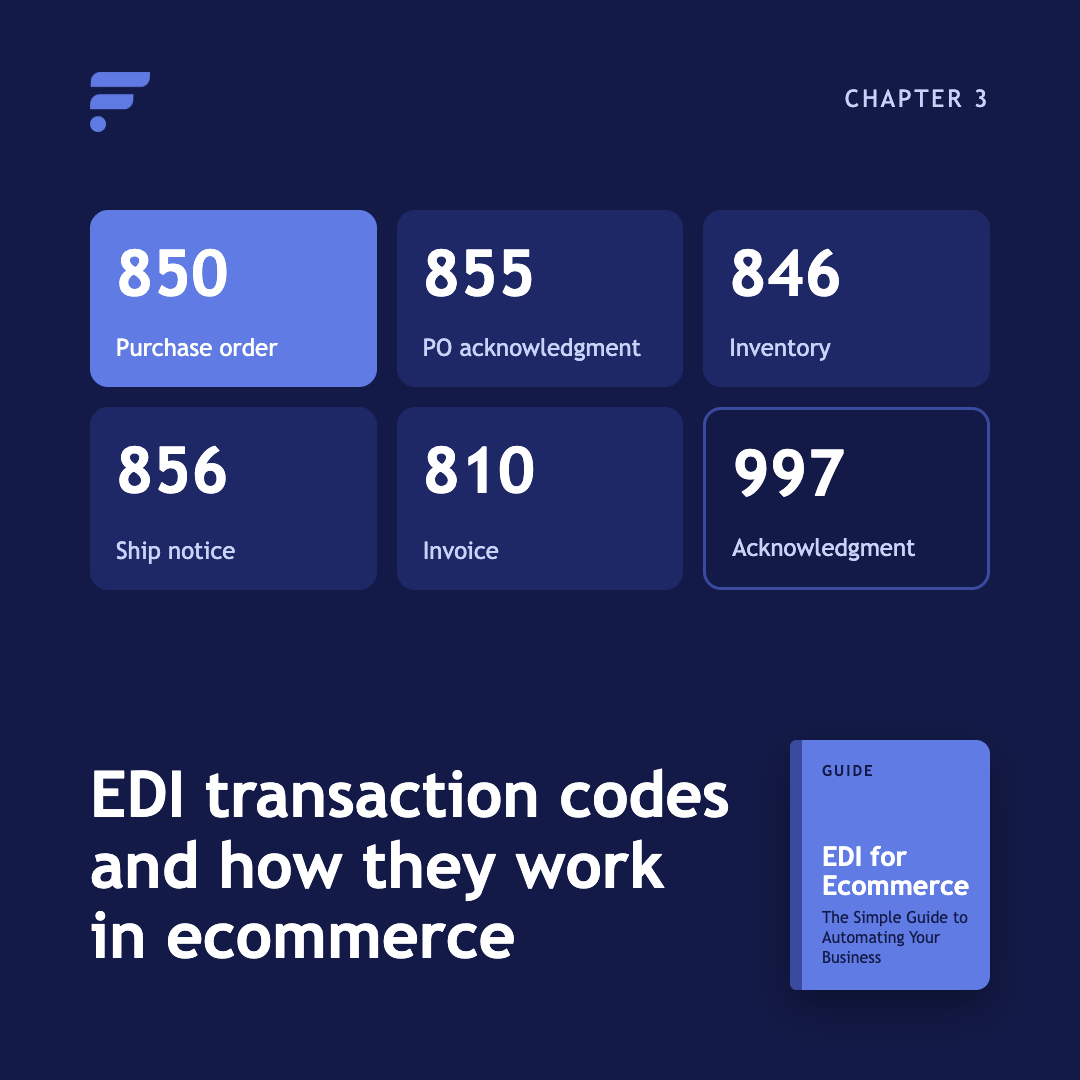
Explore practical ways ecommerce businesses use EDI codes, including automated ordering, inventory synchronization, fulfillment workflows, and supplier communication.
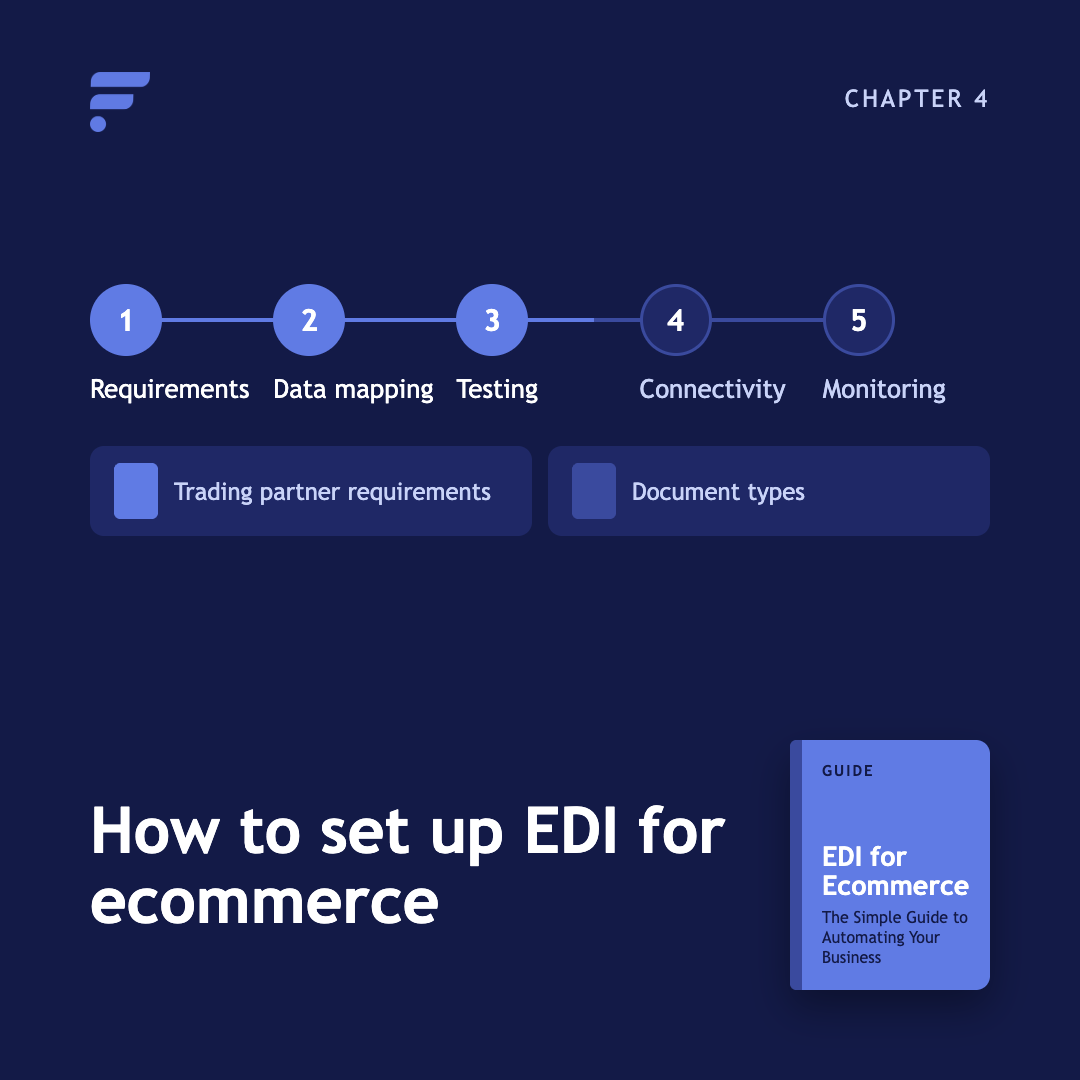
Learn what you need before implementation, from trading partner requirements and document types to data mapping, testing, connectivity, and ongoing monitoring.
Compare automated EDI workflows with manual processes such as spreadsheets, email, and data entry. Understand where automation can reduce repetitive work and improve consistency.
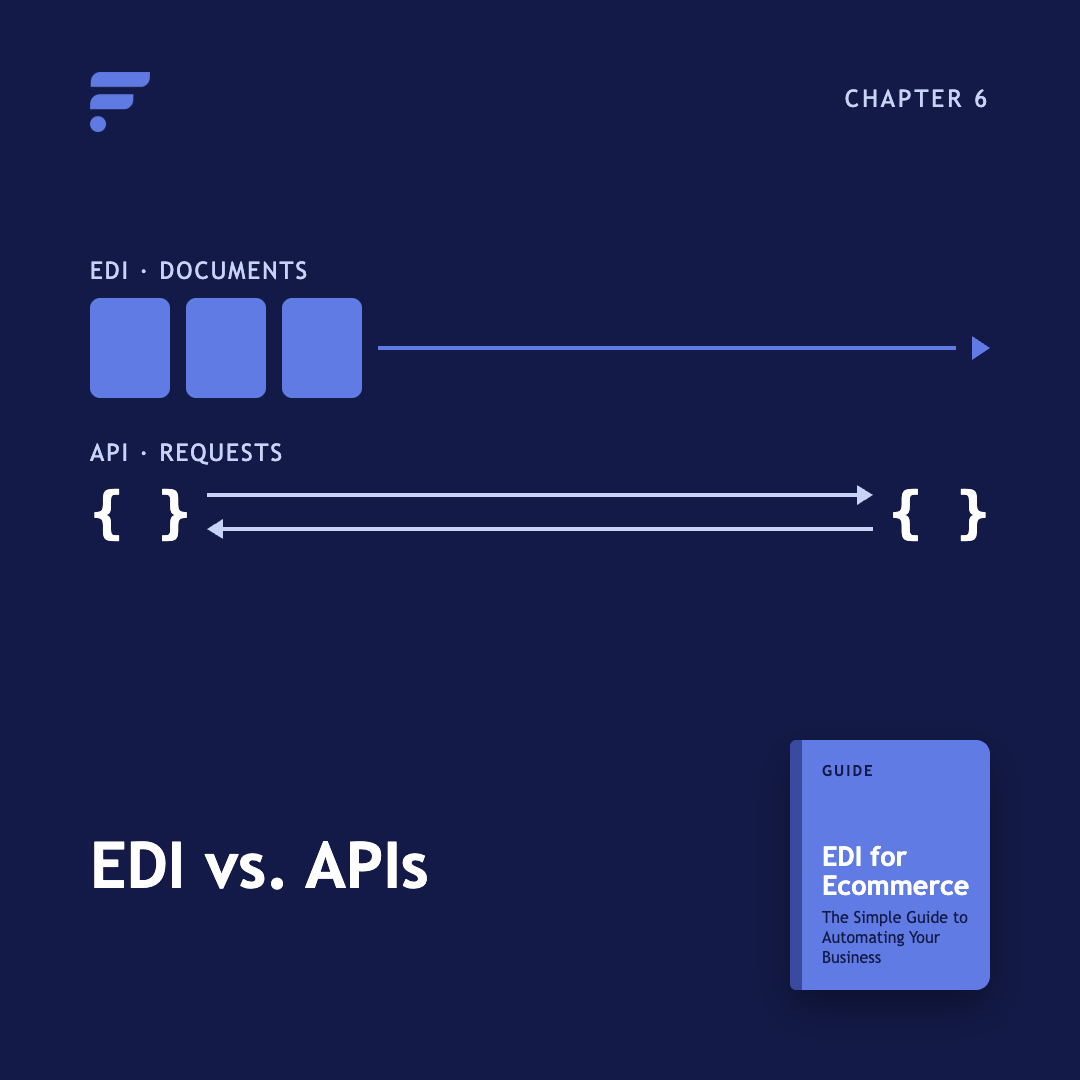
EDI and APIs solve different connectivity problems. This chapter explains how they differ, where each works best, and why ecommerce businesses may use both.

Explore how cloud systems, automation, connected platforms, and changing ecommerce requirements are shaping the role of EDI.
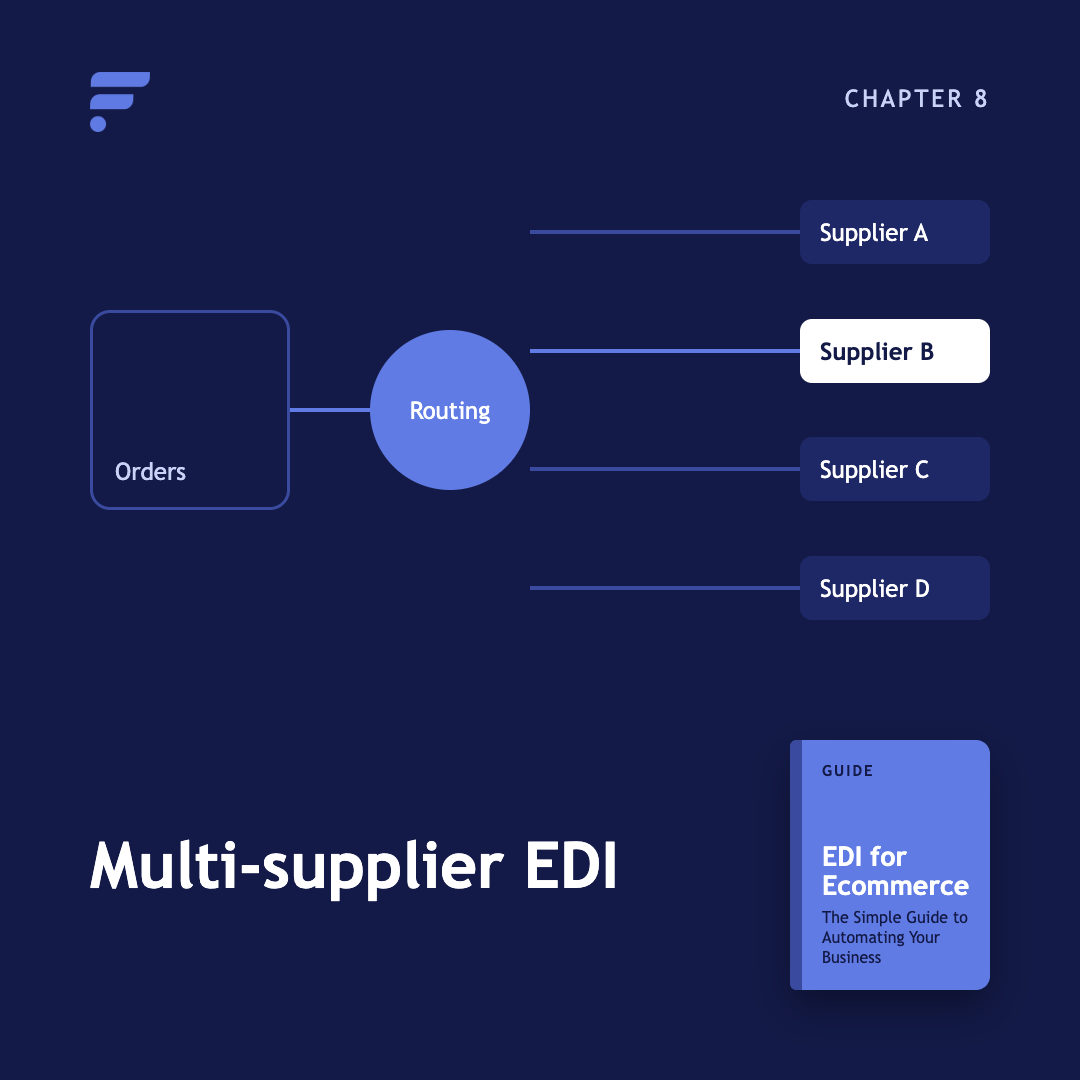
What happens when you run EDI across many suppliers at once, and why order routing matters more than the transaction itself. Learn how EDI fits into a broader multi-supplier ecommerce operation.
New to EDI terminology? Use this glossary to quickly understand common terms, documents, standards, protocols, and concepts.
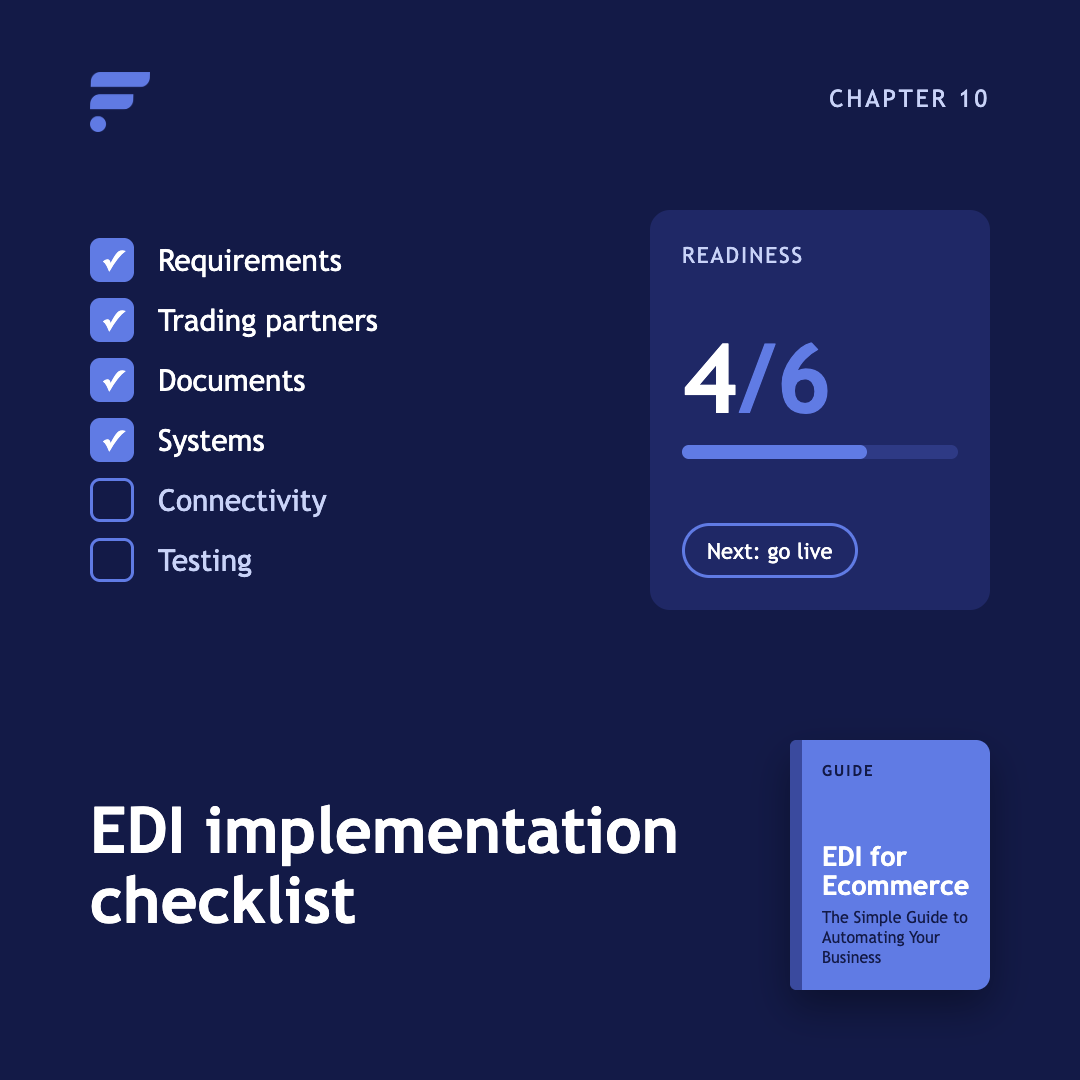
Before you begin an EDI implementation, make sure you've identified your requirements, trading partners, documents, systems, connectivity requirements, and testing needs.
Kenneth Cole's Smart Savings With Shopify EDI Connections
"They had never used Flxpoint before. But working with [the Flxpoint] team, they learned it and we're about to onboard our newest footwear partner, and you know that's big business for us.”
Mitul PatelKenneth Cole

How Flxpoint Helped Rifle Supply Automate & Grow
“I went line by line… whatever the inventory number was and cost value was, I calculated it and was blown away by how much that was worth— $300 million worth of product that I added to our web store.”
Chris MekdaraRifle Supply
The Ecommerce Automation Behind Screen Skinz
"Automation is the key to maximizing your volume. [Flxpoint] comes right into our flow — everything's automated. We want it to be quick and efficient. So that's what we love about Flxpoint."
Shaun Brown & Clay CanningScreenSkinz

How Inhaven Transformed Vendor Management with Flxpoint
"We ended up switching to Flxpoint, and it has been a much smoother process. Where it took us six months to get onboarded with the other company, we were up and running in a week or two with Flxpoint."
Ashley ChingInhaven

How Black Patch Performance Scaled Smarter with Flxpoint
"The only way to actually scale was to go through Flxpoint… You can’t even come close to hiring someone to do what Flxpoint does for the price."
Jonathan WilliamsBlack Patch Performance