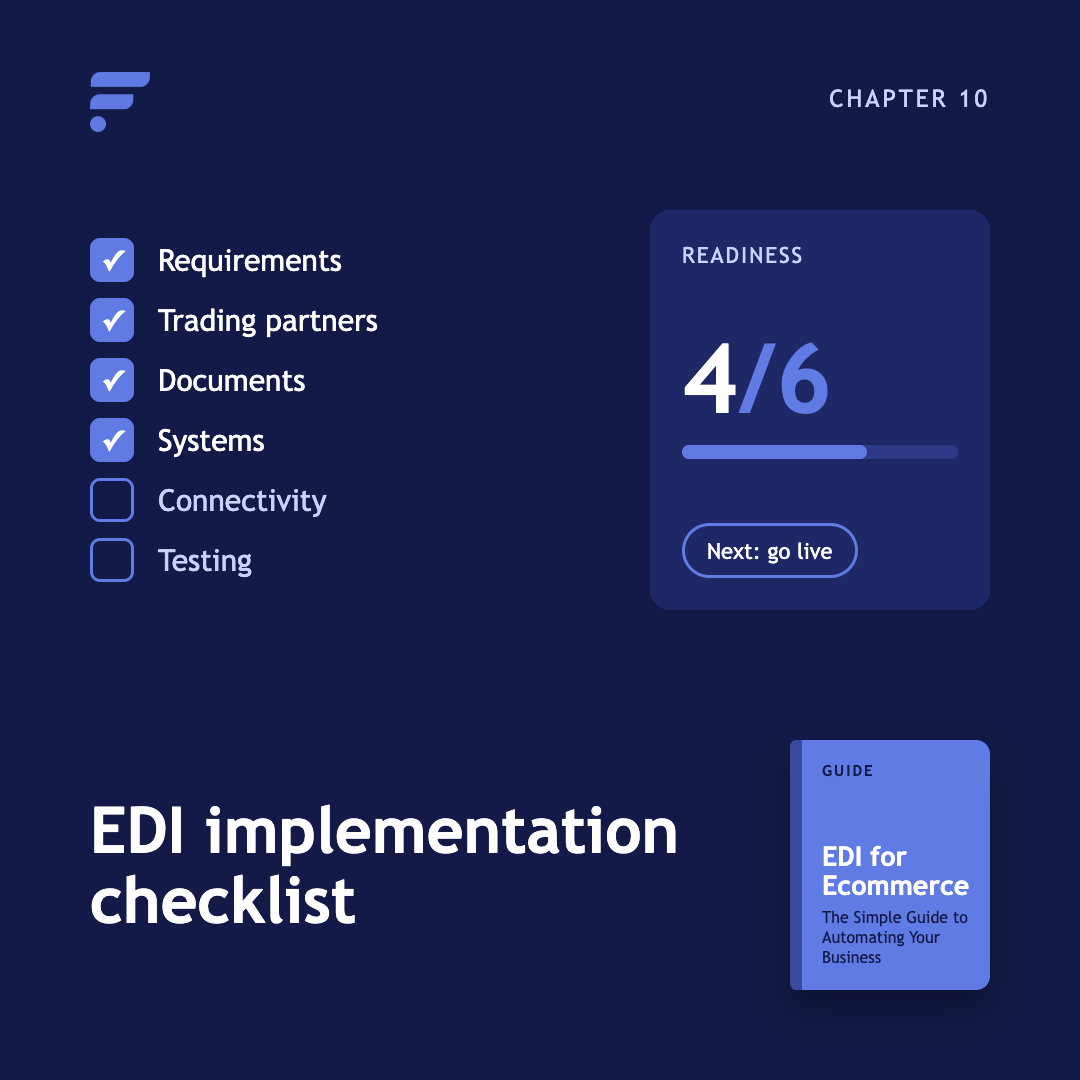
Chapter 10 EDI Implementation Checklist: What to Prepare Before You Connect
An EDI implementation checklist should cover more than software selection. Before your first transaction moves, you need defined business requirements, your partner's full specification, mapped identifiers, a testing plan that includes failures, named owners, and a fallback process for the day a connection goes down.
Work through the six sections below in order. Each one blocks the next.
What should you define before you start?
Define the business process before you evaluate any tooling. This section exists to stop a project that automates the wrong thing.
- Name the workflow you are automating
- Name the single trading partner for the first connection
- List every inbound and outbound document
- Identify the system that creates each document
- Identify the system that receives each document
- Document the current manual steps, with time per step
- Define what success looks like in numbers
- Assign an owner to each step
- Set a scope you can finish, then stop adding to it
What should you collect from your trading partner?
Get the implementation guide first. Everything below should come out of it, and anything that does not is a question for their EDI contact.
- EDI standard and version
- Transaction types and direction of each
- Required segments, elements, and qualifiers
- Identifiers, including interchange IDs and vendor numbers
- Communication method and credentials
- Acknowledgement requirements and expected turnaround
- Testing and certification process
- Provisioning lead time before testing can start
- Production cutover procedure
- Error-handling rules and who corrects what
- Chargeback or penalty terms
- Technical contact and business contact
Two items on that list get skipped and cause delays. Provisioning lead time is real: some partners need several business days to set up an EDI account before you can send a single test file. And penalty terms tell you which mistakes are expensive, which is how you prioritize testing.
What do you need ready for mapping?
Mapping fails on missing data more often than on technical difficulty. Have these confirmed before development begins.
- Product identifiers (SKU, UPC, EAN) confirmed unique at variant level
- The identifier that connects each supplier's catalog to yours
- Quantities and units of measure
- Prices and currency
- Ship-to and bill-to address data
- Locations and warehouse codes
- Supplier and vendor identifiers
- Order number and invoice reference conventions
- Document direction for each transaction type
- Validation rules
- Which downstream systems update on receipt
- A complete identifier list for this partner, mapped before go-live
Duplicate or missing identifiers are the root of most later problems. A duplicate item in one inventory file silently overwrites the earlier quantity, and an unmapped SKU on an outbound invoice stops matching the original order.
What should you test before go-live?
Test the business outcome, not the file transfer. A file that arrives and parses can still update the wrong record.
Connection
- Files can be deposited and collected in both directions
- Credentials and access work from the production environment
- File naming and archiving conventions agreed
Documents
- Each outbound document type
- Each inbound document type
- Acknowledgements returning in both directions
Accuracy
- Required fields and qualifiers present
- Identifiers match between the order and every follow-up document
- Quantities and units correct
- Prices and totals correct, including decimal conventions
- Addresses and service levels correct
- Inventory updates land on the right products
- Shipment data reaches the channel and the customer
- Invoices match orders and shipments
Failures
- A rejected transaction, and what the team sees when it happens
- A rejected or changed order line
- A partial shipment
- A duplicate file
- The retry procedure
Validate files against the specification before sending them. Our EDI validator checks structure and, for shipment notices and invoices, cross-checks against the original purchase order.
What security and access controls do you need?
- Encrypted transfer for every connection
- Credentials stored and rotated properly, never shared in email
- Role-based access, so finance and warehouse staff see what they need and no more
- Document retention and audit records agreed
- Any compliance requirements that apply to your category confirmed in writing
What should you monitor after launch?
Monitoring is the difference between finding a problem yourself and hearing about it from your partner.
- Failed and rejected documents
- Missing or overdue acknowledgements
- Orders with no acknowledgement after the agreed window
- Shipments with no tracking
- Invoices that do not match their orders
- Inventory files that arrive late or not at all
- Processing delays
- Partner specification changes
- Mapping changes and who approved them
- A named owner for each alert
- A documented fallback process if the connection is unavailable
Give the first four weeks after go-live more attention than feels necessary. Most problems that survive testing surface in that window.
What should you do next?
Use this checklist alongside Chapter 4, how to set up EDI. For the documents themselves, see EDI transaction codes. If the project also involves supplier connectivity and routing, see order management, inventory management, and our NetSuite integration.
Frequently asked questions
What is the most important part of an EDI implementation?
Clear partner requirements and a defined business process. Software cannot compensate for unclear documents, unmapped identifiers, or nobody owning exceptions.
Should I test every EDI document?
Yes, including inbound and outbound flows and the acknowledgement round trip for each. Test the failure cases too, since those are what your team will actually spend time on.
What happens if an EDI transaction fails?
Your process should surface the failure, show the reason, assign an owner, correct the cause, and resend according to the partner's rules. Silent failures are the dangerous ones, which is why acknowledgement monitoring matters.
Do I need a disaster recovery plan for EDI?
Yes. Define how you will handle an outage, a lost file, or an unavailable partner system, including how urgent orders reach suppliers in the meantime.
How many partners should I onboard at once?
One, for the first connection. The first implementation is where your team learns the process, and that knowledge is what makes the next ones fast.
Guide Chapters
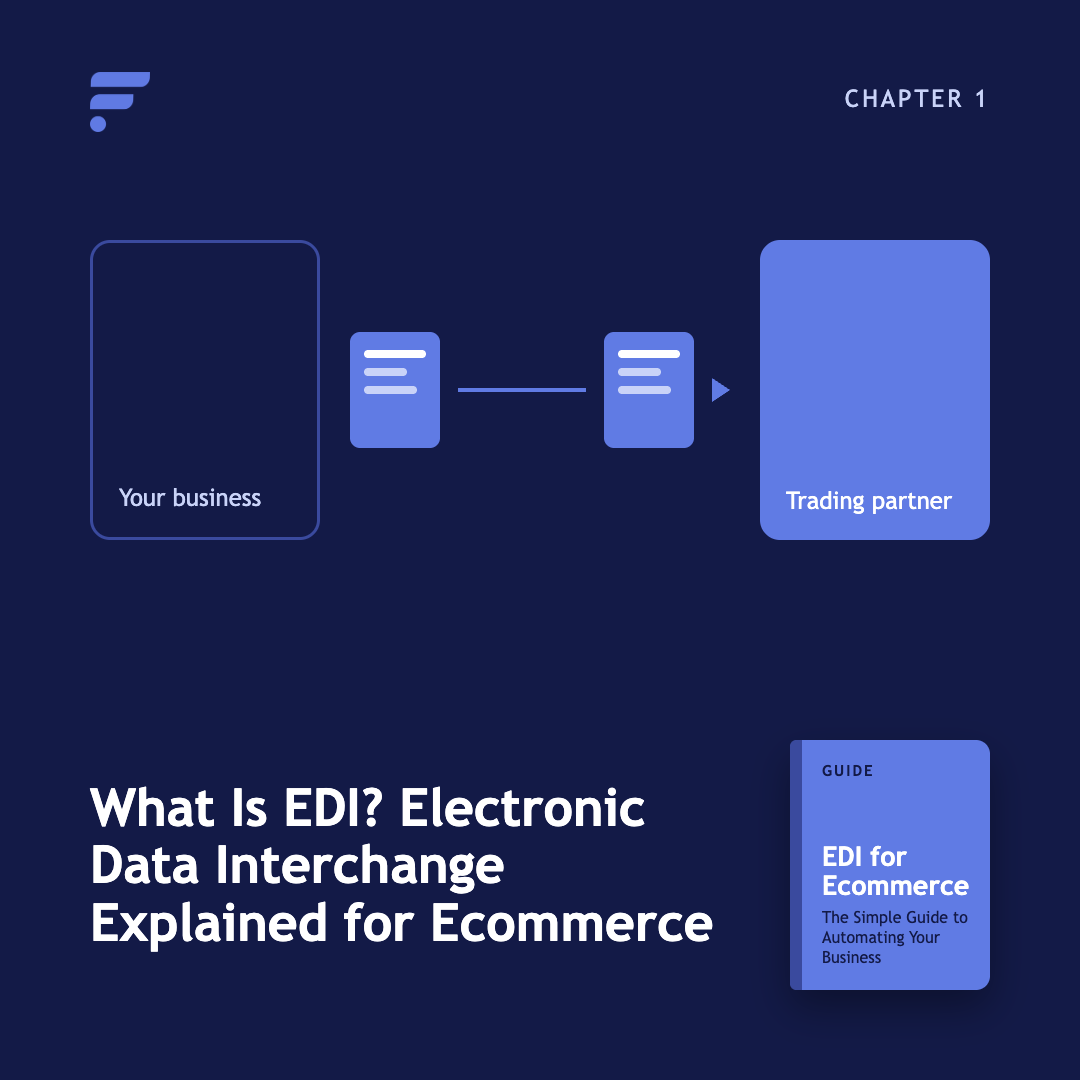
- Chapter 1. What Is EDI? Electronic Data Interchange Explained for Ecommerce
- Chapter 2. How EDI helps ecommerce businesses
- Chapter 3. EDI transaction codes and how they work in ecommerce
- Chapter 4. How to set up EDI for ecommerce
- Chapter 5. EDI vs. manual work
- Chapter 6. EDI vs. APIs
- Chapter 7. The future of EDI in ecommerce
- Chapter 8. Multi-supplier EDI
- Chapter 9. EDI glossary
- Chapter 10. EDI implementation checklist
All Chapters in This Guide
Start with the fundamentals. Learn what Electronic Data Interchange is, how businesses exchange structured documents electronically, and where EDI fits into ecommerce operations.
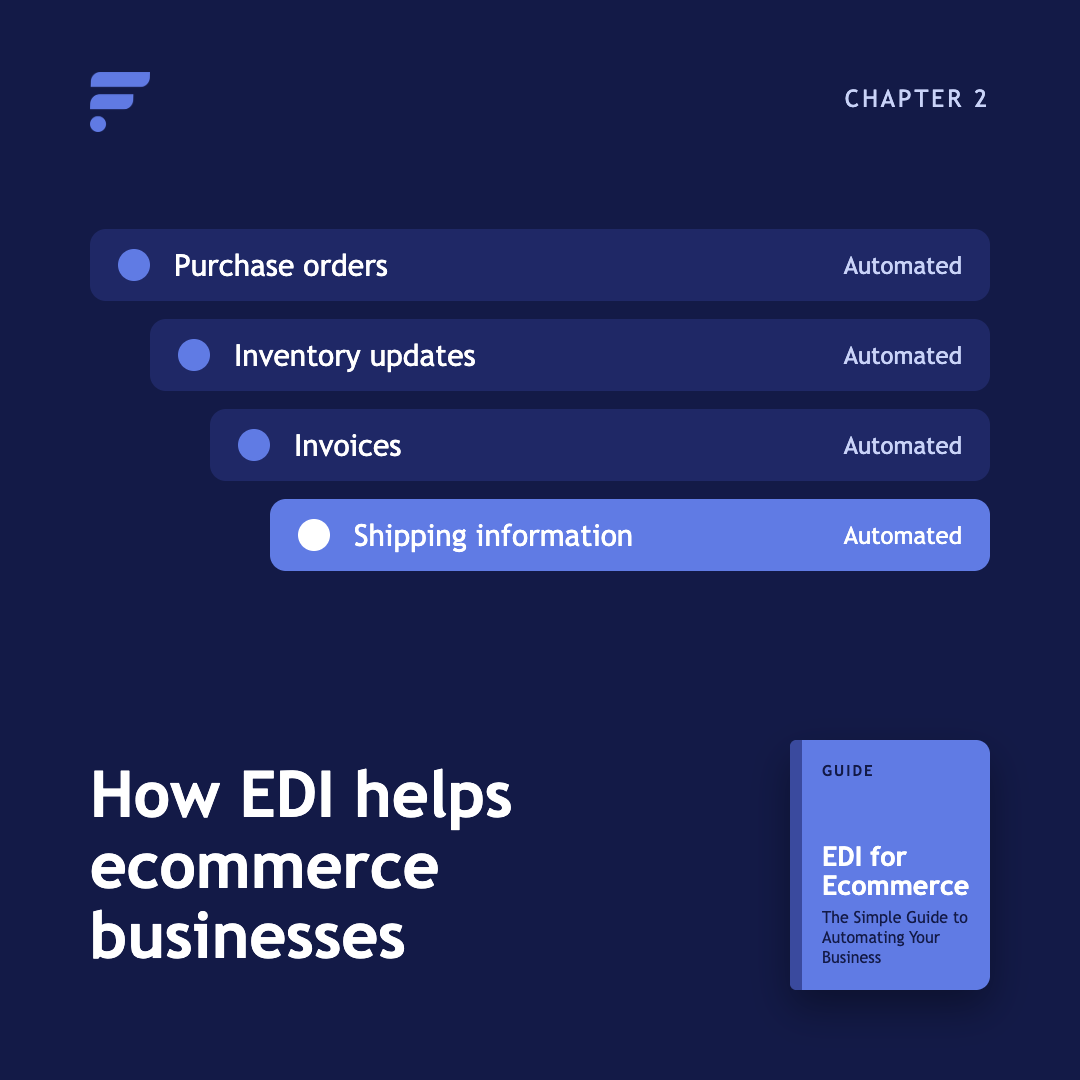
See how EDI can support purchase orders, inventory updates, invoices, shipping information, and other recurring ecommerce workflows.
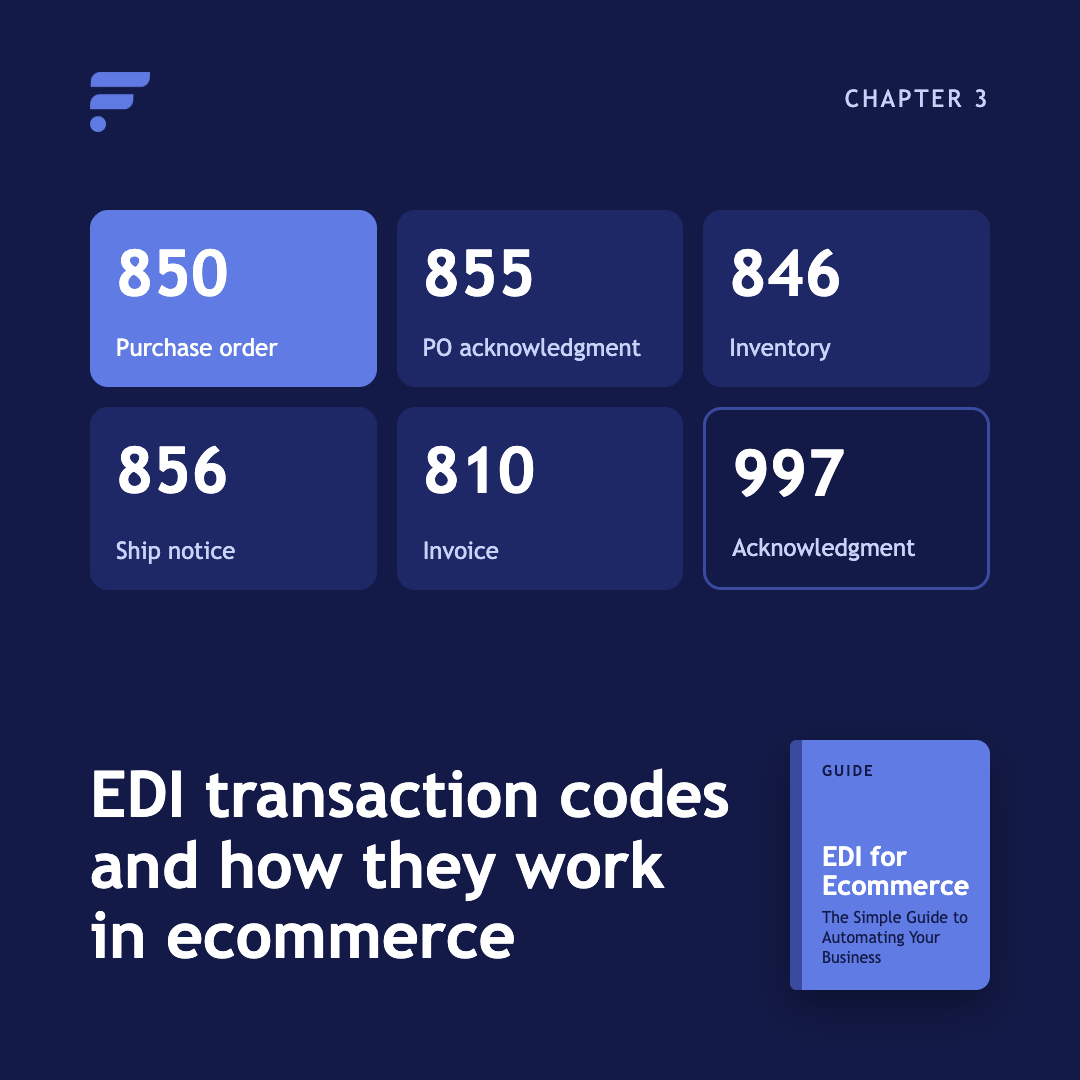
Explore practical ways ecommerce businesses use EDI codes, including automated ordering, inventory synchronization, fulfillment workflows, and supplier communication.
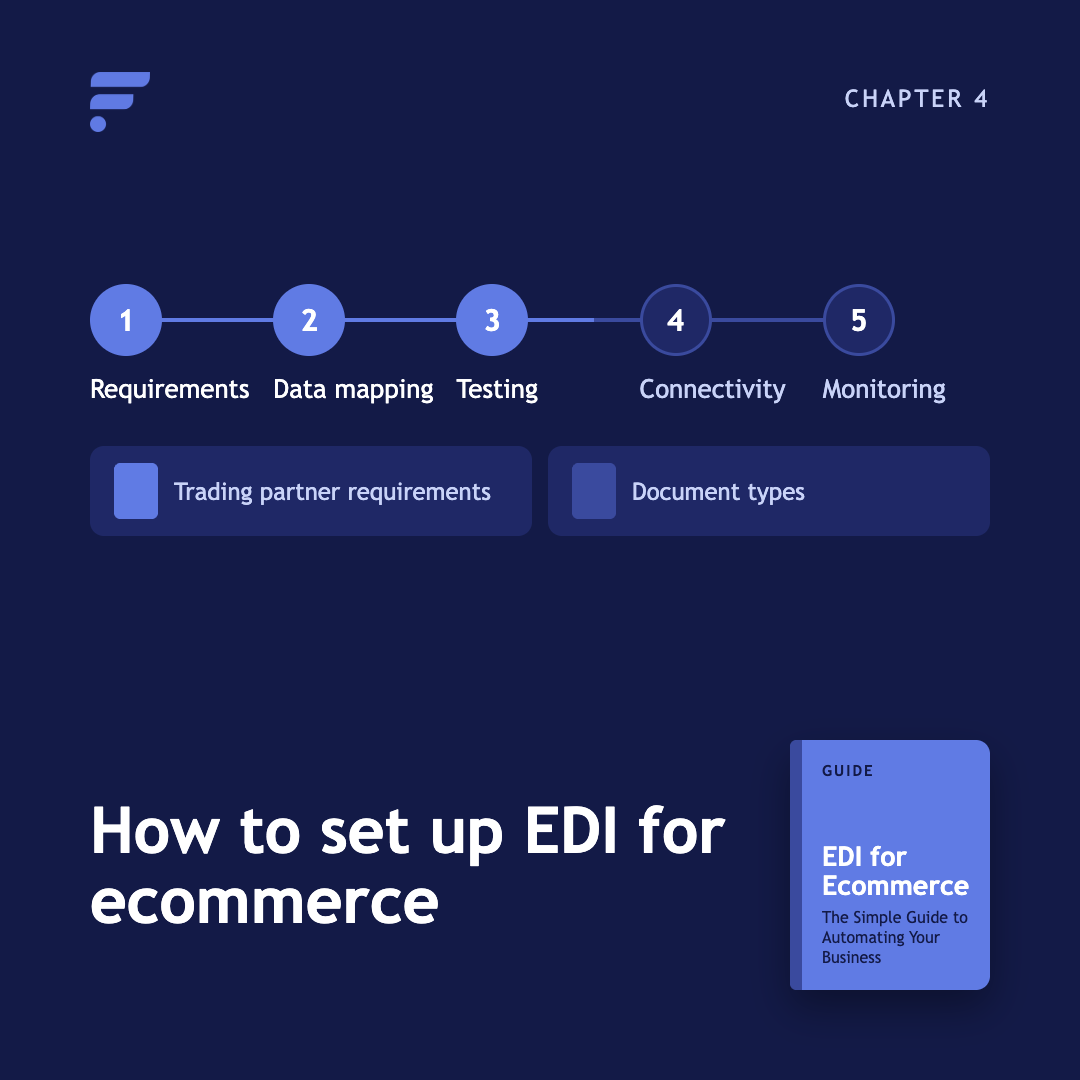
Learn what you need before implementation, from trading partner requirements and document types to data mapping, testing, connectivity, and ongoing monitoring.
Compare automated EDI workflows with manual processes such as spreadsheets, email, and data entry. Understand where automation can reduce repetitive work and improve consistency.
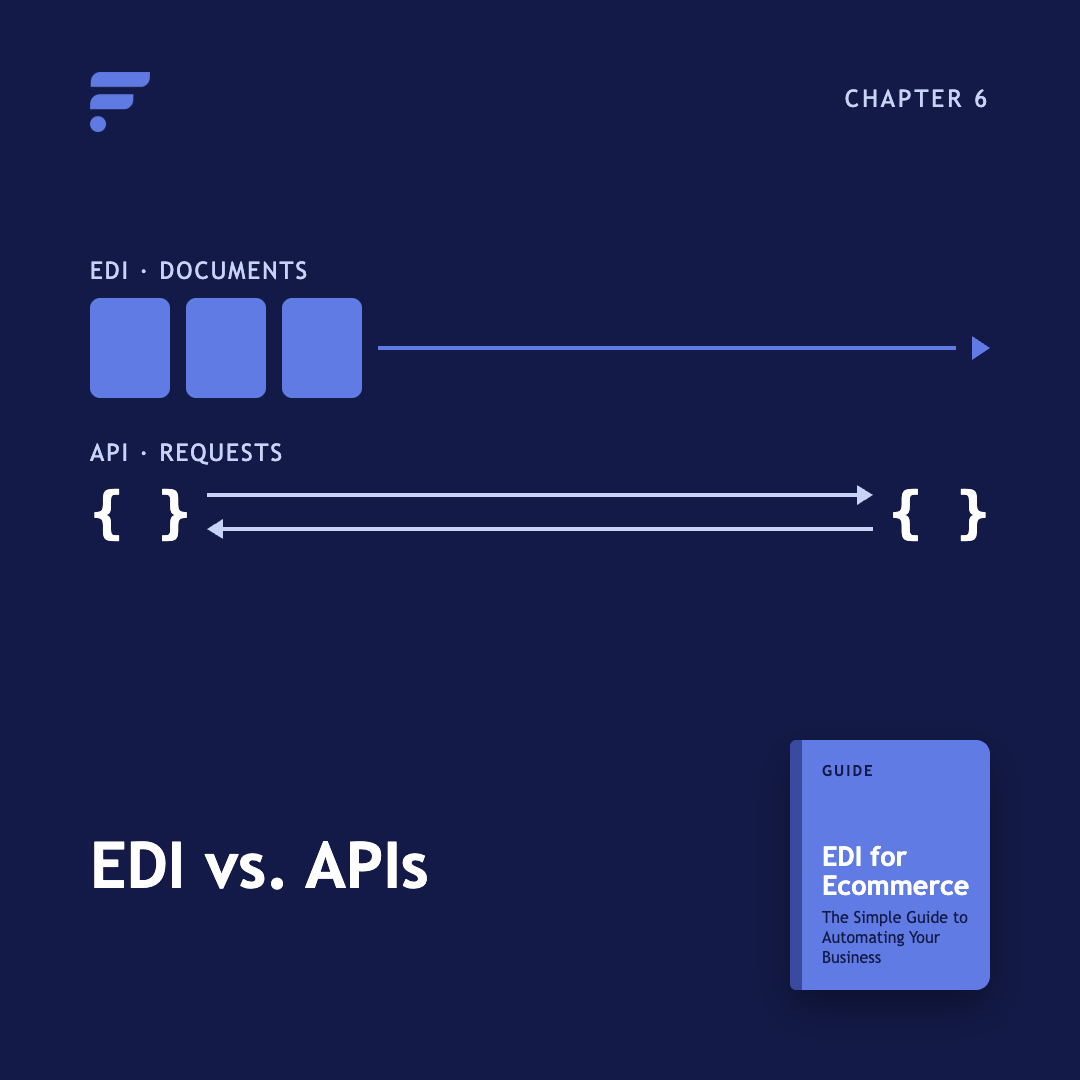
EDI and APIs solve different connectivity problems. This chapter explains how they differ, where each works best, and why ecommerce businesses may use both.

Explore how cloud systems, automation, connected platforms, and changing ecommerce requirements are shaping the role of EDI.
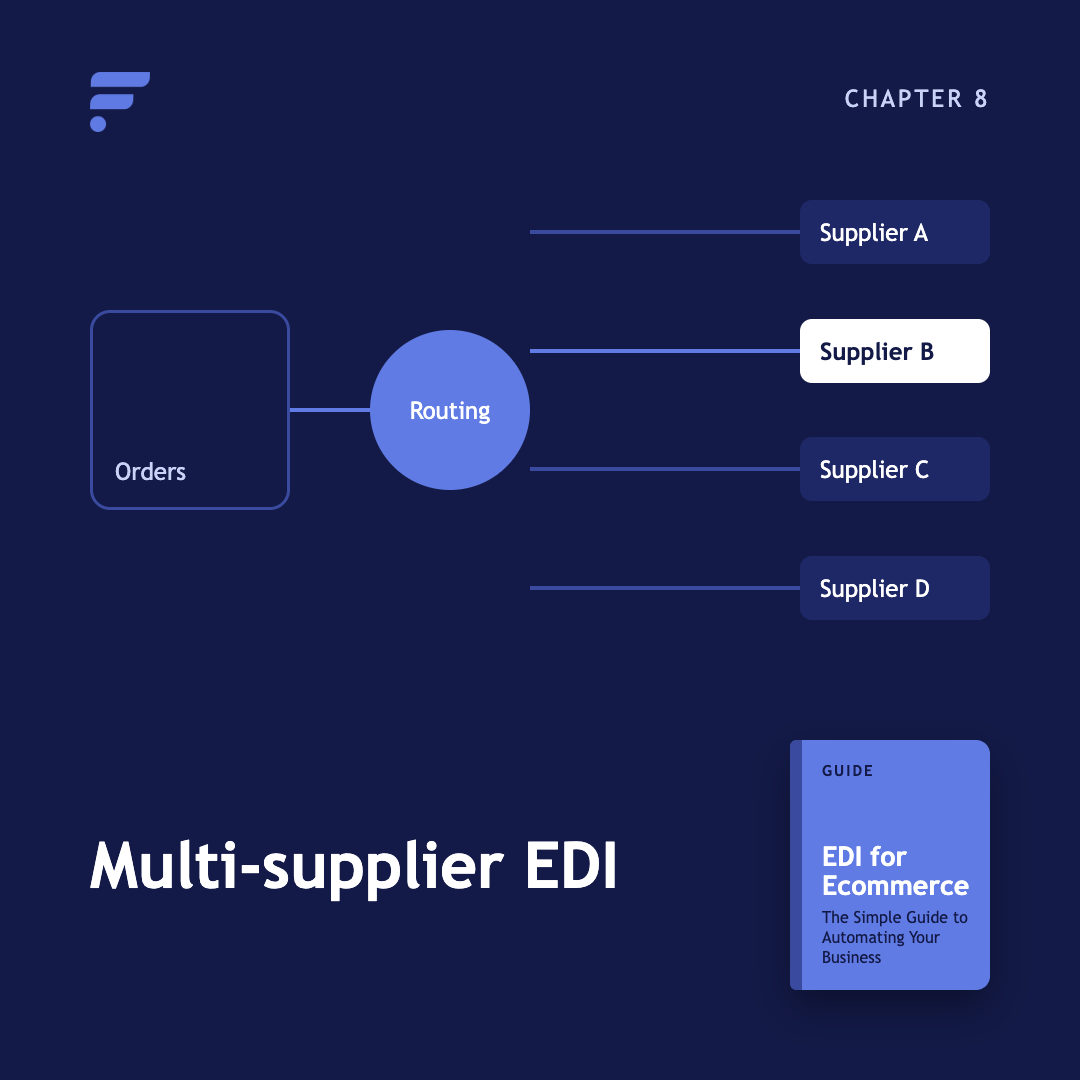
What happens when you run EDI across many suppliers at once, and why order routing matters more than the transaction itself. Learn how EDI fits into a broader multi-supplier ecommerce operation.
New to EDI terminology? Use this glossary to quickly understand common terms, documents, standards, protocols, and concepts.
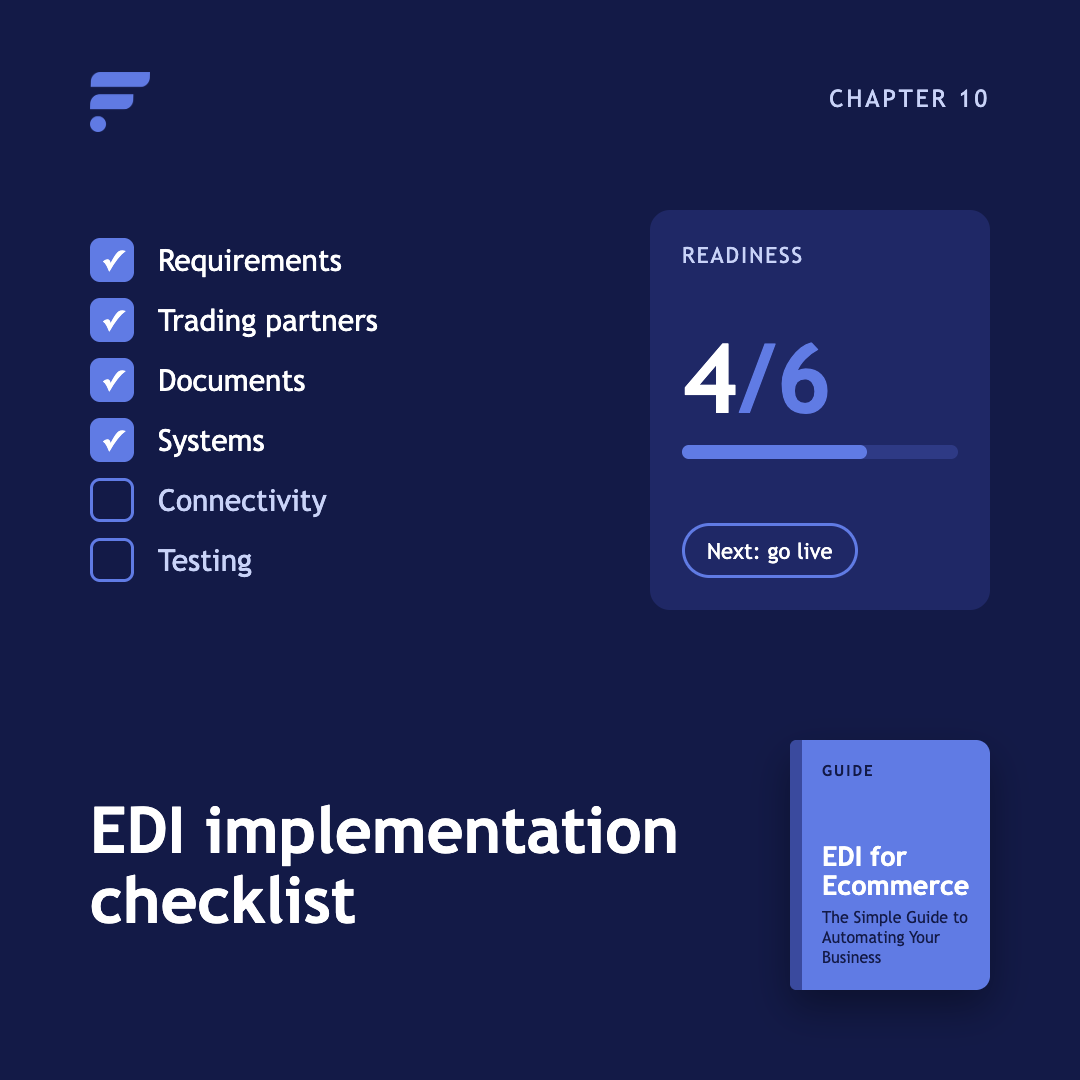
Before you begin an EDI implementation, make sure you've identified your requirements, trading partners, documents, systems, connectivity requirements, and testing needs.
Kenneth Cole's Smart Savings With Shopify EDI Connections
"They had never used Flxpoint before. But working with [the Flxpoint] team, they learned it and we're about to onboard our newest footwear partner, and you know that's big business for us.”
Mitul PatelKenneth Cole

How Flxpoint Helped Rifle Supply Automate & Grow
“I went line by line… whatever the inventory number was and cost value was, I calculated it and was blown away by how much that was worth— $300 million worth of product that I added to our web store.”
Chris MekdaraRifle Supply
The Ecommerce Automation Behind Screen Skinz
"Automation is the key to maximizing your volume. [Flxpoint] comes right into our flow — everything's automated. We want it to be quick and efficient. So that's what we love about Flxpoint."
Shaun Brown & Clay CanningScreenSkinz

How Inhaven Transformed Vendor Management with Flxpoint
"We ended up switching to Flxpoint, and it has been a much smoother process. Where it took us six months to get onboarded with the other company, we were up and running in a week or two with Flxpoint."
Ashley ChingInhaven

How Black Patch Performance Scaled Smarter with Flxpoint
"The only way to actually scale was to go through Flxpoint… You can’t even come close to hiring someone to do what Flxpoint does for the price."
Jonathan WilliamsBlack Patch Performance