New at Flxpoint: More Control Across Orders, POs, and Fulfillment
Kenneth Cole experienced a 90% reduction in costs by moving to Flxpoint
Run NetSuite dropship operations at scale without breaking your ERP workflows. Flxpoint connects NetSuite with vendors, sales channels, and fulfillment partners so orders, inventory, and tracking move automatically.


Spreadsheets and manual item records break as soon as drop ship volume grows. Flxpoint pulls vendor product data — pricing, inventory, descriptions — and pushes it into NetSuite automatically. Including NetSuite PIM fields, so listings stay current across every channel.
NetSuite's native dropship PO delivery is limited to email and fax. Flxpoint replaces that with connections the way vendors actually operate — APIs, EDI, CSVs, or portals. Vendor data is standardized and synced into NetSuite so purchase orders, inventory, and tracking flow without manual steps.
NetSuite handles accounting. Flxpoint handles automation. Together, you get a dropship setup that supports volume, multiple vendors, and real-time inventory. Including NetSuite shipping label integration via ShipStation and major carriers.


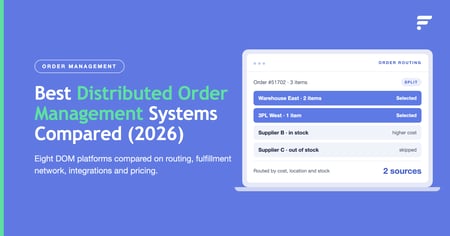
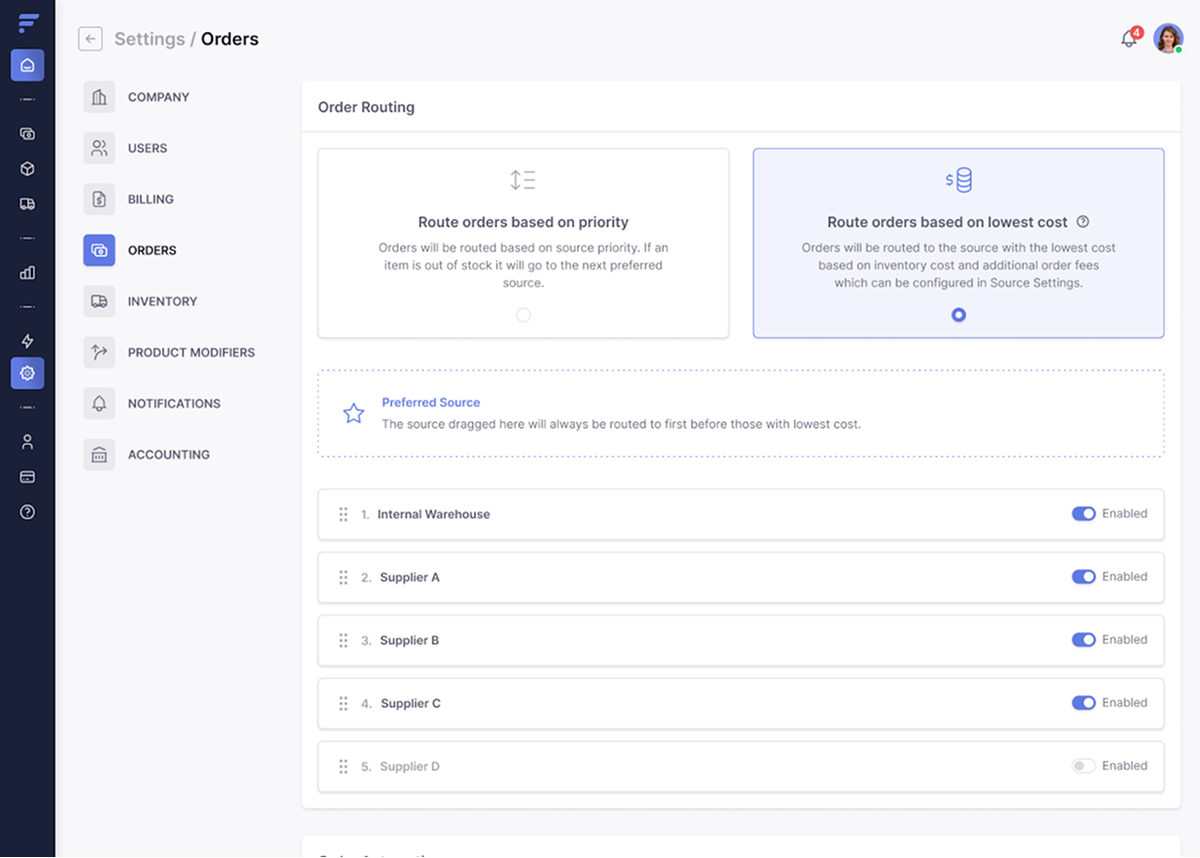
Replace preferred vendor limitations with routing based on stock, landed cost, or fulfillment location. Orders go to the right vendor automatically; no manual PO review, no mid-order vendor switches.

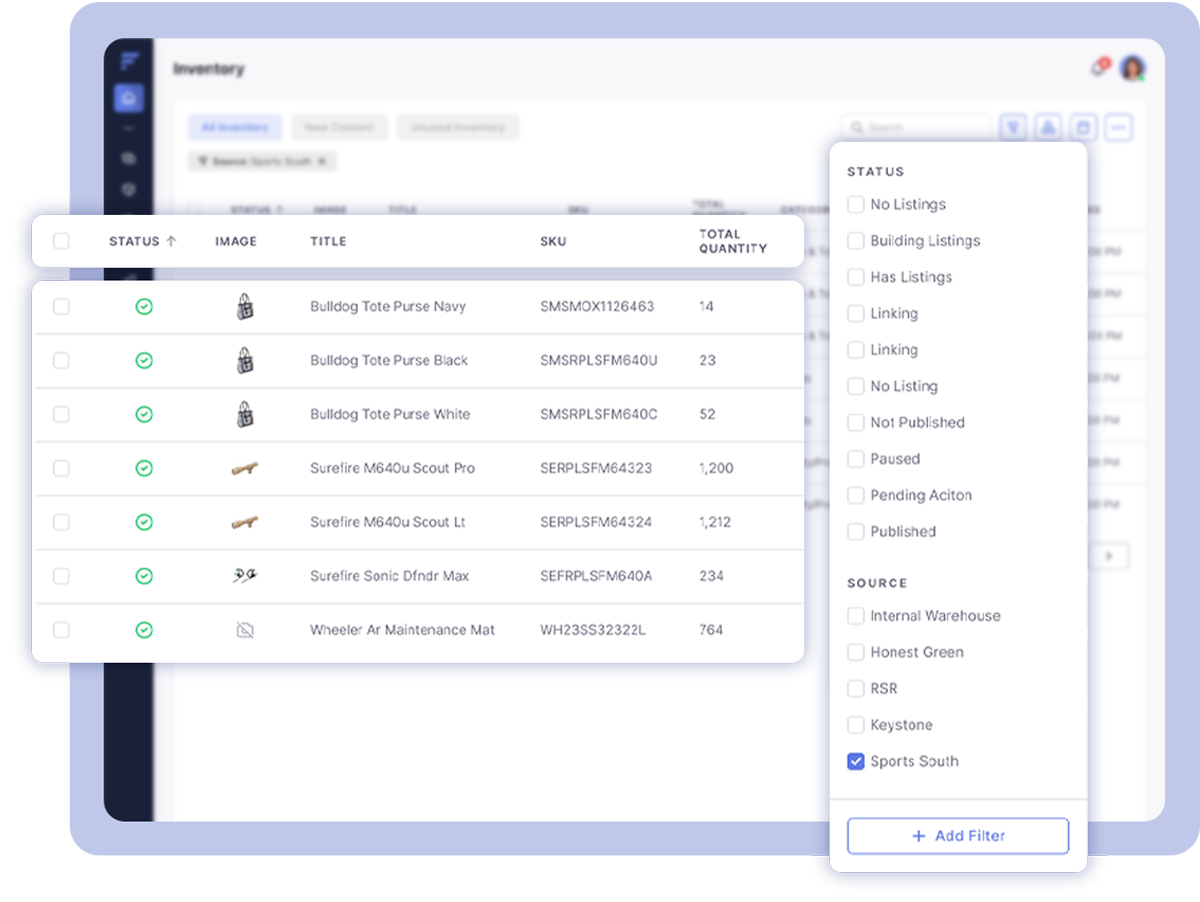
NetSuite won't reflect vendor stock unless you import it manually. Flxpoint pulls live inventory feeds from all connected suppliers and updates NetSuite item records continuously; preventing overselling across every channel.

NetSuite auto-creates a purchase order when a drop ship sales order is approved — but only to one erred vendor. Flxpoint extends that to create and route the netsuite dropship purchase order to the correct vendor based on your business rules, then syncs it back to NetSuite automatically.pref

Vendors return tracking numbers through their connection method — API, EDI, or file. Flxpoint captures each one and creates the item fulfillment record in NetSuite automatically. No copy-paste. Customers get updates. Records stay clean.

See exactly what changes when Flxpoint sits alongside NetSuite — across every step of the drop ship workflow.
|
Capability |
Native NetSuite |
NetSuite + Flxpoint |
|
PO routing |
PO auto-created for one preferred vendor per item only — no routing logic, no multi-vendor selection |
Dynamic routing to the best vendor based on live stock, landed cost, location, or custom business rules |
|
PO delivery to vendor |
Email or fax only — no native API or EDI connection to vendors |
API, EDI (X12/EDIFACT), flat file, portal, or direct ecommerce store connection — vendor's preferred method |
|
Inventory sync |
Static stock levels — vendor inventory must be manually imported; no live supplier feed |
Real-time feeds from all connected vendors written to NetSuite item records continuously |
|
Vendor onboarding |
Each API or EDI supplier requires custom SuiteScript development or third-party integration work |
200+ pre-built connections; no-code file mapping for CSV/flat file vendors; portal for low-tech suppliers |
|
Tracking updates |
Staff manually copy tracking numbers into item fulfillment records — error-prone at volume |
Tracking captured from vendor automatically; item fulfillments written to NetSuite without manual entry |
|
Error handling |
No automated exception handling; mis-routed or failed POs require manual correction in NetSuite |
Exceptions auto-flagged and held; orders rerouted based on configurable business rules |
How Flxpoint Connects to NetSuite for Drop Ship Automation
Flxpoint connects to NetSuite via Token-Based Authentication (TBA) and NetSuite's REST Web Services — the same secure connection layer NetSuite recommends for all third-party integrations. No custom development is required on your side to get started.
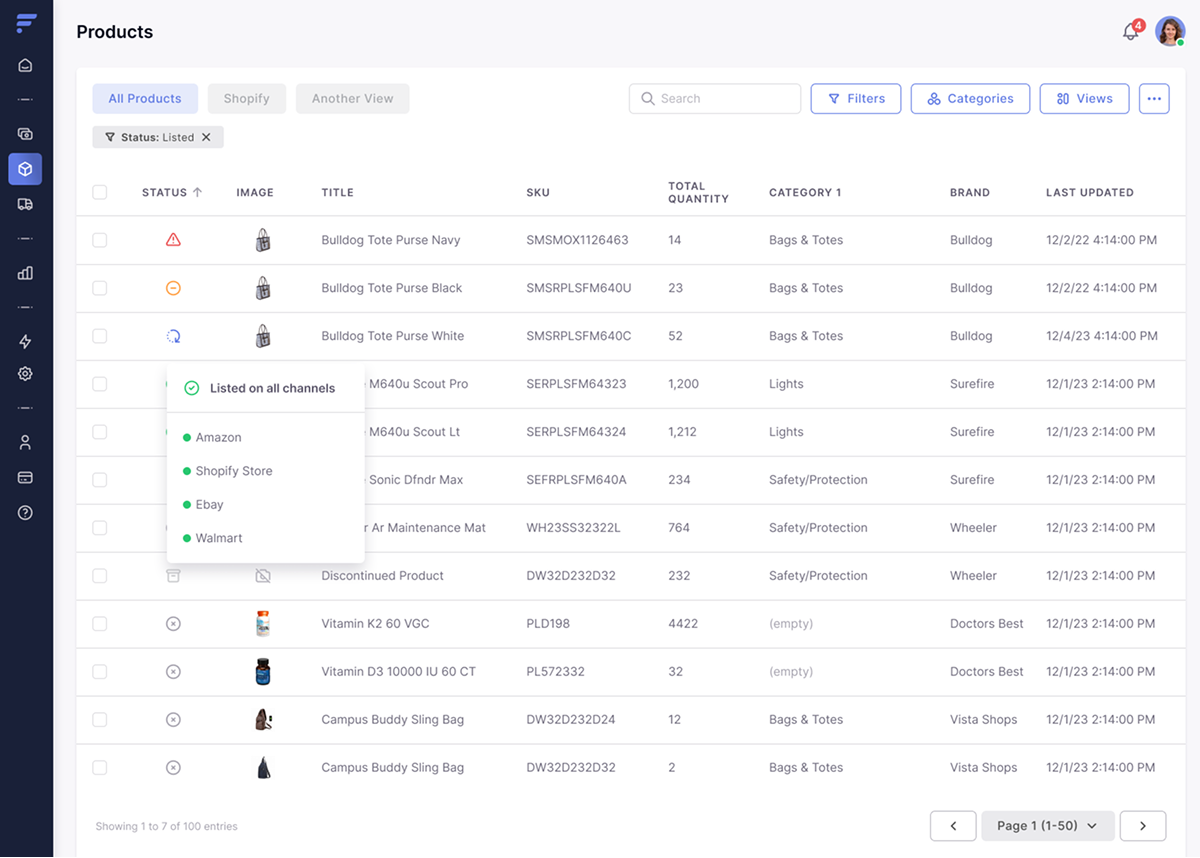
Keep your catalog accurate and up-to-date. Automatically pull in inventory, pricing, and product data—no developer required.
Achieve faster fulfillment and happier customers. Send orders to the right supplier, warehouse, or 3PL instantly.
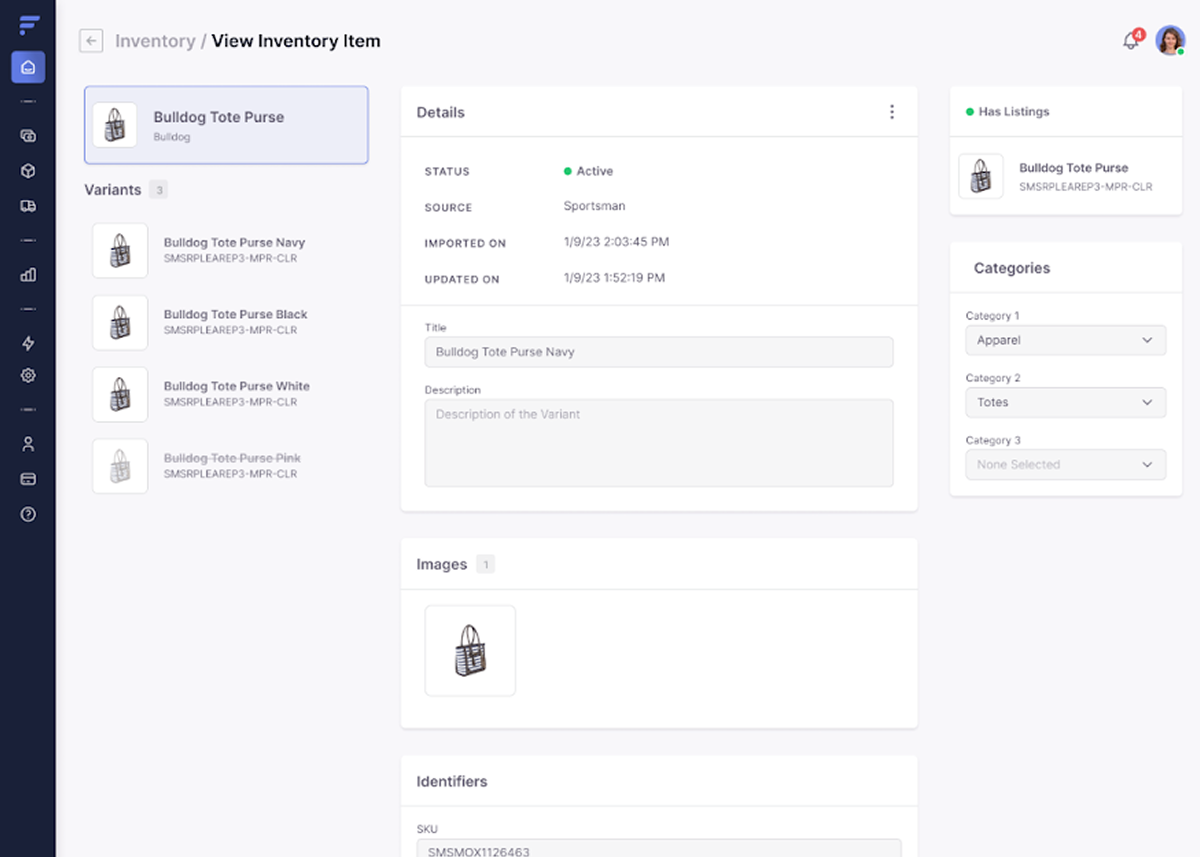
All your product info in one place. Manage your product information like titles, descriptions, price, and more across your sales channels—in one place.
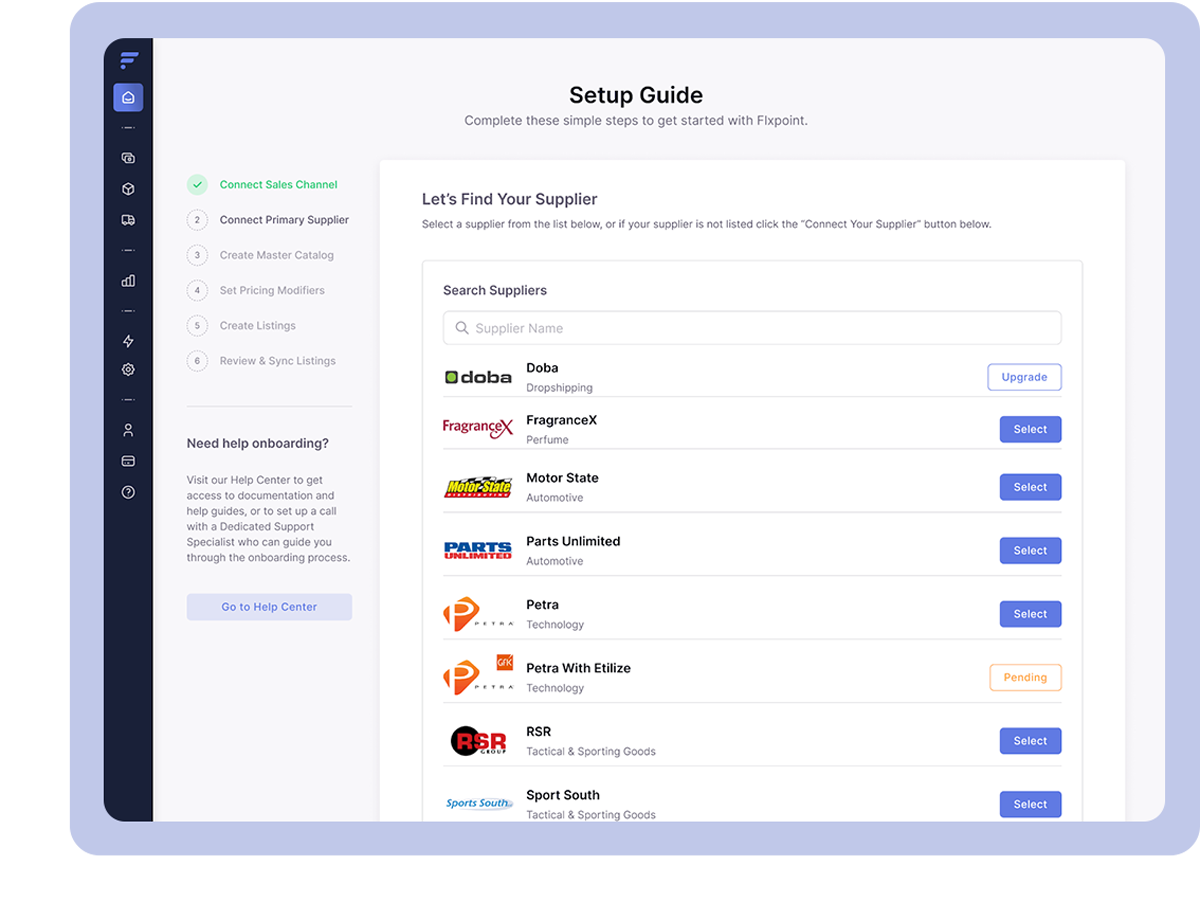
Over 250 pre-built API and EDI Integrations. Our EDI & API specialists handle custom integrations, so you don’t have to. Save time and reduce costs.
Pre-built NetSuite API and EDI integration patterns — including NetSuite shipping label integration — proven across retailers.
"They had never used Flxpoint before. But working with [the Flxpoint] team, they learned it and we're about to onboard our newest footwear partner, and you know that's big business for us.”
Mitul PatelKenneth Cole

“It's a great extension of the partner's brand into our environment that's living and is accessible and most of all purchasable. So Flxpoint was a perfect fit for that kind of touch point of the strategy.”
Lee CorkranRealtree

“I went line by line… whatever the inventory number was and cost value was, I calculated it and was blown away by how much that was worth— $300 million worth of product that I added to our web store.”
Chris MekdaraRifle Supply
"Automation is the key to maximizing your volume. [Flxpoint] comes right into our flow — everything's automated. We want it to be quick and efficient. So that's what we love about Flxpoint."
Shaun Brown & Clay CanningScreenSkinz

"We ended up switching to Flxpoint, and it has been a much smoother process. Where it took us six months to get onboarded with the other company, we were up and running in a week or two with Flxpoint."
Ashley ChingInhaven

"The only way to actually scale was to go through Flxpoint… You can’t even come close to hiring someone to do what Flxpoint does for the price."
Jonathan WilliamsBlack Patch Performance

Yes — NetSuite has built-in drop ship functionality. When a sales order with a drop ship item is approved, NetSuite automatically creates a linked purchase order to the item's preferred vendor and can email or fax that PO automatically. For simple, single-vendor operations at low volume, this native flow works well.
The limitation appears at scale: NetSuite routes every drop ship PO to one fixed preferred vendor per item. There is no dynamic routing logic, no real-time inventory sync from suppliers, and no native API or EDI connection to vendors. As order volume grows, those gaps turn into manual work — and manual work does not scale.
Flxpoint connects to NetSuite via Token-Based Authentication (TBA) and NetSuite's REST Web Services — the standard secure connection method NetSuite recommends for third-party integrations. No custom development is required on the NetSuite side to get started.
Once connected, sales orders, drop ship purchase orders, and item fulfillments are created and updated directly in NetSuite as orders move through the workflow. Vendor connections are handled separately by Flxpoint using API, EDI, flat file, or portal — depending on how each supplier operates.
NetSuite dropship is the capability itself — fulfilling customer orders directly from a vendor without holding inventory. NetSuite supports this natively with automatic PO creation to a single preferred vendor per item.
NetSuite dropship automation is the layer that removes the manual steps that appear as you scale: dynamic vendor routing, real-time inventory sync from suppliers, automated tracking writeback to item fulfillments, and multi-vendor management across API, EDI, and file-based connections.
This page covers the overall drop ship capability and where native NetSuite stops. For a deep-dive into the automation workflow, see our NetSuite dropship automation page: https://flxpoint.com/netsuite-dropship-automation
Flxpoint acts as the sync layer between Shopify and NetSuite. As vendor inventory feeds update in Flxpoint, sellable quantities are pushed to your Shopify storefront and written back to NetSuite item records simultaneously — preventing overselling across both channels without custom scripts or manual imports.
Orders placed on Shopify flow into NetSuite automatically, vendors receive drop ship orders through their preferred connection method, and tracking syncs back to both Shopify and NetSuite without manual entry.
Flxpoint adds a drop ship automation layer on top of NetSuite order management. When orders come in from any sales channel, Flxpoint syncs vendor inventory, routes orders to the right supplier, creates the NetSuite purchase order, and pushes tracking back automatically. NetSuite stays the system of record — Flxpoint handles the automation that makes drop ship scalable.
NetSuite does not sync vendor inventory automatically — stock levels must be imported manually, which leads to overselling when supplier availability changes between imports. Flxpoint replaces that with real-time inventory feeds from all connected vendors, written continuously to NetSuite item records. Orders route only to vendors that actually have the item in stock at the moment the order arrives, eliminating backorders caused by stale data.
Yes. Flxpoint connects Shopify and NetSuite to support drop ship end to end. Orders placed on Shopify flow into NetSuite as sales orders, vendors receive drop ship purchase orders automatically through their preferred connection method, and tracking syncs back to both Shopify and NetSuite without manual entry. Customer notifications, fulfillment records, and accounting all stay aligned.
Yes. Flxpoint supports Amazon NetSuite integration alongside Shopify, BigCommerce, Walmart, eBay, and other sales channels. Marketplace orders are centralized in Flxpoint, the same drop ship routing and vendor logic applies across every channel, and NetSuite receives consistent sales orders and purchase orders regardless of where the original order came from.
Flxpoint supports API, EDI (X12/EDIFACT), flat file feeds, and portal-based vendor connections — covering every way suppliers actually operate. For most vendors, no custom code is required. Flxpoint's no-code file mapping handles CSV and flat file feeds automatically, and the vendor portal gives low-tech suppliers a simple interface to fulfill orders and submit tracking. For vendors requiring full API or EDI integration, Flxpoint handles that too. Purchase orders, item fulfillments, and tracking all sync back to NetSuite through the same connection.
Yes. Flxpoint supports NetSuite 3PL integration and NetSuite ShipStation integration within the same workflow. Drop ship vendors, 3PL warehouses, and internal stock can all be included in the same order routing logic — Flxpoint selects the best fulfillment source for each order automatically. Fulfillment data and tracking sync back to NetSuite regardless of which source fulfilled the order, keeping order management records clean and accounting accurate.
Flxpoint automates the full NetSuite order lifecycle — sales order creation, purchase order generation, vendor communication, item fulfillment, and tracking writeback — without manual steps at each stage. Routing rules you configure determine which vendor receives each order, so the workflow scales with order volume instead of headcount. High-volume environments are managed at the Flxpoint layer, keeping NetSuite API calls within governance limits even as transaction counts grow.
For most drop ship workflows, yes. Flxpoint's pre-built vendor connections, no-code file mapping, and native NetSuite integration cover the same ground as custom SuiteScript development — without the ongoing maintenance cost or single-point-of-failure risk that comes with custom-built scripts. Vendor connectivity, order routing, inventory sync, and tracking writeback all happen within Flxpoint, so NetSuite stays clean without additional custom development on top of it.
Yes. Flxpoint supports NetSuite ShipStation integration by connecting shipping operations to the same order workflow. Fulfillment data and tracking numbers captured through ShipStation sync back into NetSuite automatically — item fulfillment records are created, customer notifications go out, and accounting records stay aligned. The entire NetSuite shipping label integration process runs without manual entry at any step.
Yes. Flxpoint treats drop ship vendors, 3PL warehouses, and internal NetSuite inventory as a unified pool of fulfillment sources. When an order arrives, Flxpoint checks availability and cost across all sources and routes to the best option based on your business rules — whether that is a preferred vendor, the nearest warehouse, or the cheapest fulfillment path. NetSuite receives consistent sales orders, purchase orders, and item fulfillments regardless of which source fulfilled the order, remaining the single source of truth across all fulfillment types.