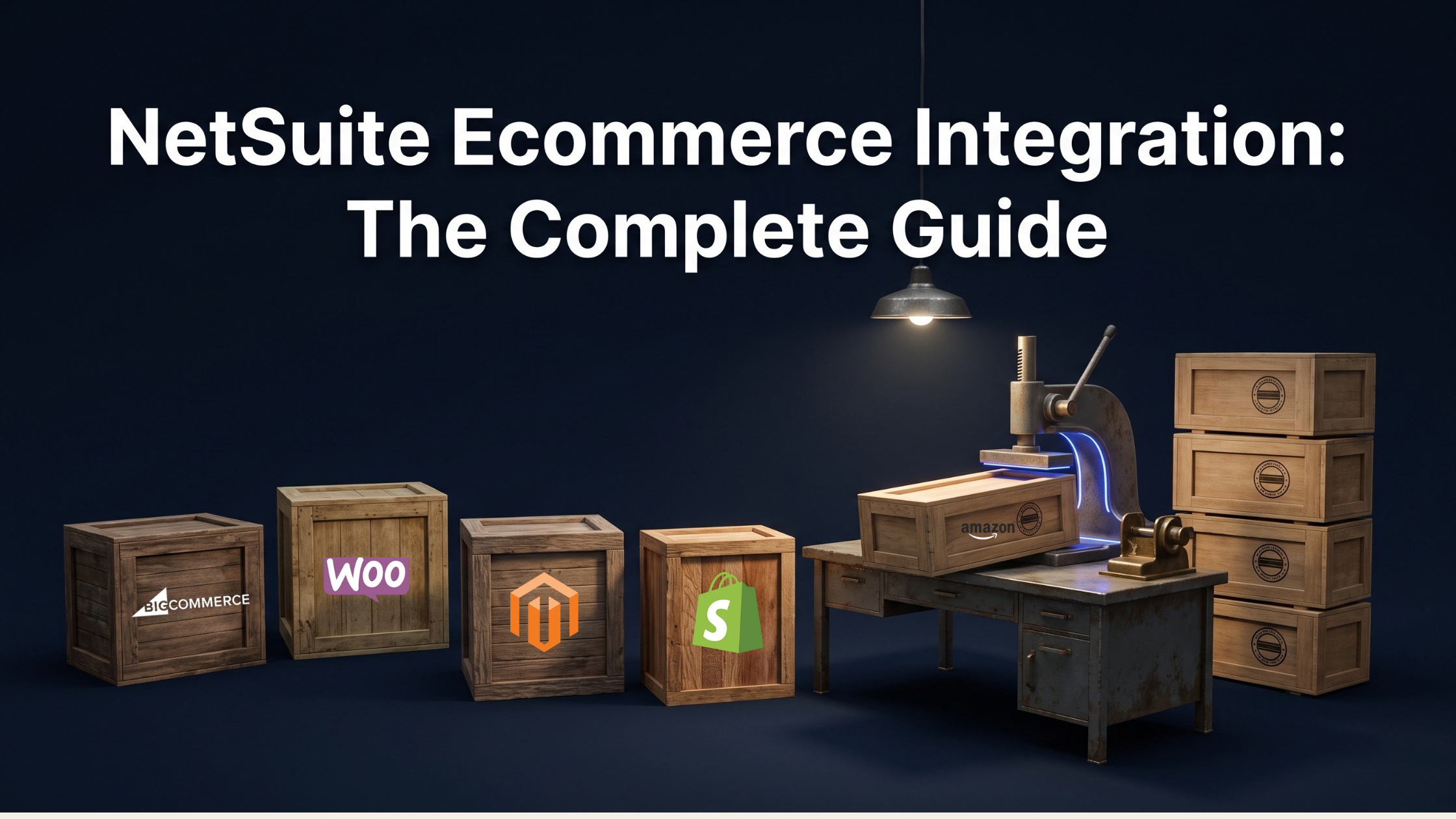
NetSuite Ecommerce Integration: The Complete Guide for Shopify, WooCommerce, BigCommerce, Amazon, and Magento
If you run a storefront on Shopify, WooCommerce, BigCommerce, Amazon, or Magento and keep your books in NetSuite, the two halves of your business don't speak the same language. Here is how each connection actually works, and exactly where it breaks.
If you run a storefront on BigCommerce, WooCommerce, or Magento and keep your books in NetSuite, you already know the two halves of your business don't speak the same language. One is built to sell. The other is built to account for what sold. Getting them to agree, in real time, across multiple vendors and channels, is where most operations quietly lose hours every week.
This guide pulls together everything worth knowing about connecting each of these platforms to NetSuite: how the native flows work, exactly where they stop working, and what it takes to run drop shipping at volume without a person copying tracking numbers into a spreadsheet all afternoon.
What NetSuite ecommerce integration actually does
A NetSuite ecommerce integration creates a direct, two-way connection between your storefront and your ERP so data moves without anyone retyping it. A customer checks out on your store, and the order lands in NetSuite as a sales order. Stock changes in NetSuite, and your catalog updates. A vendor ships, and the tracking number flows back to the shopper. No exports, no imports, no reconciliation marathon at month end.
Why don't the two systems talk to each other on their own?
Because they were never designed to. NetSuite is an ERP built for complex back-office operations, and it doesn't ship with a native ecommerce connector for every sales channel. Storefronts expose their data through their own APIs, structured their own way. Something has to sit in the middle and translate.
That middle layer is where the real work happens. Storefronts speak in SKUs and product attributes. NetSuite speaks in internal item IDs, subsidiaries, tax schedules, and revenue recognition rules. An integration maps one to the other so a "large blue t-shirt" ordered on your site becomes the correct item record, on the correct sales order, with the correct cost of goods sold.
SKUs, product attributes, "large blue t-shirt"
Internal item IDs, subsidiaries, tax schedules, revenue recognition rules
What does a working integration replace?
Manual data entry, mostly. Without one, someone on your team exports orders, imports them into NetSuite, cuts purchase orders for vendors, then copies tracking numbers back into the storefront. At ten orders a day, that's annoying. At a few hundred, it's a full-time job that scales linearly with your growth, which is exactly the wrong way for a cost to scale.
Done right, an integration turns that into a single automated path from checkout to fulfillment. Your team stops moving data and starts running the business.
How each platform actually connects to NetSuite
Every platform below runs on its own architecture, which means it fails in its own specific way. Click a platform to see how the connection works and exactly where it breaks.
Shopify powers the storefront for a huge share of modern brands, and NetSuite runs the back office behind them. The connection between them, done right, means orders flow in without re-keying and stock stays honest across channels.
What are the three pillars of a working Shopify NetSuite integration?
A Shopify integration that holds up at scale rests on three things.
Real-time data sync
Keeps product catalogs, pricing, and inventory quantities aligned. When a customer places an order, the integration creates a sales order in NetSuite and updates available stock on Shopify within minutes.
Automated order routing
Decides which fulfillment location handles each order, whether that's an internal warehouse, a 3PL, or a drop ship vendor, based on stock availability, shipping cost, and delivery time rather than a static assignment.
Automated fulfillment
Generates purchase orders for drop ship items, creates item fulfillment records when tracking arrives, and pushes shipping notifications back to customers through Shopify.
How does dynamic order routing replace preferred vendor logic on Shopify?
When an order arrives, the routing engine checks which vendors have the items in stock. It totals the cost including product price, shipping charges, and fees. It estimates delivery time based on vendor location and the customer's address. Then it applies your rules to pick a source.
Some businesses always route to the least expensive vendor to protect margin. Others prefer the vendor who can ship the whole order from one location to avoid split shipments. Regional routing sends orders to the closest fulfillment center to cut shipping cost and transit time.
The routing engine identifies overlapping products by matching on universal product codes, manufacturer part numbers, or other reference identifiers, so you can work with three vendors selling the same item under their own internal part numbers without confusing customers or creating duplicate listings.
Which vendors have the item available right now
Product price, shipping, and fees added together
Vendor location weighed against customer address
Cheapest, single-shipment, or closest to customer
Can you combine drop shipping with your own warehouse on Shopify?
Yes, and most businesses do. The routing engine treats your warehouse as one fulfillment source among the vendors. You might prioritize your warehouse for high-volume products, fall back to vendors when warehouse stock runs low, or always use vendors for slow movers to preserve cash flow.
Purchase orders route to vendors by EDI, API, or file transfer, while internal fulfillment creates picking tasks in your warehouse management system. Customers get the same shipping notifications regardless of source.
WooCommerce is the go-to for teams that want full control over a WordPress storefront. It sells well and NetSuite accounts well, but the two don't speak the same language without help.
How does Flxpoint connect to WooCommerce?
WooCommerce runs on a REST API. Flxpoint connects using the consumer keys and secrets you generate in the WordPress admin panel. Once connected, it can import, sync, and publish listings with mapped fields like title, description, images, and SKU, which keeps NetSuite and WooCommerce aligned on product data.
Why do direct WooCommerce NetSuite connections stay fragile?
Five problems show up again and again in real implementations.
Fragile API connections
WooCommerce APIs are lightweight and event-driven, while NetSuite enforces governance limits and strict schema validation. A plugin update or API version change can break syncs silently, so orders never reach NetSuite and no alert fires.
Structural data mismatches
WooCommerce products are attribute-based and built for storefront flexibility. NetSuite item records demand strict definitions for item types, subsidiaries, and tax schedules, so unmapped data fails validation.
Inventory latency
NetSuite's governance limits and batch processing mean inventory updates fall behind real activity as order velocity climbs. Scheduled syncs reduce API load but make accuracy worse.
Limited error recovery
Most native or custom integrations lack centralized monitoring, retry logic, and failure categorization, so errors surface only after a missing shipment shows up downstream.
Rising maintenance
Every new currency, tax region, warehouse, or storefront adds conditional logic and custom scripts until the integration becomes a maintenance liability.
What tracking data syncs back to WooCommerce?
Once a vendor ships, Flxpoint captures the shipment details from your fulfillment source and pushes them to WooCommerce through the Sync Orders operation. The data sent back includes carrier, tracking number, shipped date, shipping method, optional note fields, and an optional tracking URL. That means nobody enters tracking into WordPress by hand, customers get real-time updates, and the order record stays consistent across WooCommerce, Flxpoint, and NetSuite.
BigCommerce runs at a serious scale. Across its ecosystem, small integration gaps compound fast.
What does the native BigCommerce NetSuite Connector actually sync?
The native NetSuite Connector handles a fixed set of data flows: orders, fulfillments, customers, pricing, quantity, products, and refunds. That looks complete until you need something outside those boundaries, and growing merchants always do.
Why does customer sync only flow one direction?
The connector pushes customer data from BigCommerce to NetSuite but can't send customer records back the other way. If you manage customer accounts in your ERP and want to create them in BigCommerce programmatically, the built-in connector won't help, and you're into custom RESTlet development with ongoing maintenance.
Field mappings are rigid too. The connector offers default mappings you can adjust in places, but the structure is fixed. Once you scale and start using custom fields, you're managing data by hand that should sync on its own.
There's a quieter trap in inventory tracking. Per BigCommerce support documentation, if customers can order products even when inventory shows zero, the tracking field is likely set to None. The connector syncs that field from NetSuite, so a wrong setting persists across both systems and you have to verify it in each.
Why is the order status rename just cosmetic?
When orders import, the connector changes their status to Awaiting Shipment. You can rename the label in BigCommerce, but the underlying status doesn't change with it.
Label renamed to "Sent to NetSuite" in BigCommerce
API status remains "Awaiting Shipment" underneath
What happens when you add marketplaces to BigCommerce?
Adding Amazon, eBay, or Walmart introduces data flows the connector doesn't touch. It only syncs between BigCommerce and NetSuite, so marketplace orders need separate integrations, separate field mappings, and separate reconciliation.
Inventory fragments across channels. Your BigCommerce store pulls from NetSuite while your marketplaces pull from separate feeds, so a sale on Amazon doesn't deduct from BigCommerce unless you build custom automation, and overselling becomes constant. Customer data doesn't consolidate either.
A shopper who buys on BigCommerce and later on Amazon creates two separate NetSuite records, which wrecks lifetime value math. Marketplace pricing often differs from your web store through promotions or channel-specific markups, and the connector doesn't manage multi-channel pricing rules, so you either maintain separate price lists or live with inconsistency.
An integration platform pulls inventory from all sources, internal warehouses, 3PLs, and drop ship vendors, and presents a unified quantity to BigCommerce, marketplaces, and NetSuite at once. When a product sells anywhere, every channel reflects the change.
Selling on Amazon while running NetSuite means fighting a disconnect. Orders flow in from Amazon, but NetSuite doesn't know about them on its own, and inventory changes in NetSuite don't reach your Amazon listings.
Why is there no native Amazon NetSuite connection?
NetSuite has no native connection to Amazon. You need a connector to bring Amazon orders in and send fulfillment data back. Without one, you're downloading order reports from Amazon and keying them into NetSuite, or relying on basic email notifications that never create proper records. NetSuite also won't handle vendor inventory feeds automatically, so an out-of-stock vendor stays invisible until you import updated files, which creates overselling risk on a channel where stockouts hurt your seller performance metrics.
How does routing pick the right vendor for an Amazon order?
An Amazon integration with dynamic routing evaluates several factors on every order instead of defaulting to one vendor.
Stock availability
If the preferred vendor is out but another has the item, the order routes to the vendor with inventory, which prevents backorders and keeps your seller metrics healthy.
Margin protection
Vendor pricing shifts week to week, and routing sends each order to whoever offers the best margin at the moment it arrives. Across thousands of orders, those improvements add up.
Geographic optimization
A customer in California ordering from your Amazon store is better served by a vendor in Nevada than one in New York, so routing weighs vendor location against the shipping address.
Multi-line orders route smartly too. Amazon orders often bundle several items, and naive routing splits them across vendors and shipments. Advanced routing keeps an order together when possible or splits it only when that genuinely produces a better result. If one vendor stocks two of three items and can ship them together, the system might keep those two together rather than splitting all three.
How does inventory aggregation prevent overselling on Amazon?
Accurate routing depends on current inventory, so the platform pulls vendor stock on a schedule, sometimes every fifteen minutes, sometimes hourly, depending on how fast inventory moves. When multiple vendors carry the same SKU, the system aggregates their quantities and shows a combined available-to-sell number on Amazon while tracking each source internally.
As vendors update through the day, the combined quantity recalculates and updates Amazon automatically. The same mapping connects individual NetSuite items to Amazon parent-child variants, and for bundles or kits, NetSuite decrements every component item when the bundle sells.
Magento, now Adobe Commerce, runs thousands of storefronts from enterprise brands down to smaller shops scaling fast. It's the preferred platform for complex catalogs, multi-store setups, and large order volumes, which makes the NetSuite connection both valuable and technically demanding.
How does API mapping work between Magento and NetSuite?
At its foundation, a Magento and NetSuite integration relies on API connections. Magento exposes its data through REST APIs, while NetSuite uses RESTlet endpoints and SuiteTalk web services. An integration layer translates requests between these different structures and maps fields from one system to the matching field in the other.
For example, NetSuite tracks inventory using internal item IDs, and the integration maps those to Magento SKUs. When Magento captures a shipping address in its checkout format, the integration restructures that data into NetSuite's customer record format.
Every field needs an explicit mapping, and custom fields add complexity: a gift message or delivery instruction in Magento has to map to a corresponding custom field in NetSuite, and the same applies in reverse for NetSuite customizations like preferred vendors or cost centers.
Why does manual data entry slow Magento operations so much?
Without integration, someone copies every order from Magento into NetSuite, adjusts inventory counts by hand, and updates tracking in both systems. Manual order processing adds roughly five to eight minutes per order, and that compounds.
How do product variants map to NetSuite?
Variants are one of the trickier mapping problems. A configurable Magento product with size and color options can map to a NetSuite matrix item. When a customer orders a large blue t-shirt, the integration has to identify the matching NetSuite matrix item record with those exact attribute values.
Configurable product: "T-shirt," options Size = Large, Color = Blue
Matrix item record matched on those exact attribute values
Some businesses map each Magento variant to a separate NetSuite item, while others use NetSuite's matrix functionality to keep parent-child relationships. The right approach depends on how you manage inventory and fulfill orders.
What happens to order statuses between Magento and NetSuite?
The two systems track order progress with different status values. The integration maps between the two sets so teams in either system see consistent states. When a NetSuite item fulfillment moves an order to shipped, the integration moves the Magento order to complete and triggers the shipping confirmation email.
Why do NetSuite marketplace connectors keep breaking?
Merchants launch on multiple marketplaces to grow, expecting NetSuite to keep everything in sync. Then the same fires keep starting. Inventory reads wrong on the storefront, Amazon orders ship without tracking, and eBay listings come back to life after a sale. These aren't glitches. They're predictable outcomes of point-to-point connectors that weren't built for the complexity.
Why do tracking numbers fail to sync with Amazon?
When tracking doesn't flow automatically from your carrier to Amazon and into NetSuite, your team keys it in by hand. That's slow and error-prone at volume, and it degrades the customer experience, since shoppers react to delays with negative reviews and support tickets.
How do Amazon returns create double-charge problems?
When a return processes on Amazon but doesn't reflect in NetSuite, the customer gets a refund while your accounting still shows the original sale, which effectively double-charges and has to be corrected by hand. Inventory counts drift at the same time.
Why does eBay relist items after they sell?
An item you already sold gets automatically relisted because the integration failed to communicate the sale back to NetSuite and drop the listing quantity to zero, leading to selling products you no longer have.
Why do Shopify B2B setups break standard connectors?
Company profiles, purchase order terms, and negotiated contracts often don't transfer into NetSuite. A basic connector might only pull the standard retail price and ignore negotiated pricing, leading to incorrect invoicing.
How does Flxpoint close the gaps?
NetSuite stays the system of record. Flxpoint becomes the engine that powers automated drop shipping and multichannel fulfillment around it. Here's what that looks like in practice, end to end.
Order comes in from any sales channel
Dynamic rules pick the vendor, 3PL, or warehouse
Sales order and purchase order created in NetSuite
Order sent to the vendor through their preferred method
Tracking pulled back, fulfillments and sync happen automatically
Digital product catalog
The digital product catalog lets you browse and filter vendor inventory before you create any NetSuite item records, then create accurate item records in bulk with drop ship already set.
Dynamic order routing
Replaces preferred vendor logic. Flxpoint checks drop ship vendors, 3PLs, and your internal warehouses, then routes on availability, margin, geography, or delivery speed.
On the accounting side, NetSuite is Flxpoint's most fully developed integration, followed by QuickBooks, with Sage and others also supported. The same workflows carry across most ERP and accounting systems, with different terminology in each.
There's a cash flow benefit worth naming too. With drop shipping, you don't pay the vendor until your customer pays you, so automating it frees up cash you'd otherwise tie up in warehoused inventory, which you can put toward marketing or your fast movers.
Frequently asked questions
Ready to keep NetSuite as your system of record while Flxpoint runs the drop shipping and multichannel fulfillment around it? See how fast your team can drop the manual work.
Book a demo