Table of Contents
- What Are NetSuite Dropship Purchase Orders?
- How Does NetSuite Handle Dropship Workflows?
- What Limitations Does Native NetSuite Dropship Have?
- How Can You Automate Dropship Purchase Order Generation?
- What Does Advanced Dropship Automation Look Like?
Holding inventory ties up cash. Warehousing costs money. For many ecommerce products, dropshipping offers a better model: let suppliers ship directly to customers while you focus on marketing and customer relationships.
NetSuite supports dropship operations through its purchase order system. When customers order items you don't stock, NetSuite can create purchase orders to suppliers who ship directly to those customers. Your accounting stays clean; recording revenue without inventory flowing through your books.
But NetSuite's native dropship functionality has limits. It assumes simple scenarios that don't match how modern ecommerce actually works. To truly automate dropship operations at scale, you need workflows that extend beyond what NetSuite offers out of the box.
What Are NetSuite Dropship Purchase Orders?
NetSuite dropship purchase orders link directly to sales orders. Unlike standard purchase orders that bring inventory into your warehouse, dropship POs instruct suppliers to ship directly to your customers.
The Dropship Transaction Structure
When a customer places an order for a dropship item, NetSuite creates two linked transactions. First, a sales order records the customer transaction; what they ordered, the price they paid, delivery address. This sales order recognizes your revenue.
Second, a NetSuite dropship purchase order goes to your supplier. This PO references the same items but shows your supplier as the vendor and your customer's address as the delivery location. The PO records your cost; what you pay the supplier.
These linked transactions keep accounting accurate. You record revenue from the customer and cost from the supplier without inventory ever touching your books. From an accounting perspective, you sold something you never owned; exactly what dropshipping is.
Item Record Configuration
For NetSuite to handle dropship fulfillment, item records need proper configuration. Each dropship item requires several settings. First, you mark the item as a "dropship" item type in NetSuite's item record. This tells NetSuite the item shouldn't decrease your inventory when ordered.
Second, you assign a preferred vendor. NetSuite's native dropship logic relies on this preferred vendor setting; when someone orders the item, NetSuite creates a purchase order to this designated supplier.
Third, you configure vendor pricing. NetSuite needs to know what you pay the supplier so it can populate the purchase order with correct costs. This pricing lives in the item record's purchasing subtab where you define vendor-specific costs.
The Preferred Vendor Limitation
Here's where NetSuite's native approach shows constraints. The "preferred vendor" setting assumes one supplier per item. In reality, many businesses work with multiple suppliers who carry the same products. You might have three distributors who all stock the same item at different prices, different stock levels, and different locations.
NetSuite's basic dropship logic can't intelligently choose between these options. It creates purchase orders to the single preferred vendor regardless of whether better alternatives exist. This rigid approach limits optimization opportunities and can lead to inefficient fulfillment.
How Does NetSuite Handle Dropship Workflows?
Understanding NetSuite's native netsuite dropship workflow helps identify where automation can improve operations.
Automatic Purchase Order Creation
NetSuite's primary dropship feature is automatic PO generation. When you enable dropship settings and a customer orders a dropship item, NetSuite automatically creates a linked purchase order. You don't manually create POs for each customer order; NetSuite handles this based on sales order data.
This automation works for simple scenarios. The customer orders one dropship item from one supplier. NetSuite creates the sales order and corresponding purchase order. The supplier receives the PO and ships directly to the customer. Basic dropship fulfillment happens without manual intervention.
Manual Steps That Remain
Even with automatic PO creation, NetSuite's native workflow requires manual steps. Someone needs to send the purchase order to the supplier. NetSuite can email POs, but many suppliers require other communication methods; EDI, API connections, portal submissions.
Someone also needs to track shipment status. The supplier ships the order and provides a tracking number. This information doesn't automatically flow into NetSuite. Staff manually enter tracking details, update item fulfillment records, and notify customers.
When vendors send invoices, someone matches them to purchase orders and creates vendor bills in NetSuite. When customers request returns, staff coordinate return-to-vendor processes manually.
These manual steps create bottlenecks. At low volumes, you manage them. At scale, they consume significant staff time and introduce errors.
Multi-Item Order Complications
Customer orders often contain multiple items. If all items come from the same preferred vendor, NetSuite creates one purchase order with all items. Straightforward.
But if items have different preferred vendors, NetSuite splits the customer's order across multiple purchase orders. Each PO goes to its respective vendor. Now one customer order requires coordinating fulfillment from multiple suppliers.
This split introduces complexity. Different suppliers ship at different speeds. Customers receive multiple packages on different days. Tracking and customer communication become more complex. Returns get complicated when different items come from different vendors.
NetSuite handles the transaction structure correctly; creating separate POs; but doesn't help orchestrate the operational complexity these splits create.
Inventory Accuracy Challenges
Dropship operations require accurate visibility into supplier inventory. If your preferred vendor is out of stock when an order arrives, you can't fulfill through them. But NetSuite doesn't automatically track vendor inventory levels.
Without real-time supplier inventory data, you risk accepting orders for items suppliers don't have in stock. Customers order, NetSuite creates purchase orders, suppliers respond that items are unavailable. Now you're canceling orders or scrambling to find alternative suppliers.
Maintaining accurate vendor inventory requires either manual updates (suppliers send files you import into NetSuite) or automated integration that syncs supplier stock levels continuously. Neither happens in NetSuite's out-of-the-box configuration.
What Limitations Does Native NetSuite Dropship Have?
NetSuite's native dropship functionality solves basic needs but reveals limitations as operations scale or requirements become more sophisticated.
Static Vendor Selection
The preferred vendor approach is fundamentally static. You decide once, when creating the item record, which vendor should fulfill this item. That decision persists until you manually change it.
Business reality is more dynamic. Supplier costs change. Stock availability varies. Geographic considerations matter; a closer supplier might ship faster and cheaper. Special customer requirements might dictate specific vendors.
Static preferred vendor logic can't adapt to these factors. Every order goes to the same vendor whether or not that remains the optimal choice. You sacrifice efficiency because NetSuite lacks dynamic vendor selection.
Limited Vendor Communication
NetSuite can email purchase orders to vendors. Beyond that, native functionality provides limited vendor communication options. If your supplier requires EDI, expects API connections, or uses a B2B portal, NetSuite doesn't provide these capabilities out of the box.
This communication gap forces workarounds. Someone exports purchase orders and manually uploads them to vendor portals. Or you build custom integrations to transmit POs electronically. Neither approach scales well as you add suppliers.
Manual Tracking and Fulfillment Updates
When suppliers ship orders, they provide tracking information. Getting this data into NetSuite requires manual entry or custom integration. Someone receives shipping confirmations from vendors; usually via email; and types tracking numbers into NetSuite item fulfillment records.
This manual tracking entry is tedious and error-prone. At volume, it consumes significant time. Errors; wrong tracking numbers, mismatched orders; create customer service issues and inventory inaccuracies.
No Intelligent Order Routing
When you stock some items internally while dropshipping others, or when multiple vendors can fulfill orders, routing decisions become complex. Should this order ship from your warehouse or a vendor? If multiple vendors have the item, which should fulfill it?
NetSuite's preferred vendor logic makes these decisions using the static settings you configured. It doesn't evaluate real-time factors; which source has stock, which provides the best margin, which ships fastest to this customer's location.
Without intelligent routing, you either accept suboptimal fulfillment or manually review and modify every order; defeating the purpose of automation.
How Can You Automate Dropship Purchase Order Generation?
Moving beyond NetSuite's limitations requires automation that makes intelligent decisions about vendor selection and handles the operational details NetSuite leaves manual.
Dynamic Vendor Selection
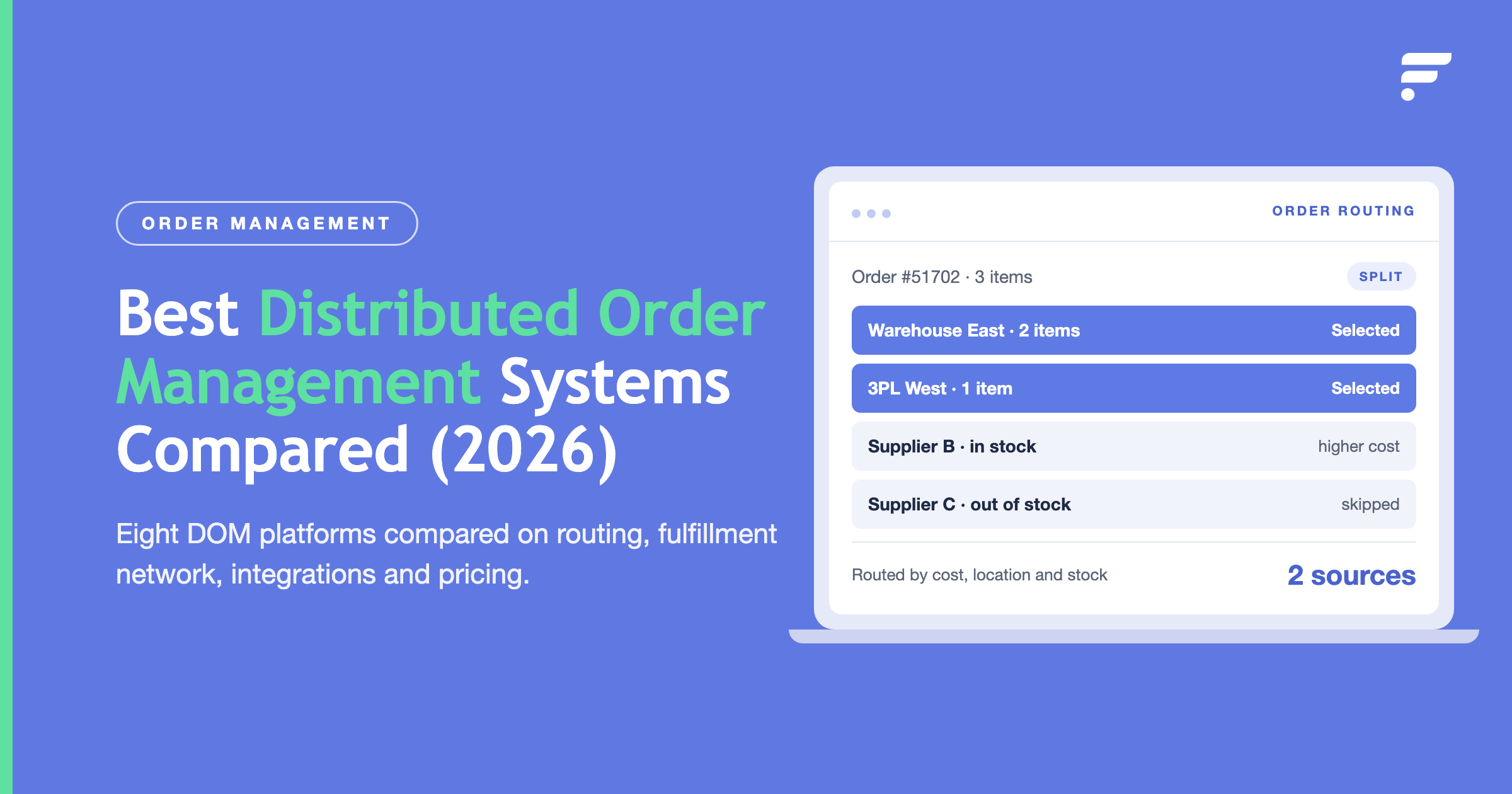
Instead of static preferred vendor assignments, automation can evaluate vendor options for each order based on current conditions. When an order arrives, the system checks which vendors have the item in stock, compares their pricing, considers shipping costs from each location, and evaluates expected delivery times.
This real-time evaluation selects the optimal vendor for each specific order. Maybe vendor A usually fulfills this item, but they're out of stock today. Automation routes the order to vendor B instead. Or vendor C offers better pricing this week, so automation shifts orders to maximize margins.
Dynamic vendor selection requires integration that provides visibility into vendor inventory and pricing. Automation systems connect to supplier feeds; API connections, EDI, inventory files; and maintain current data about stock levels and costs. When orders arrive, automation evaluates this data and creates netsuite purchase order records to the selected vendors.
Automated Purchase Order Transmission
Once NetSuite creates purchase orders, automation handles vendor communication. Different vendors receive POs in their preferred formats without manual intervention.
For vendors with APIs, automation transmits PO data through direct integration. Vendors with EDI requirements receive properly formatted EDI documents. Vendors using B2B portals see POs automatically posted to their systems. Even vendors who just need email receive formatted PO documents automatically.
This multi-channel vendor communication scales efficiently. Adding new vendors means configuring their communication preference in the automation platform, not developing custom integration code for each supplier.
Automatic Tracking Capture
When suppliers ship orders, automation captures tracking information and updates NetSuite. Suppliers send shipment confirmations; via API, EDI, email, or portal updates. Automation processes these confirmations, extracts tracking numbers and carrier information, and creates NetSuite item fulfillment records.
This automatic tracking capture eliminates manual entry. Item fulfillments create immediately when suppliers ship, complete with accurate tracking data. NetSuite order status updates automatically. Customer shipment notifications trigger without staff intervention.
Intelligent Split Order Handling
When customer orders contain items from multiple vendors, automation orchestrates split fulfillment intelligently. It creates appropriate purchase orders to each vendor, tracks separate shipments, and manages customer communication about multiple deliveries.
Some NetSuite Integrated dropship platforms can also try to avoid splits when possible. If one vendor can fulfill the entire order while alternatives would require splitting across multiple suppliers, intelligent routing might prioritize the single-vendor option; reducing shipping costs and simplifying customer experience.
What Does Advanced Dropship Automation Look Like?
Sophisticated netsuite dropship automation extends beyond basic purchase order generation to comprehensive vendor management and fulfillment orchestration.
Vendor Performance Tracking
Automation platforms can track vendor performance; on-time shipping rates, accuracy, quality issues. This performance data feeds back into order routing decisions. Vendors with strong performance records receive priority. Underperforming vendors get deprioritized until performance improves.
This data-driven vendor management improves fulfillment reliability. You're not just routing to the cheapest option; you're balancing cost, speed, and reliability based on actual vendor performance.
Inventory Synchronization
Advanced NetSuite integrated platforms maintain real-time visibility into vendor inventory. Supplier stock levels sync continuously into your systems. Your ecommerce channels show accurate availability based on actual supplier inventory.
This synchronization prevents overselling. When suppliers run low on stock, your availability updates immediately. Customers never order items that aren't actually available. You avoid the frustration of canceled orders and the customer service burden overselling creates.
Return Processing Automation
Dropship returns require coordination with vendors. Customers return items, but those items need to go back to the supplier who originally shipped them. Automation handles this workflow.
When customers request returns, automation identifies which vendor fulfilled the original order. It generates return authorizations that route to appropriate vendors. When customers ship returns, tracking flows to both your systems and vendor systems. Vendor credit processing happens automatically when vendors receive returned items.
Financial Reconciliation
Automated dropship operations generate high transaction volumes. Reconciling vendor bills against purchase orders and received invoices would be extremely time-consuming manually.
Automation matches vendor invoices to purchase orders and shipment records automatically. When invoices arrive; via EDI, API, or email; automation extracts invoice details, matches them to NetSuite POs, verifies quantities and prices, and creates vendor bill records ready for approval.
This automated reconciliation keeps accounts payable current without extensive manual matching work. Finance teams approve bills rather than spending hours matching invoices to orders.
Multi-Supplier Consolidation
Some businesses work with hundreds of dropship suppliers. Managing relationships, tracking performance, and maintaining technical connections with each supplier becomes overwhelming without automation.
NetSuite Integrated dropship platforms specializing in supplier management consolidate these relationships. Single integrations connect to multiple suppliers. Unified dashboards show inventory across all suppliers. Performance metrics aggregate across your supplier network. You manage your entire dropship operation from one interface rather than juggling hundreds of vendor portals and communication channels.