Black Friday falls on November 27 this year and Cyber Monday on November 30. Adobe expects Cyber Week to bring in $47.5 billion in US online sales, up 7.4% from last year, and Cyber Monday alone to pass $15 billion.
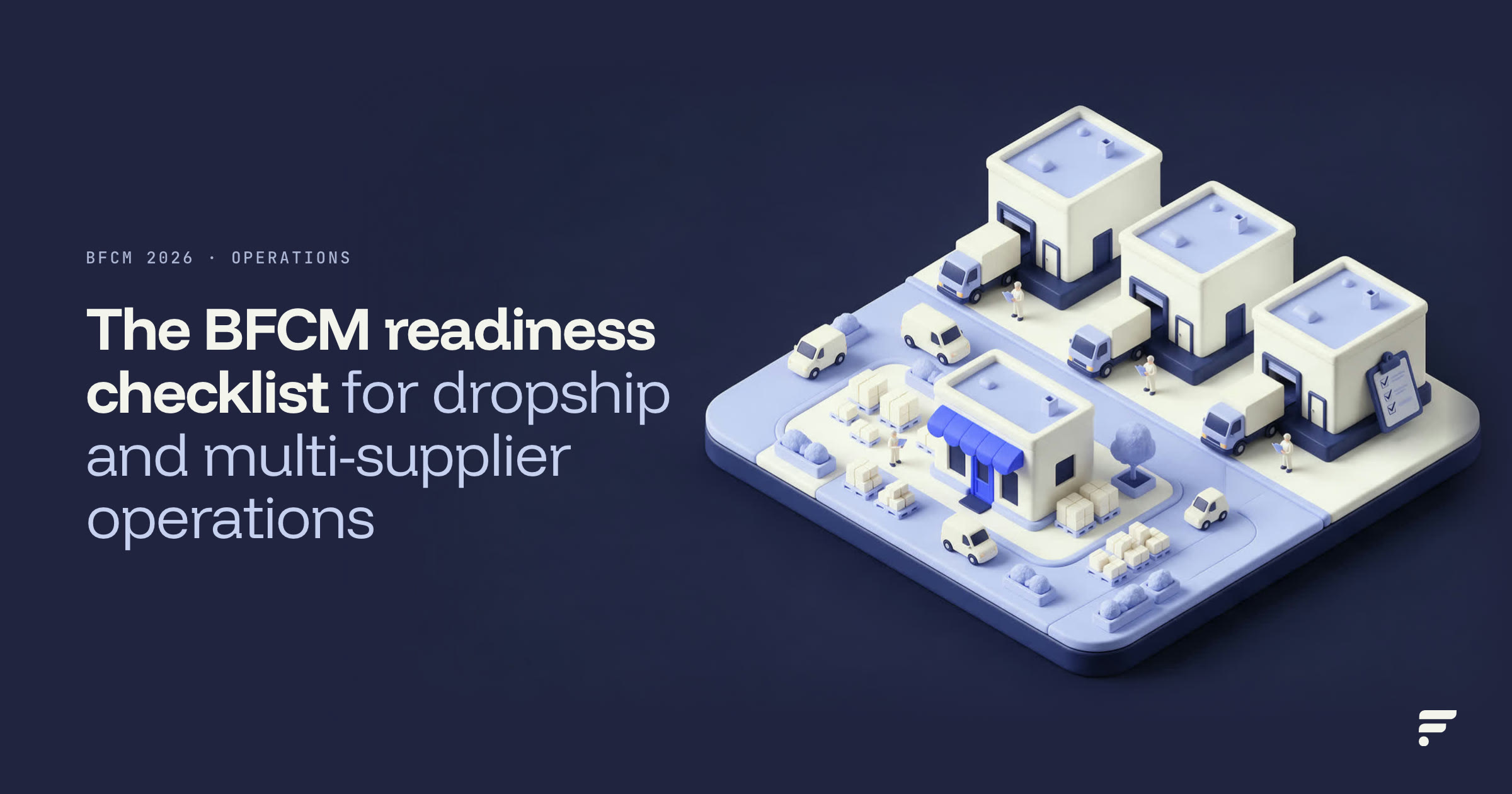
Most BFCM checklists cover email, ads and site speed. This one covers the part they skip: the stock you sell but don't hold. If your catalog ships from distributors, dropship vendors and 3PLs, your peak week depends on supplier feeds, routing rules and tracking that come back on time. Work through it in four stages, from ten days out to the week after Cyber Monday. Each step works with any tool, and at the end we show how Flxpoint runs most of it for you.
10 DAYS OUT Suppliers: feeds, buffers, backups | 72 HOURS OUT Channels: rules, prices, tracking | NOV 27 TO 30 Watch list: feeds, routing, vendors | AFTER CYBER MONDAY Wind down and review |
10 days out: get your suppliers ready for BFCM
Supplier settings take the longest to change, because some of them need a reply from the vendor. Start here. If you sell firearms, our firearms BFCM webinar covers FFL routing and distributor feeds for peak week.
| 1 | Confirm each vendor's holiday hours, handling time and cutoffs Ask every supplier three questions: what days are you closed between Thanksgiving and New Year's, how many business days do you need to ship an order, and what is your last day to ship for Christmas delivery? Write the answers down by vendor. Your own holiday cutoff is the carrier's cutoff minus that handling time, so check each carrier's published dates, such as USPS's 2026 holiday shipping dates. |
| 2 | Ask for faster quantity updates on your top sellers Your oversell window is as long as your oldest stock number. Ask suppliers that send a full catalog once a day for a lighter price and quantity feed during peak. Flxpoint's docs recommend running that lighter Secondary inventory feed every 1 to 4 hours when the supplier supports it. |
| 3 | Set buffers by vendor, not one number for everyone A buffer hides a few units from your channels to cover the gap between feeds. Size it by how fast the item sells and how often the supplier updates. A supplier that updates every 4 hours with fast-moving products may need a buffer of 5 or more units, while one that updates hourly with slow movers may need 1 or 2. Peak sell-through is higher than normal, so size buffers on your top SKUs for Black Friday volume, not October volume. Our guide to preventing overselling across suppliers walks through the math. |
| 4 | Line up a backup source for your top 50 SKUs If one distributor sells out on Black Friday morning, a second source carrying the same product keeps the listing live. Map the backup supplier's SKU to the same master product, then check your routing priorities so orders move to the next eligible source when the first one can't fill them. |
| 5 | Turn on committed stock where it fits Committed stock reserves units on open fulfillment requests, so the same unit can't be sold twice before the next feed arrives. Enable it only on sources that send regular quantity updates, and skip it on sources that already subtract open orders, like many 3PLs, or you'll count them twice. |
| 6 | Freeze catalog changes Pick a date, usually the Friday before Thanksgiving, after which nobody adds suppliers, remaps SKUs or changes pricing logic. Peak week is the worst time to discover that a new mapping linked the wrong products. |
72 hours out: check your channel settings
With suppliers set, test what customers and marketplaces will actually see.
| 1 | Tighten quantity rules on high-risk channels Marketplaces track seller cancellations, so take less risk there. Quantity rules can show only part of your stock on a channel, cap the quantity per listing, or set a listing to 0 below a threshold. Rules apply when the listing sync runs, so make changes now and run a sync before Thursday. |
| 2 | Check your prices against MAP and cost Flxpoint's List Price Protection blocks a listing from syncing if cost is missing, the price is at or below cost, or no inventory is linked. It does not monitor MAP for you, so spot-check your discounted prices against each brand's minimum advertised price before the sale goes live. |
| 3 | Test delisting and relisting Pick one SKU, set its supplier quantity to 0 in a test, and confirm the listing drops or zeroes out on every channel. Then confirm it comes back when stock returns. Every delist rule needs a matching relist rule. |
| 4 | Run one test order end to end Place an order, then watch it route to a supplier, get acknowledged, come back with tracking and reach the channel. In Flxpoint, tracking comes in through each source's Get Shipments job and goes out with Sync Orders, and Get Shipments only runs when its schedule is on. Check that every supplier's schedule is active. |
| 5 | Decide what happens to orders that can't be routed Each routing group has a setting for when no source qualifies: cancel, hold or send to manual review. During peak, holding for review is usually safer than cancelling. Name the person who clears that queue each morning. |
Thanksgiving to Cyber Monday: the watch list
From Thursday to Monday, check these signals at least twice a day. Each one needs a named owner, so problems don't sit until Tuesday.
| Signal | Why it matters | What to do |
|---|---|---|
| A supplier feed failed or is late | Stale stock is the fastest way to oversell | Fix the connection, or raise that supplier's buffer until it's fixed. Repeated failures can pause a scheduled job, so check job schedules daily. |
| Orders without a fulfillment request | The customer paid and nothing has shipped | Check the hold reason and routing log, then route or reassign the order. |
| A vendor hasn't acknowledged orders in 4+ hours | Late acknowledgment usually means a late shipment | Contact the vendor, and move new orders to your backup source if it continues. |
| Orders shipped with no tracking | No tracking means support tickets and late-shipment flags | Confirm Get Shipments ran for that source, then ask the vendor for the missing numbers. |
| Cancellation rate by vendor | One weak vendor can hurt your marketplace metrics | Lower that vendor's routing priority or exposure until the week is over. |
Get alerts instead of refreshing dashboards
Flxpoint's custom alerts send an email when a workflow event happens, such as an order import or a routing step finishing. Each alert has to be added to a workflow rule to fire, so test one before Thursday.
After Cyber Monday: wind down and review
| 1 | Return peak settings to normal Large buffers and tight caps hide stock you could sell in December. Bring them back down on SKUs that had no oversells, and keep them where you saw trouble. |
| 2 | Pull the numbers while they're fresh Look at oversell rate, cancellations by vendor and channel, time from order to tracking, and how often each supplier's feed was late. These show which suppliers held up. |
| 3 | Plan for the shipping cutoff and returns Carrier holiday cutoffs arrive about three weeks after Black Friday, and returns follow in January. Set your per-vendor order cutoffs now, and confirm each supplier's return policy before customers start asking. |
The full BFCM readiness checklist
BFCM readiness for dropship and multi-supplier operations
Tick each one off as you go.
How Flxpoint runs this checklist for you
Most of this list isn't a one-time project. It repeats every peak, and when it lives in spreadsheets and inboxes it lands on your ops team in the busiest week of the year. Flxpoint turns the supplier and channel steps into settings that run on their own, so your team watches exceptions instead of re-keying numbers.
| Checklist step | By hand | With Flxpoint |
|---|---|---|
| Faster supplier feeds | Download each supplier file and re-upload it | Scheduled full and quantity-only imports per supplier, as often as each one allows |
| Buffers by vendor | Edit quantities channel by channel | Source buffers and quantity rules applied on every listing sync |
| Reserve open orders | Track open orders in a spreadsheet | Committed stock per source |
| Backup sources | Reassign orders one by one when a vendor runs out | Routing groups try your sources in priority order |
| Tracking back to channels | Copy tracking from vendor emails | Tracking pulled from each supplier and synced to the channel the order came from |
| The watch list | Refresh dashboards all weekend | Alerts on workflow events, and the Flxpoint MCP lets your team ask Claude or ChatGPT which sources have late shipments |
95% Time Screen Skinz saved on manual tasks after automating inventory and order workflows with Flxpoint. Read the case study |
Whether you're getting through this Black Friday or planning for December and next year's peak, a demo is the fastest way to see what your own supplier list would look like with these steps automated.
Frequently asked questions
When are Black Friday and Cyber Monday in 2026?
Thanksgiving is Thursday, November 26, 2026, Black Friday is November 27 and Cyber Monday is November 30. Adobe counts the five days from Thanksgiving through Cyber Monday as Cyber Week.
How do I prevent overselling on Black Friday when my stock is at suppliers?
Get faster quantity feeds from suppliers on your top sellers, size buffers for peak sell-through, reserve units on open orders, and show less stock on channels where cancellations cost the most. Map a backup source for your best sellers so orders can move when one supplier sells out.
What should a dropship business check before Black Friday?
Confirm each supplier's holiday hours and handling time, raise feed frequency, set buffers, map backup sources, freeze catalog changes, and run one test order from routing to tracking. Then name an owner for each signal you'll watch during the weekend.
How often should supplier inventory feeds run during peak season?
As often as the supplier allows. Flxpoint's documentation recommends a lighter price and quantity feed every 1 to 4 hours where supported, with full catalog imports daily or less often.
What should I do after Cyber Monday?
Roll buffers and caps back on SKUs that had no problems, review oversells and cancellations by vendor, and set per-vendor order cutoffs for holiday shipping before the carriers' December deadlines.
Can Flxpoint automate this checklist?
Most of it. Flxpoint schedules supplier inventory imports, applies buffers and quantity rules, reserves stock on open orders, routes orders through your sources in priority order, and syncs tracking back to each channel. Your team keeps the parts that need a person, like confirming holiday hours with suppliers. Book a demo to see it set up for your supplier list.
See this checklist running on your suppliers.
Bring your supplier list and channels. We'll show you feeds, buffers, routing and tracking set up for your catalog, so the next peak doesn't run on spreadsheets.
Book a demo