Table of Contents
- Introduction
- How Does Native NetSuite Drop Shipping Work?
- What Are the Main NetSuite Integration Options?
- NetSuite API Integration Explained
- NetSuite EDI Integration Explained
- When You Need a Middleware Layer Instead of a Direct Connection
- How to Choose an API/EDI Provider for NetSuite
- Should You Build or Buy Your NetSuite Automation?
- How Does Flxpoint Fill NetSuite's Gaps?
- How Does Flxpoint Handle Vendor Connectivity?
- Getting Started with NetSuite Integration
- Frequently Asked Questions
Introduction
NetSuite is a robust ERP, but its out-of-the-box drop-ship flow is simple by design. It works when you have one vendor per SKU and a modest order volume. Add multiple vendors, channels, and thousands of SKUs, and the cracks start to show.
This guide walks through how NetSuite connects to modern vendor networks using APIs, EDI, and automation; and how Flxpoint bridges those systems so you can scale without losing control.
How Does Native NetSuite Drop Shipping Work?
The Built-In Drop-Ship Feature
NetSuite’s built-in drop-ship automation provides a clean accounting flow. When a sales order includes a drop-ship item, NetSuite automatically generates a linked purchase order to the preferred vendor and can even email that PO. This process records revenue and cost of goods sold accurately while bypassing physical inventory.
For companies with one vendor per SKU and low volume, that setup is simple and functional.
Where Native Functionality Falls Short
Growth introduces complexity. Vendors don’t all accept emailed POs ; some require EDI, others expose APIs, and many still rely on CSV or XML files. NetSuite doesn’t natively handle this variety.
[Webinar] NetSuite + Flxpoint: From Preferred Vendor to Dynamic Order Routing
Teams end up copying tracking numbers into item fulfillments, importing vendor inventory by hand, and reconciling returns that clutter records. Without real-time vendor data, overselling becomes inevitable.
The Scaling Problem
When weekly orders jump from dozens to thousands, manual work turns into firefighting. Governance limits can throttle NetSuite scripts and API calls, slowing every workflow. What began as automation became hours of manual updates.
What Are the Main NetSuite Integration Options?
SuiteTalk, REST, and Token-Based Authentication
NetSuite offers SuiteTalk SOAP APIs and REST Web Services for developers. Token-based authentication (TBA) secures those connections without exposing passwords. These tools power most third-party integrations, including Flxpoint’s.
Emails, CSVs, and Custom Scripts
NetSuite can send POs via email or process file imports, and many teams extend that with SuiteScript. While effective in small bursts, scripts require constant maintenance and often break under high load.
Where Native Stops and Problems Start
NetSuite’s native drop-ship logic routes every purchase order to one preferred vendor. It cannot automatically choose between multiple vendors or communicate through EDI or API without customization. That rigidity leads to manual order edits, missed updates, and inventory discrepancies.
NetSuite API integration explained
NetSuite exposes two API surfaces developers use: SuiteTalk SOAP web services and REST web services. Token-based authentication (TBA) secures those connections without exposing passwords, and it is how most third-party integrations, including Flxpoint, connect.
The API is how records get created and updated programmatically instead of by hand: sales orders, purchase orders, item fulfillments, and inventory updates. If a vendor exposes its own API, an integration can send orders to that vendor and pull tracking back in near real time.
The constraint to plan around is governance. NetSuite meters how many API calls and script actions you can perform, and heavy automation consumes that budget quickly. Every order that creates a purchase order, updates a fulfillment, and syncs tracking spends governance units.
Integrations that scale handle this by batching operations and using the REST APIs deliberately rather than firing an unbounded number of calls, which is the difference between automation that holds up on your busiest day and automation that stalls on it.
NetSuite EDI integration explained
EDI is how a large share of established distributors and retailers still exchange business documents, and NetSuite does not process it natively. That gap is why NetSuite EDI integration is one of the most searched integration topics, and why it usually needs a dedicated layer.
These are the documents you will deal with most in an ecommerce and dropship workflow.
|
Document |
What it is |
Where it lands in NetSuite |
|
850 Purchase order |
The order you send a vendor |
Creates or transmits the purchase order |
|
855 PO acknowledgment |
The vendor confirming, and flagging any changes |
Updates the purchase order |
|
856 Advance ship notice |
What shipped and how, usually with tracking |
Becomes an item fulfillment with tracking |
|
810 Invoice |
The vendor billing you |
Becomes a vendor bill |
|
846 Inventory advice |
The vendor reporting stock levels |
Updates available quantity |
EDI automation with NetSuite means each of these documents maps to the right NetSuite record automatically, with no one rekeying data between systems. Flxpoint translates these EDI documents and syncs them directly into NetSuite, so an EDI vendor behaves like any other connected vendor rather than a manual exception.
When you need a middleware layer instead of a direct connection
A direct, point-to-point connection is fine when you have one vendor and one channel. The moment you have many vendors on different formats, multiple sales channels, and rules about how orders should route, point-to-point connections multiply into something no one wants to maintain.
A middleware layer solves that by becoming the single hub everything connects to. Instead of building and maintaining a separate connection between every pair of systems, each system connects once to the middleware, which normalizes the data, applies your routing rules, and keeps NetSuite as a clean system of record. Flxpoint plays this role: your channels, your EDI vendors, your API vendors, and your file-feed vendors all connect to it, and it speaks to NetSuite on their behalf.
How to choose an API/EDI provider for NetSuite
If API and EDI connections are central to your vendor network, the provider you pick determines how much manual work is left over. The checks below apply to both: an API provider has to map data into the right NetSuite records and handle partial shipments the same way an EDI provider does. Check four things.
Trading-partner coverage. Does the provider already support the specific distributors and retailers you trade with? Existing connections save weeks of setup per partner.
Correct NetSuite mapping. The provider must map each EDI document to the right NetSuite transaction type, not just move files. Ask specifically how an 856 becomes a fulfillment and an 810 becomes a vendor bill in your instance.
Partial-shipment and partial-invoice handling. Real vendors ship and bill in parts. The provider needs to create a fulfillment for only the shipped lines and keep the rest open, and support partial vendor bills, without corrupting order status or recognizing revenue early.
Volume and scale. Confirm the provider handles your document volume without hitting NetSuite governance limits.
If you also sell across ecommerce channels, a single platform that does EDI and channel integration together is simpler to run than an EDI tool plus a separate channel connector. This is the point in your evaluation where a demo is worth more than a spec sheet, because you want to see your documents flowing into your record types.
Should You Build or Buy Your NetSuite Automation?
What Building Looks Like
Building integrations internally means writing custom SuiteScripts, APIs, or EDI connectors. It’s flexible but resource-heavy. Each vendor connection adds more maintenance burden and higher risk of breakage during NetSuite updates.
What Buying Gets You
Choosing an integration platform like Flxpoint delivers:
- Faster time to value.
- Centralized vendor and sales channel management.
- Prebuilt templates for catalog ingestion, routing, tracking sync, and accounting flows.
- PO-level SKU mapping and support for partial vendor billing templates.
It’s a proven path for teams that want scalability without technical debt.
How Does Flxpoint Fill NetSuite’s Gaps?
Streamlining Item Record Management
Creating item records inside in Flxpoint for NetSuite integration can take five to twenty minutes each. Multiply that by thousands of SKUs, and manual entry becomes unmanageable.
Flxpoint’s digital product catalog lets you preview vendor inventories before creating NetSuite records. You can filter by margin, category, or performance metrics to create only the listings you actually plan to sell. This keeps NetSuite lean and saves hours of setup time.
Dynamic Order Routing
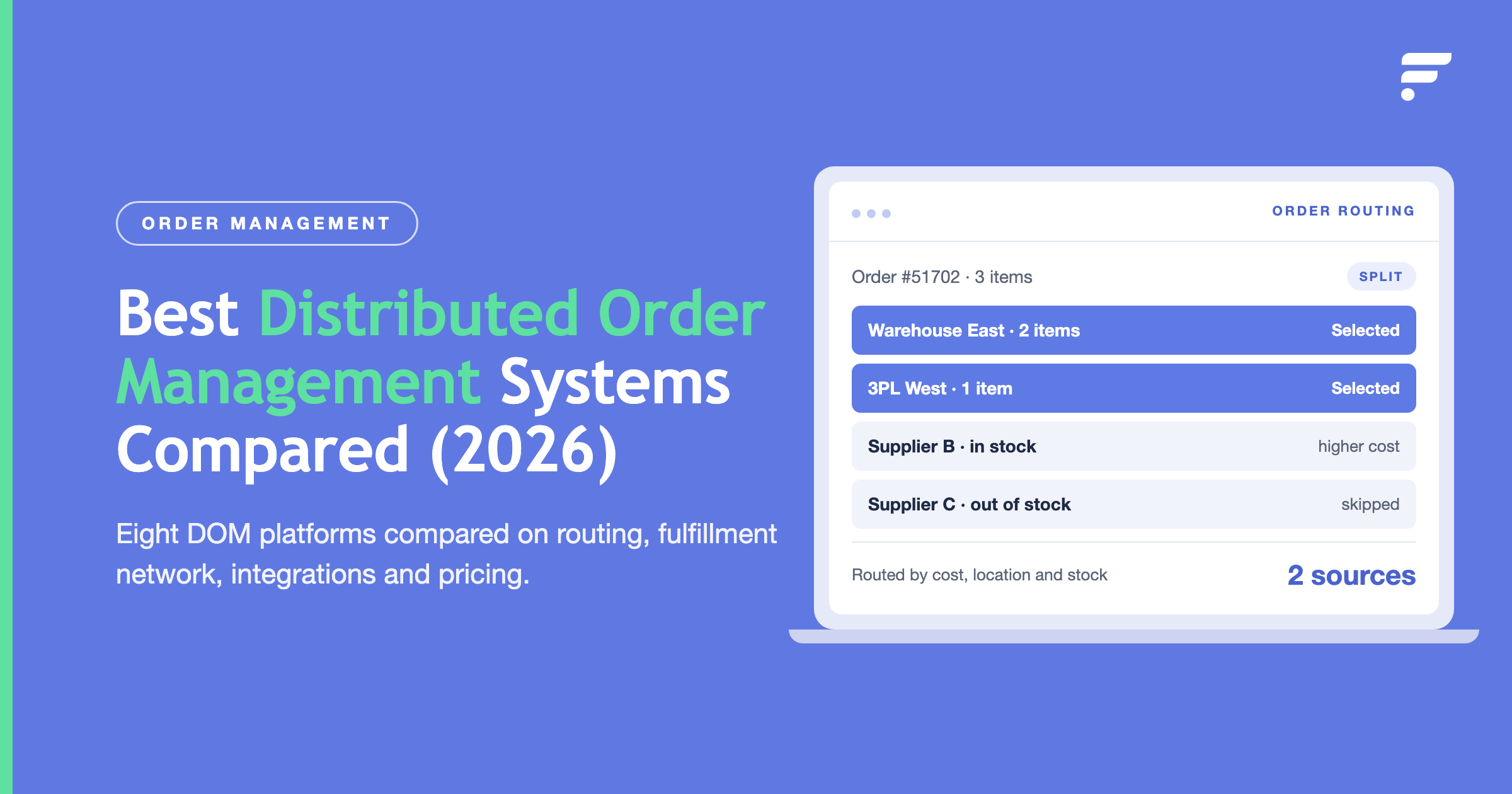
NetSuite’s preferred-vendor logic works in simple cases but fails once multiple vendors carry the same SKU. Flxpoint introduces dynamic order routing that automatically selects the best vendor using your business rules ; lowest cost, fastest delivery, closest location, or best availability.
That order routing protects your margins, reduces backorders, and eliminates the constant manual reassignment of purchase orders inside NetSuite.
End-to-End Order Lifecycle Automation
Every ecommerce order triggers multiple steps:
- Create a sales order from the sales channel.
- Generate a purchase order to the chosen vendor.
- Receive tracking updates from the vendor.
- Create item fulfillments in NetSuite.
- Notify customers automatically.
Each of those steps takes 10 to 15 clicks when done manually. Flxpoint integration with Flxpoint automates the entire chain, reducing error risk and freeing your team to focus on growth instead of repetitive data entry.
How Does Flxpoint Handle Vendor Connectivity?
Flexible Connection Options
Flxpoint connects to vendors however they prefer to communicate:
- EDI: Flxpoint translates EDI feeds and syncs them into NetSuite.
- APIs: Flxpoint sends orders and retrieves tracking in real time.
- File Feeds: When a vendor supplies CSV files, Flxpoint automates file ingestion and field mapping ; no code required.
Vendor Portal and Prebuilt Integrations
If a vendor lacks integration capability, Flxpoint provides a vendor portal for manual order fulfillment and tracking updates. For many popular distributors and marketplaces, prebuilt connectors already exist, minimizing onboarding time and custom development.
Maintenance and Governance
Instead of dozens of custom SuiteScripts and APIs, Flxpoint centralizes all vendor connections. That structure reduces NetSuite’s governance overhead and keeps your automation running within platform limits.
Getting Started with NetSuite Integration
Improving NetSuite integration starts with evaluating where your manual bottlenecks live: item creation, order routing, vendor communication, or accounting sync.
If your team spends hours daily moving data between systems, automation will return that time immediately. Flxpoint helps retailers and brands streamline NetSuite operations with ready-made, customizable workflows built for high-volume multi-vendor networks.
Whether you develop in-house or use a platform, the goal remains the same: transforming NetSuite from a static ERP into a dynamic automation hub that powers growth across every channel.
Ready to turn your NetSuite workflow into a competitive advantage?
Ready to turn your NetSuite workflow into a competitive advantage? Request a demo to see how Flxpoint automates NetSuite integration, keeps your accounting clean, and helps you scale faster while keeping NetSuite as your single source of truth.
Frequently asked questions
What does ongoing integration management include?
Ongoing management keeps your NetSuite connections reliable as your business grows. It includes monitoring integrations, updating API and EDI connections when external systems change, resolving sync errors, and adjusting workflows as the business changes. That keeps automations running without constant manual intervention or unexpected downtime.
Why choose a middleware platform over custom development?
A middleware platform removes the need to build and maintain separate integrations for every vendor and sales channel. Instead of writing custom code, you configure existing connections for APIs, EDI, and file feeds from one place. That reduces development effort, speeds deployment, and makes it easier to scale as you add vendors and marketplaces.
What is the difference between NetSuite integration services and an integration platform?
Integration services build custom connections tailored to your business, while an integration platform provides ready-made connectors and configuration tools that reduce custom development. Services offer maximum flexibility for unusual workflows. Platforms prioritize faster deployment, easier maintenance, and scalable automation across multiple vendors and channels.
Which costs less over time, integration services or an integration platform?
Custom integration services often have lower upfront costs for simple projects but become more expensive as maintenance, API limits, and new integrations accumulate. Integration platforms typically require a higher subscription cost initially but reduce ongoing development, maintenance, and operational expenses, which makes them more predictable for growing businesses.
Is an integration platform faster to deploy than custom development?
Yes. Building custom NetSuite integrations can take weeks or months because every connection must be developed, tested, and deployed individually. Integration platforms use existing connectors, templates, and mapping tools that let many API, EDI, and file-based integrations go live in days.
Who is responsible for maintaining NetSuite integrations?
With custom integrations, your internal developers or implementation partner are responsible for updates, troubleshooting, and API changes. With an integration platform, the provider maintains connections, monitors integration health, and manages compatibility updates, so your team can focus on operations instead of code.
How does automated order flow and purchasing work in NetSuite?
An integration receives the order from your sales channel, creates the sales order in NetSuite, generates the purchase order to the chosen vendor in that vendor's required format, and then turns the vendor's ship notice into an item fulfillment with tracking. Purchasing is automated the same way: the platform creates and transmits POs on its own and can track acknowledgments, flagging any a vendor hasn't confirmed so you can follow up before an order slips.
Can NetSuite integrate with Microsoft Exchange?
NetSuite can connect to a range of external systems through its APIs or a middleware platform, including email and calendar systems like Microsoft Exchange, though this is a less common request than channel and vendor integration. If it's on your list, confirm the specific fields and events you need to sync, since email-system integrations vary more than standard order-and-inventory flows.
How is a NetSuite integration platform different from a NetSuite connector?
A connector usually links NetSuite to one specific system, one marketplace or one storefront, and does a defined job. An integration platform connects many systems at once, normalizes their data, applies routing and automation rules, and manages EDI, API, and file-based vendors together. For a single channel, a connector may be enough. For a multi-vendor, multi-channel operation, a platform is what keeps all of it consistent in NetSuite.