| Who it’s for | FFL dealers and firearms retailers buying from two or more distributors, such as RSR Group, Lipsey’s, Sports South, Zanders or Chattanooga |
| What you’ll get | Where the two platforms differ for a firearms dealer, the cost math at your volume, a five-step move plan and a checklist you can tick |
| ✕ Today | ✓ On Flxpoint |
| Each distributor set up twice, once for firearms and once for accessories | Distributor account rules handled in the connection |
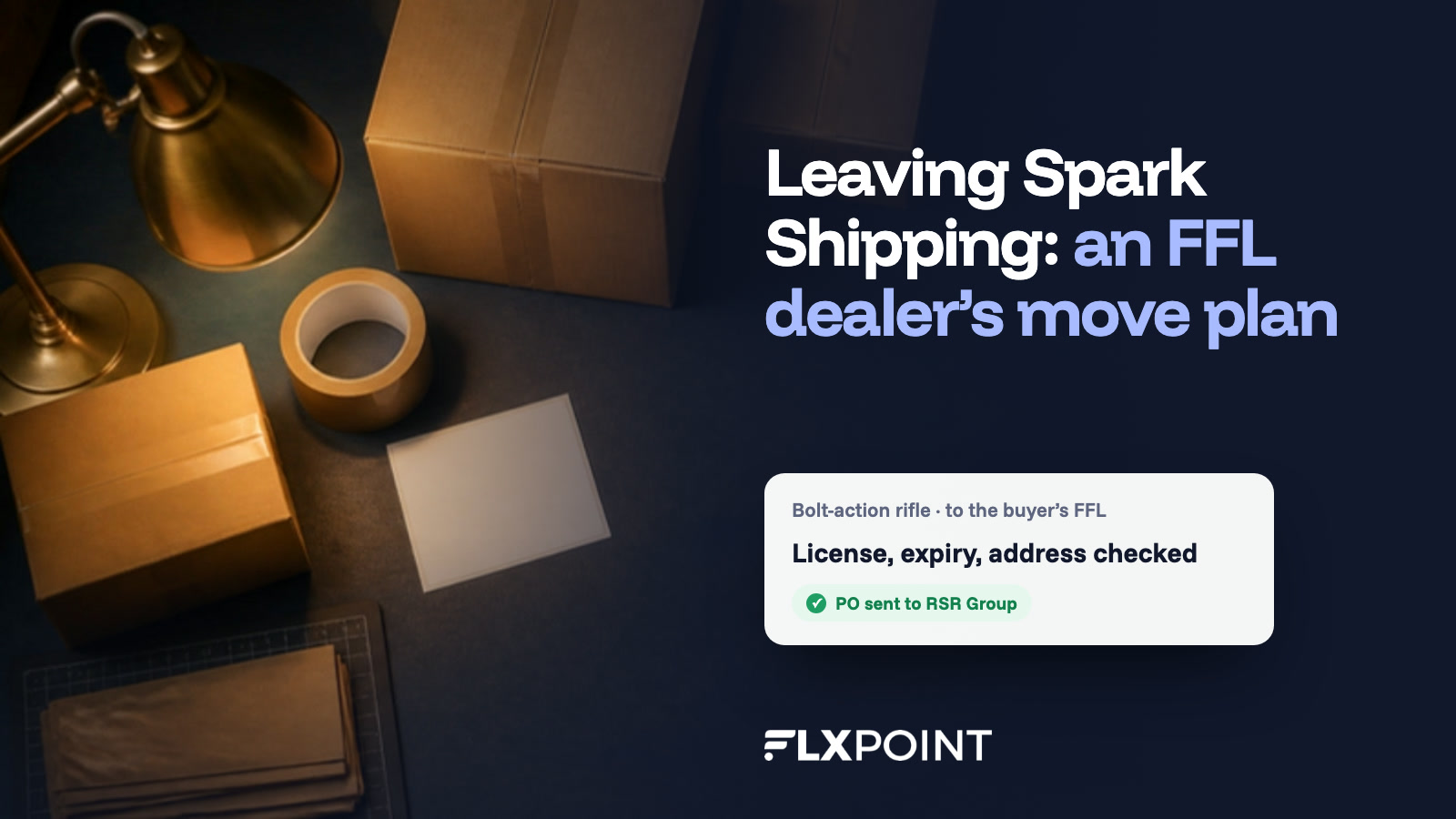
| Someone checks the buyer’s FFL by hand, or nobody does | License number, expiration and dealer address checked before the PO |
| A mixed cart waits on the firearm | Accessories ship now, the firearm routes to the dealer |
| GunBroker listings rebuilt by hand | Existing listings imported and kept in sync |
Why FFL dealers move their distributor stack
Spark Shipping connects many of the same firearms distributors Flxpoint does, including RSR Group, Sports South, Lipsey’s, Zanders and Chattanooga (Spark’s firearms page), so moving is rarely about whether a distributor will connect. It’s about what happens to an order after it does, and four differences come up again and again.
Each distributor shouldn’t need two setups
Firearms distributors often run firearms and accessories through separate accounts. Spark’s help center tells dealers to duplicate each vendor, with separate credentials, markups and options for each copy, because “Vendors like RSR will not fulfill both types from the same account” (Spark help center). Flxpoint builds those rules into the distributor connection instead: Lipsey’s restricted brands go to your dealer account, and Zanders firearms and accessories go out as separate orders (Flxpoint firearms).
FFL details get checked before the purchase order goes out
Spark says the FFL a buyer selects can travel with the order when you use a supported checkout and FFL plugin (Spark firearms FAQ). Flxpoint checks it first. It flags firearms and serialized parts such as lower receivers by rules on each source, checks the dealer’s license number, expiration date and address, and holds any order with a missing detail for review, so your team handles exceptions instead of every order.
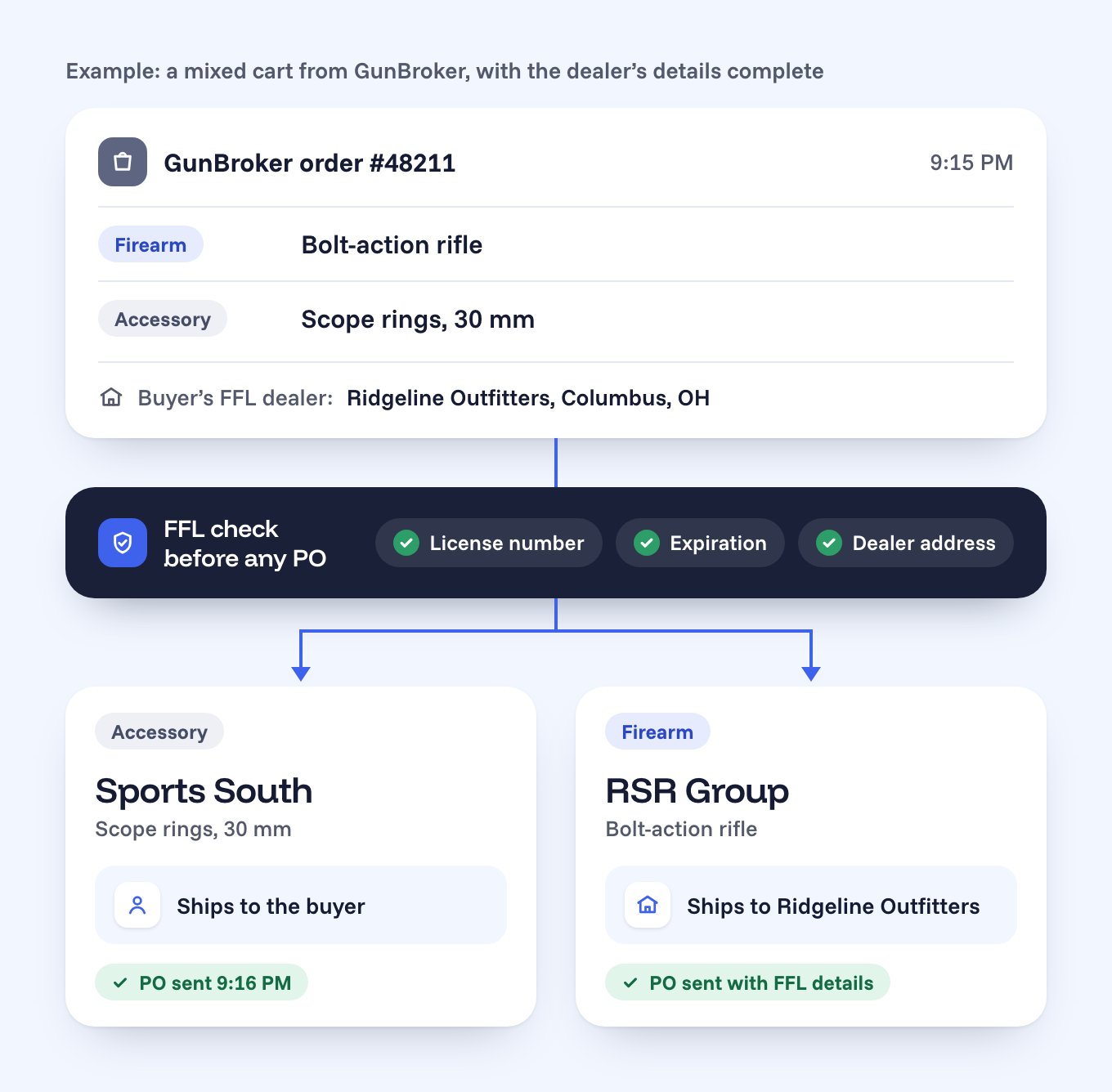
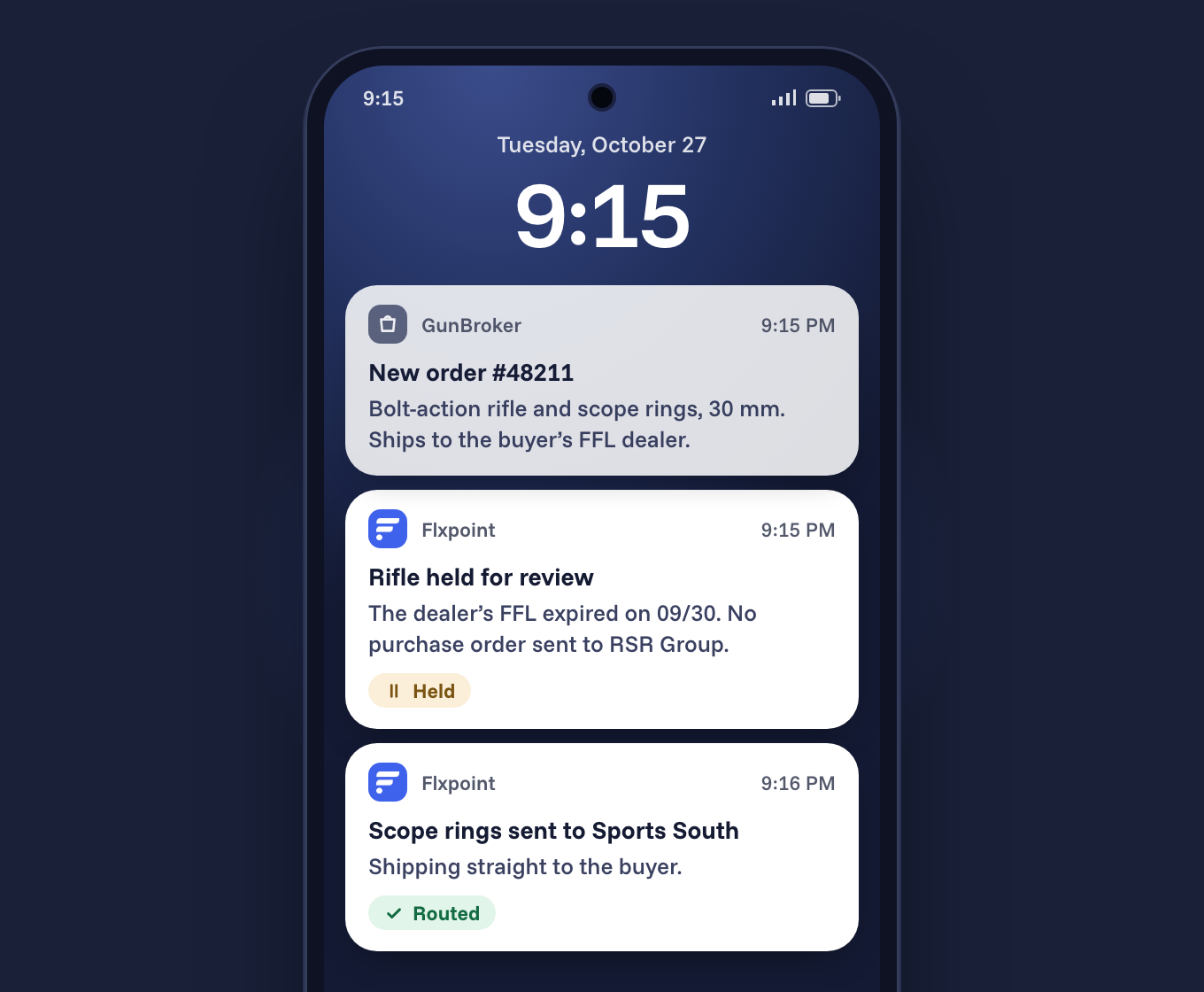
When a cart mixes a firearm with accessories, the accessories ship to the buyer right away and the firearm routes to the dealer once its details are complete, in the format each distributor requires. Flxpoint supports your FFL workflow, and your team still owns the compliance decisions.
GunBroker and Guns.com run from the same catalog
Both platforms connect to GunBroker. Flxpoint imports the listings you already have, publishes fixed-price or auction listings in bulk from your distributor catalog, suggests GunBroker categories with AI category mapping and delists an item when stock reaches zero. GunBroker orders arrive with the dealer’s FFL details attached, and the same catalog feeds Guns.com, BigCommerce, WooCommerce and Magento.
A team that builds the connections and keeps watching them
Every Flxpoint plan includes a dedicated implementation specialist (pricing FAQ), and after launch our integration team monitors your distributor connections and steps in when a distributor changes a feed.
“
We’re processing roughly 3,000 dropship orders a day, and managing that across multiple vendors without automation just isn’t scalable.
Palmetto State Armory, on running its dropship operation through Flxpoint
Sellers who already left Spark Shipping
One firearms distributor brought its order flow to Flxpoint after running both TrueCommerce and Spark Shipping, so its EDI partners and its distributor feeds now sit in one system.
Outside firearms, Black Patch Performance, an automotive retailer, moved off Spark Shipping and now manages 500,000+ SKUs on Flxpoint (case study). Its owner on the setup he left:
From Spark Shipping→✓ Flxpoint
“It was all hands off and they managed it for us, which was nice in a sense, but it meant there was no scaling the business.”
Jonathan Williams, Owner, Black Patch Performance · case study
The cost math at your order volume
Here’s the comparison most FFL dealers ask for first, using both companies’ published list prices in October 2026. Spark Shipping’s Growth plan is $499 a month with 1,500 orders included and 39 cents for every order after that (Spark pricing). Flxpoint’s Business plan is $799 a month, or $699 a month billed annually, with 3,000 orders, 8 source connectors and 500,000 SKUs included (Flxpoint pricing).
| Spark Shipping GrowthFlxpoint Business | |
| 1,500 orders/mo | $499$799 |
| 2,000 orders/mo | $694$799 |
| 2,500 orders/mo | $889$799 |
| 3,000 orders/mo | $1,084$799 |
Monthly list prices. Spark: $499 plus $0.39 per order over 1,500. Flxpoint Business is $799 billed monthly or $699 a month billed annually, and includes up to 3,000 orders a month; above that is the Pro plan. Before add-ons.
The crossover sits at about 2,270 orders a month on monthly billing, or about 2,010 on annual. Below that line Spark’s list price is lower, and we’ll tell you so on a call. Above it, the gap widens with every order you ship.
Distributor count moves the math too. Spark’s Growth plan includes 5 vendor integrations, charges $25 a month for each extra one, and lists a $999 done-for-you setup for any custom API or EDI vendor that isn’t on its prebuilt list. Flxpoint Business includes 8 source connectors, extra connectors are $50 a month, and file-based connections (CSV, FTP and SFTP) carry no extra charge.
What about onboarding?
On Flxpoint it’s optional. Every plan comes with a dedicated implementation specialist who maps your supplier connections and checks everything before you go live; the two paid packages (Essential at $4,800 and Premium at $9,600) are for setups with many suppliers or advanced routing.
How the move works, step by step
Your implementation specialist sets the dates and our team does the mapping. Spark stays live until every test order passes, so there is no day without orders.
| 1 | Collect credentials for every distributor account Who: You List each distributor you buy from and ask your rep for the API or FTP credentials Flxpoint will use, for both the firearms and the accessories account where your distributor keeps them apart. For Lipsey’s, have your dealer and dropship account details ready. |
| 2 | Export what Spark knows about your catalog Who: You Pull your markups by distributor and product type, the category and brand filters on each vendor, your product links, your FFL plugin settings and the states you don’t ship to. Export your GunBroker listing IDs too, so listings carry over instead of being relisted. |
| 3 | Map it once in Flxpoint Who: Our team Your specialist connects each distributor, rebuilds your pricing rules, flags firearms and serialized parts on each source, sets your routing priorities and imports your existing GunBroker listings. |
| 4 | Run both side by side and test four orders Who: You and our team Keep Spark live while Flxpoint syncs stock and cost. Then place four test orders: an accessory only, a firearm with a complete FFL, a mixed cart, and a firearm with a missing FFL detail, which should be held for review with nothing sent to the distributor. |
| 5 | Cut over, then watch the first week Who: Our team Switch order routing to Flxpoint and turn off the Spark connections the same day, so no distributor gets the same purchase order twice. Review the first week of FFL holds, purchase orders and tracking together. Spark’s pricing page lists no contract term, so check your billing date before you cancel. |
The pre-move checklist
Work through these before cutover
Tick each one off as you go.
When staying on Spark is the right call
If you buy from one or two distributors, ship well under 2,000 orders a month and your FFL plugin already sends firearms to the right dealer, Spark’s list price is likely lower and a move can wait. The case for Flxpoint gets strong when you add distributors, list on GunBroker or Guns.com at volume, or want FFL details checked before any purchase order leaves your system.
See your distributors connected in Flxpoint.
Bring your distributor list, your GunBroker store and your order volume, and we’ll show you the FFL checks, the routing and the cost at your numbers.
Book a working sessionOr get the free multi-distributor playbook for FFL dealers →
Questions FFL dealers ask
Can I keep selling while we switch?
Yes. Spark keeps running until stock, cost and all four test orders match, and then routing moves to Flxpoint.
Which firearms distributors does Flxpoint connect?
RSR Group, Lipsey’s, Sports South, Zanders, Chattanooga Shooting Supplies, Kinsey’s, Bill Hicks, Crow Shooting Supply, Iron Valley, Orion Wholesale and 2nd Amendment Wholesale, with Davidson’s connected for catalog and inventory (Flxpoint firearms). Our integration team builds others over API, EDI, FTP or CSV.
Will my GunBroker listings carry over?
Yes. Flxpoint imports the GunBroker listings you already have, then keeps price and quantity in sync.
Does Flxpoint make my store ATF compliant?
No software can do that on its own. Flxpoint flags firearm items, checks FFL details and holds incomplete orders, and your team and your legal advisors remain responsible for compliance.
Do I need a developer?
No. Most connections are set up through guided setup, and our integration team builds any custom work for you.
Sources (checked October 2026)