| Who it’s for | Electronics and accessories sellers buying from two or more distributors, such as TD SYNNEX, D&H, Ingram Micro or Petra |
| Coming from | Spark Shipping, a distributor’s own webstore, an order management tool with custom plugins, or spreadsheets |
| ✕ Today | ✓ On Flxpoint |
| Reprice by hand after a cost change | Listings reprice on your rules when cost moves |
| Check TD SYNNEX, D&H and Ingram for stock | Orders go to the distributor with stock at the right cost |
| Three near-duplicate listings for one product | One listing, fed by every distributor |
| Key POs and tracking into portals | POs and tracking flow back on their own |
Why electronics sellers move their distributor stack
In electronics the product rarely changes, but its cost and stock change all day across every distributor you buy from. The tools sellers start with keep up while there are one or two distributors, and the trouble starts when a third and a fourth arrive.
Cost moves faster than anyone can reprice
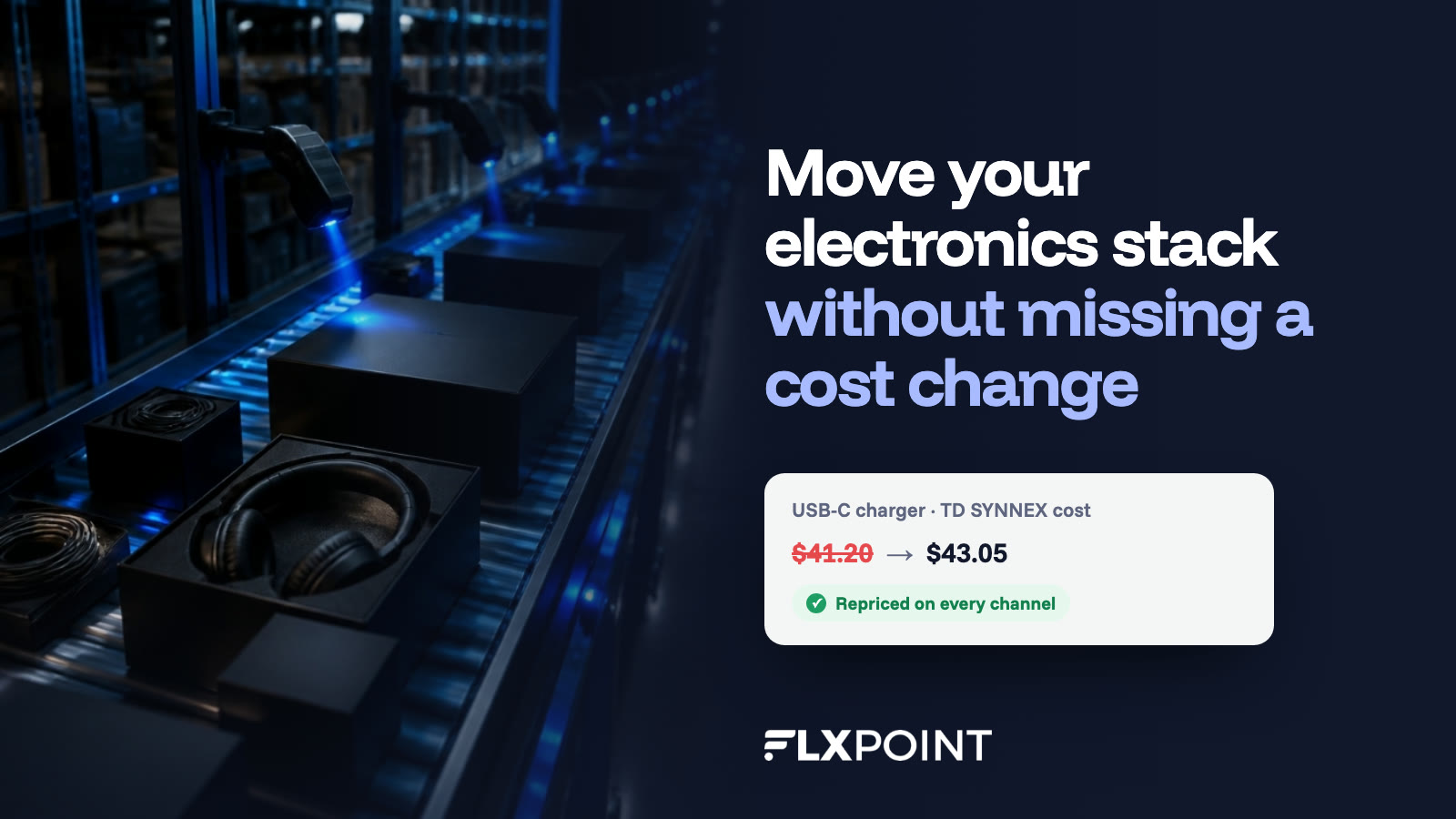
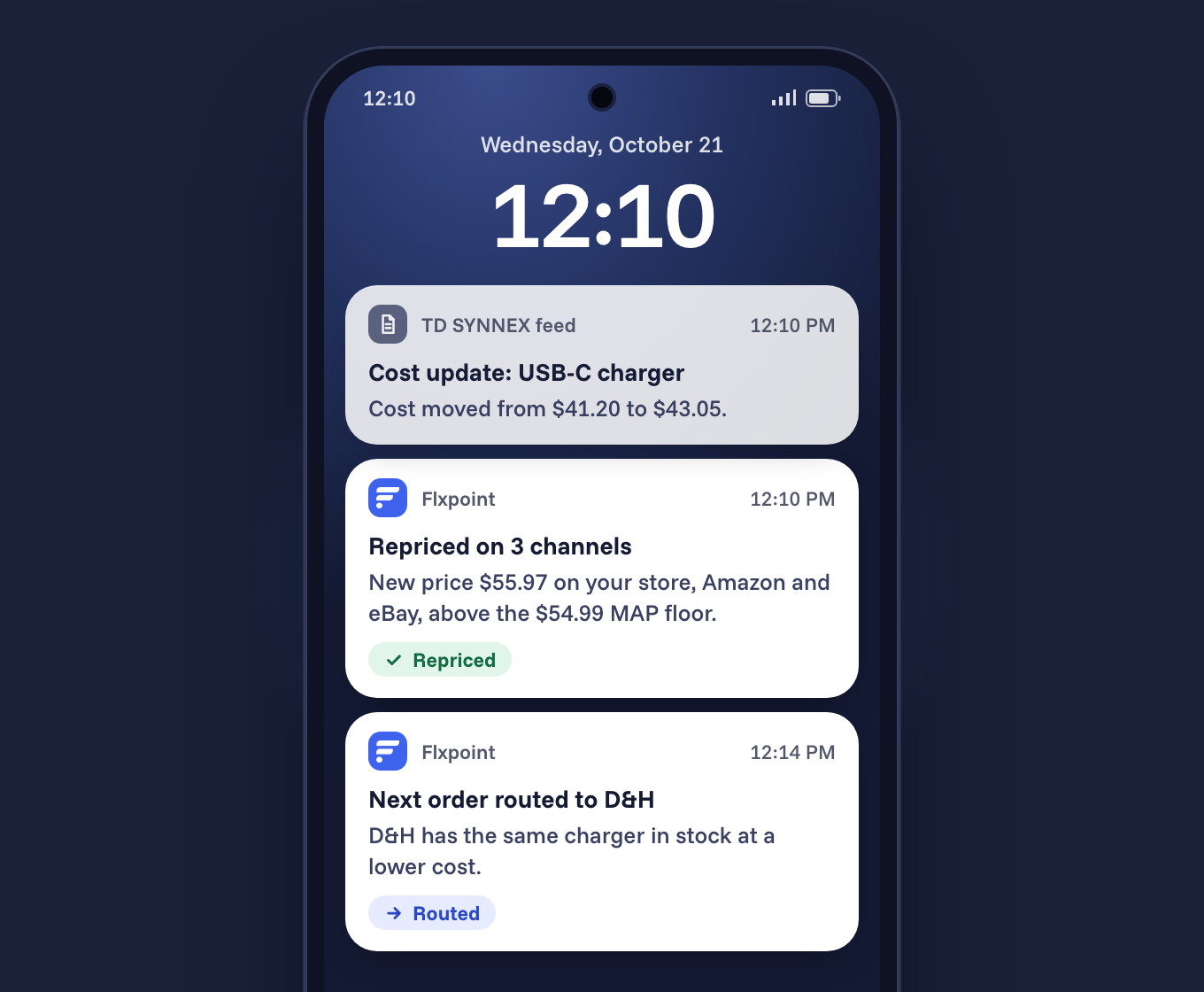
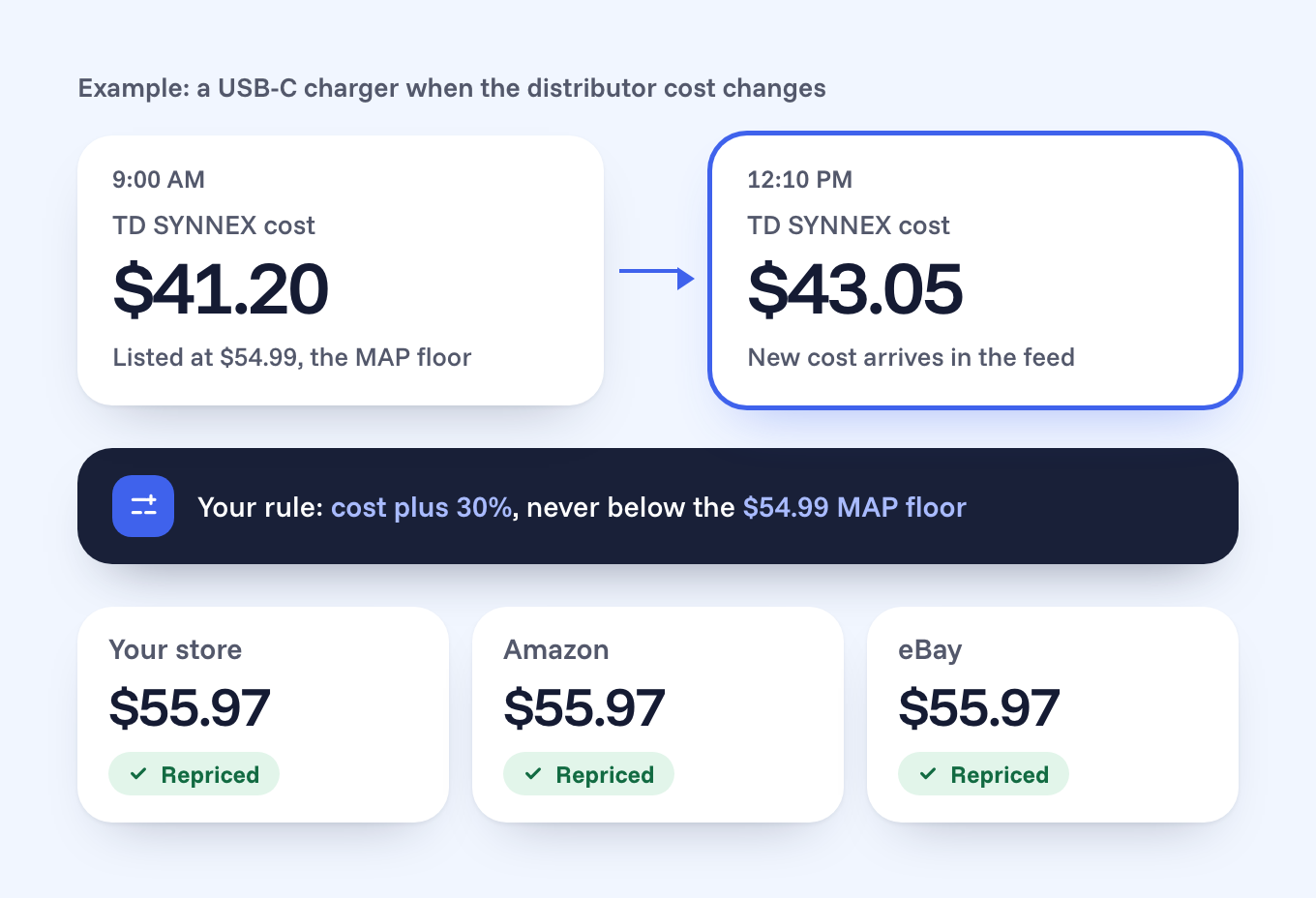
Flxpoint recalculates your price from each distributor’s current cost using your pricing rules, holds MAP floors where a brand sets them, and updates every channel you sell on (advanced product data and pricing rules). The morning-margin problem above stops being a person’s job.
The same product arrives with three part numbers
Each distributor lists the same charger, monitor or headset under its own SKU. Flxpoint matches them by UPC or manufacturer part number into one listing fed by every distributor, so stock pools across sources and you sell one product instead of three near-duplicates. Exact configurations matter here: storage, color and regional variants stay separate products.
Every order should go to the distributor with stock at the right cost
Flxpoint picks the distributor for each order line using stock, cost and your rules, sends your own warehouse stock first if you carry any, and splits an order when a device and its accessory sit at different distributors. Purchase orders and tracking flow back without anyone logging into a portal.
Caps that land just as you add a distributor
Spark Shipping’s published plans cap orders (200, 1,500 or 5,000 a month) and vendor integrations (3, 5 or 10), and a vendor that isn’t on its prebuilt list needs a $999 done-for-you setup if it connects by API or EDI (Spark pricing). Electronics sellers tend to run more distributors than most, so the vendor cap is usually the first one they meet.
“
Automation is the key to maximizing your volume. [Flxpoint] comes right into our flow. Everything’s automated.
The cost math at your order volume
Here’s the comparison most electronics sellers ask for first, using both companies’ published list prices in October 2026. Spark Shipping’s Growth plan is $499 a month with 1,500 orders included and 39 cents for every order after that (Spark pricing). Flxpoint’s Business plan is $799 a month, or $699 a month billed annually, with 3,000 orders, 8 source connectors and 500,000 SKUs included (Flxpoint pricing).
| Spark Shipping GrowthFlxpoint Business | |
| 1,500 orders/mo | $499$799 |
| 2,000 orders/mo | $694$799 |
| 2,500 orders/mo | $889$799 |
| 3,000 orders/mo | $1,084$799 |
Monthly list prices. Spark: $499 plus $0.39 per order over 1,500. Flxpoint Business is $799 billed monthly or $699 a month billed annually, and includes up to 3,000 orders a month; above that is the Pro plan. Before add-ons.
The crossover sits at about 2,270 orders a month on monthly billing, or about 2,010 on annual. Below that line Spark’s list price is lower, and we’ll tell you so on a call. Above it, the gap widens with every order you ship.
Distributor count moves the math too. Spark’s Growth plan includes 5 vendor integrations, charges $25 a month for each extra one, and lists a $999 done-for-you setup for any custom API or EDI vendor that isn’t on its prebuilt list. Flxpoint Business includes 8 source connectors, extra connectors are $50 a month, and file-based connections (CSV, FTP and SFTP) carry no extra charge.
What about onboarding?
On Flxpoint it’s optional. Every plan comes with a dedicated implementation specialist who maps your supplier connections and checks everything before you go live; the two paid packages (Essential at $4,800 and Premium at $9,600) are for setups with many suppliers or advanced routing.
TD SYNNEX, D&H, Ingram Micro and Petra are already in the Flxpoint Supplier Directory, in both their US and Canadian versions where they exist, so they connect without a custom build.
How the move works, step by step
Every move follows the same five steps, with your implementation specialist setting the dates and our team doing the mapping.
| 1 | Get feed access from your distributor reps Who: You List each distributor account and ask your rep for the feed or API credentials Flxpoint will use. For file feeds, distributors such as Ingram Micro and D&H issue SFTP access through your account team. |
| 2 | Export your matching and pricing Who: You Pull the UPC and part-number cross-reference you match on today, your cost-plus pricing tiers, any vendor-specific cost adjustments and your MAP list. Note where your product content comes from, so it can be pointed at Flxpoint. |
| 3 | Map it once in Flxpoint Who: Our team Your implementation specialist connects each distributor, merges duplicates into one listing per product, rebuilds the pricing rules and sets routing: own stock first, then the distributor with stock at the best landed cost, with restricted items (such as batteries) kept on the routes they’re allowed to take. |
| 4 | Run both side by side Who: You and our team Keep your current setup live while Flxpoint syncs cost and stock. Compare a sample from every distributor and place test orders, including a device and accessory split across two distributors. |
| 5 | Cut over, then watch Who: Our team Switch routing to Flxpoint, turn off the old connections and review the first week of orders, cost changes and tracking together. After launch our integration team keeps watching every feed. |
The pre-move checklist
Print this before your first call
Tick each one off as you go.
When staying put is the right call
If you buy from a single distributor and its own webstore or a simple sync covers you, there’s no reason to move yet. The case for Flxpoint gets strong the day you add a second or third distributor, or your order volume passes the crossover above.
See your distributors connected in Flxpoint.
Bring your distributor list and your order volume, and we’ll show you the matching, the repricing and the cost at your numbers.
Get a DemoOr start with the free Outgrown Guide for electronics sellers →
Questions electronics sellers ask
Can I keep selling while we switch?
Yes. Your current setup keeps running until cost, stock and test orders match, and then routing moves to Flxpoint.
Do TD SYNNEX, D&H and Ingram Micro connect out of the box?
Yes. All three, plus Petra, are pre-integrated in the Supplier Directory, and distributors that send files, FTP feeds or EDI connect too.
Do I need a developer?
No. Most connections are set up through guided setup, and our integration team builds any custom EDI or API work for you.
What if I’m on a distributor’s own webstore today?
That works well for one distributor. Moving to Flxpoint is about pooling several distributors behind one listing, so the steps above are the same.
Sources (checked October 2026)